Web-based, nothing to install
Every screen is a web page. It runs in the browser on any touch screen, TV, tablet or phone the venue already has — no app store, no download for guests.
Seatly · Portfolio · HYGR Solutions
Four products, one idea: put a screen where the guests are. A touch kiosk at the door, a TV or projector in the hall, and the guests' own phones as the controls. All of it is web-based — it runs in a browser on the screens the venue already has, and nobody installs anything.
01 · Seat finder kiosk, TV board and hall editor
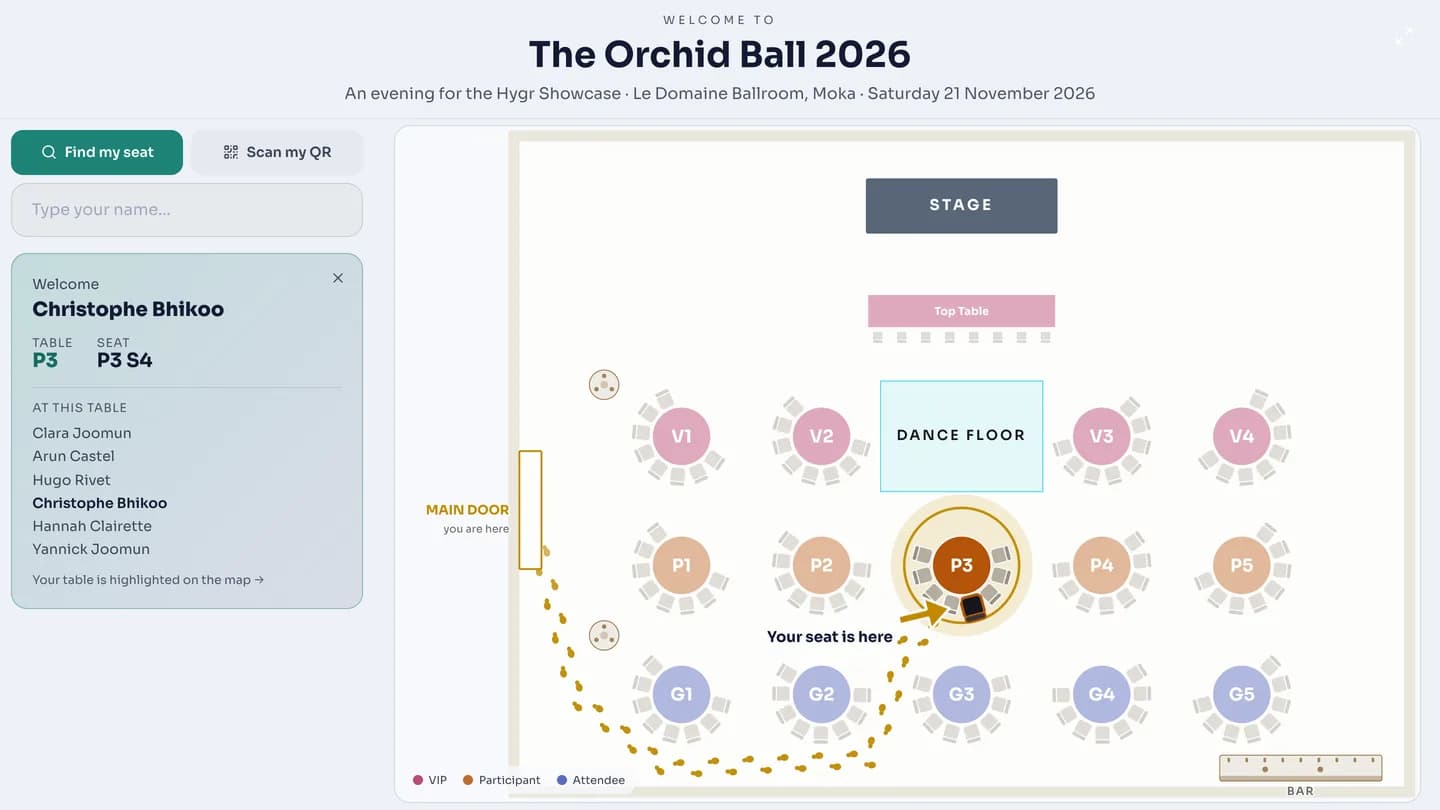
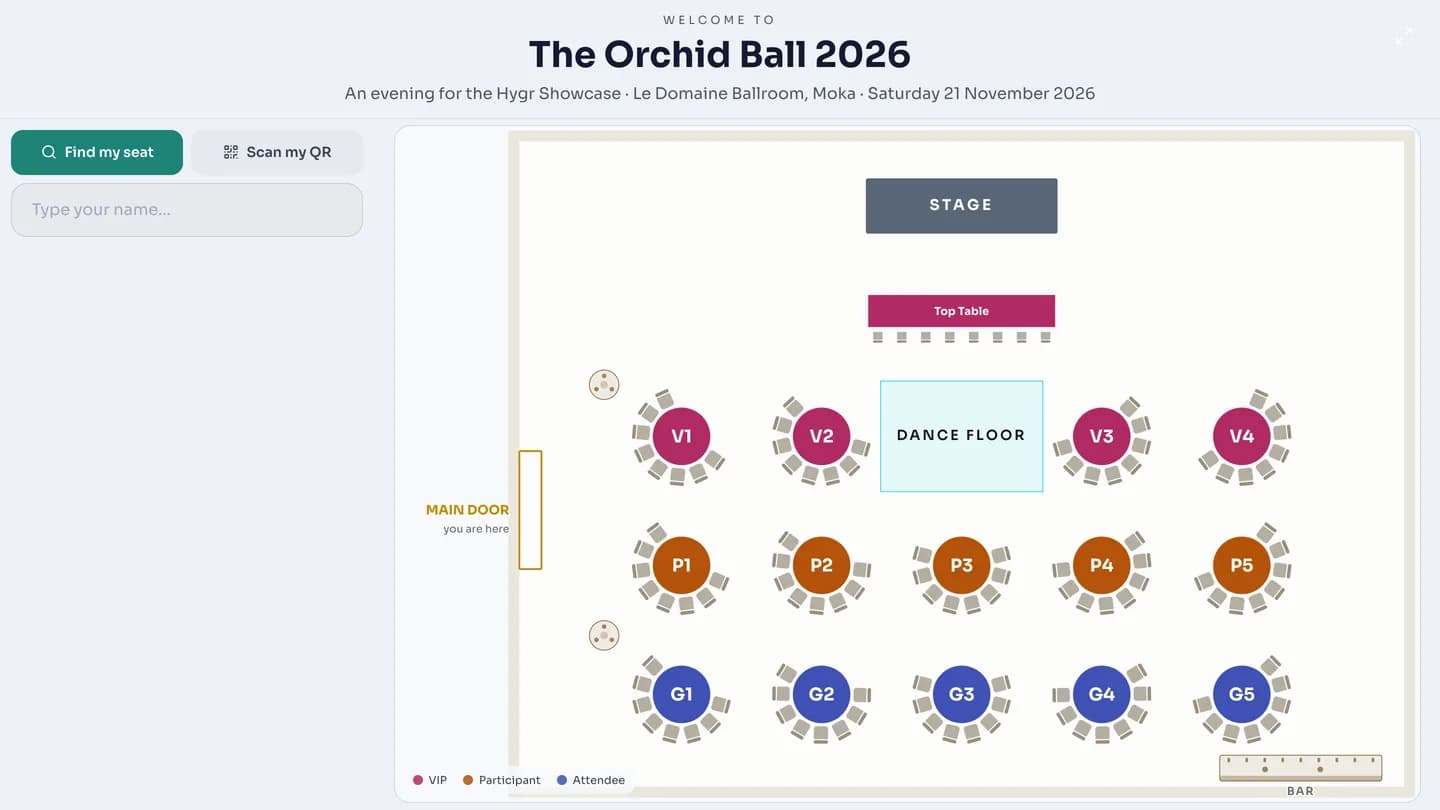
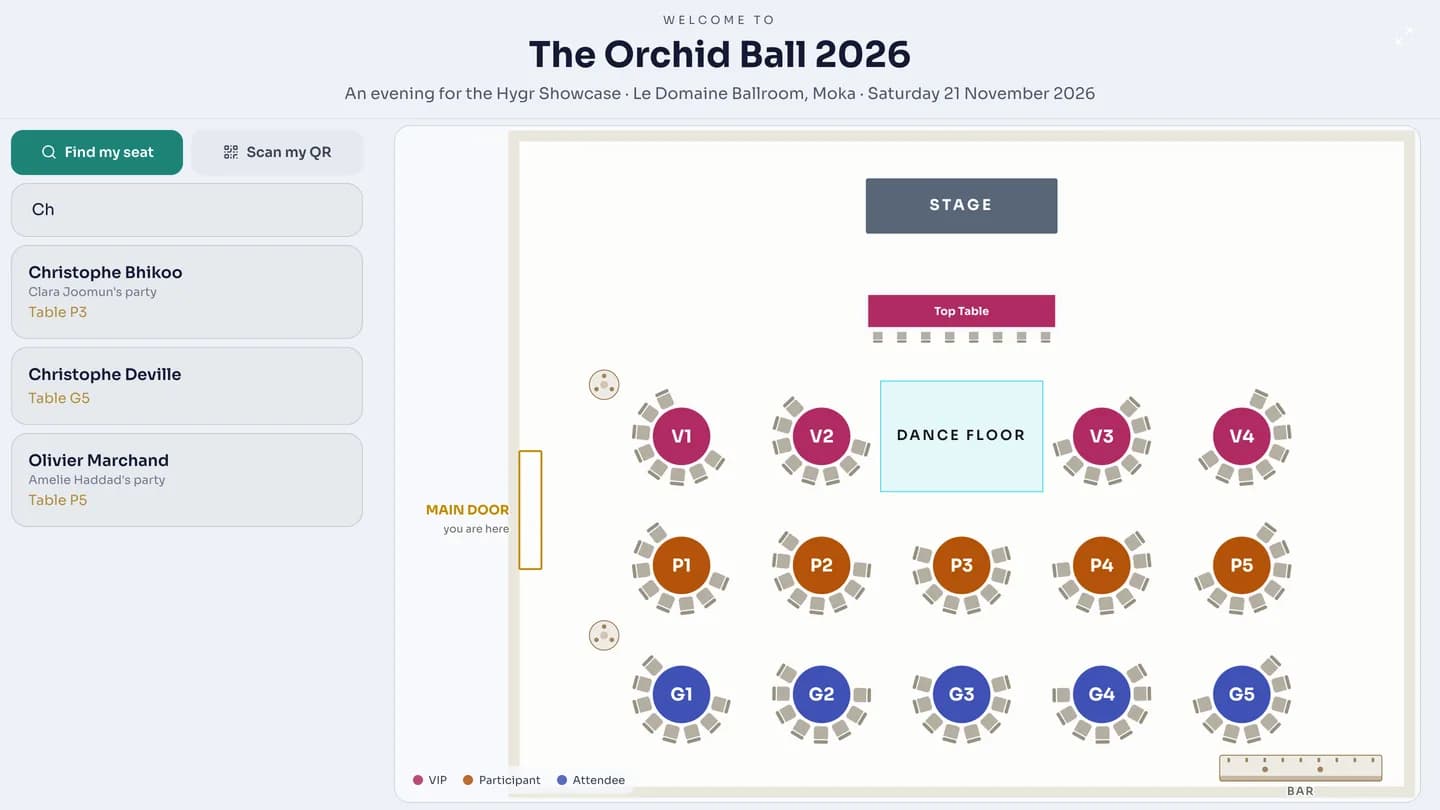
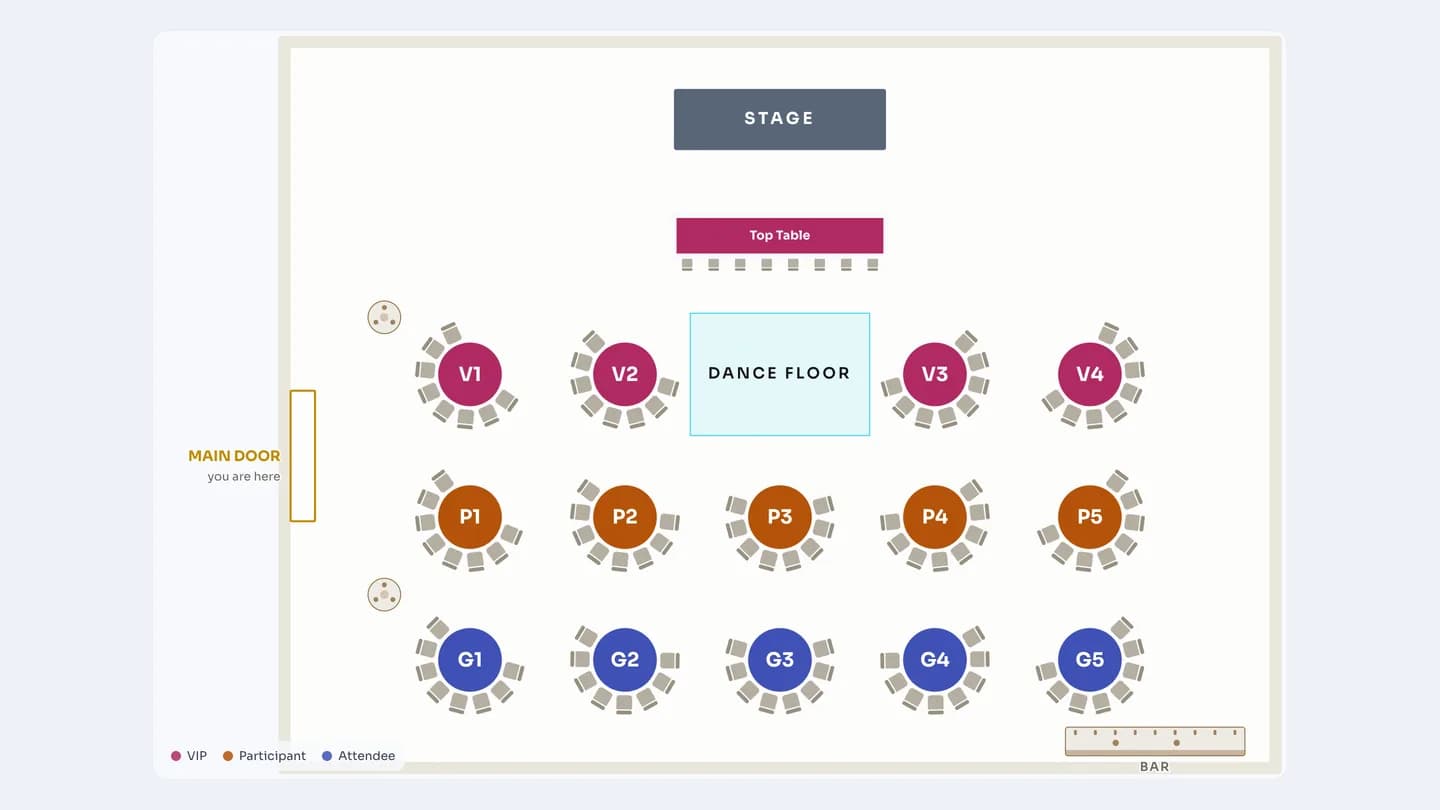
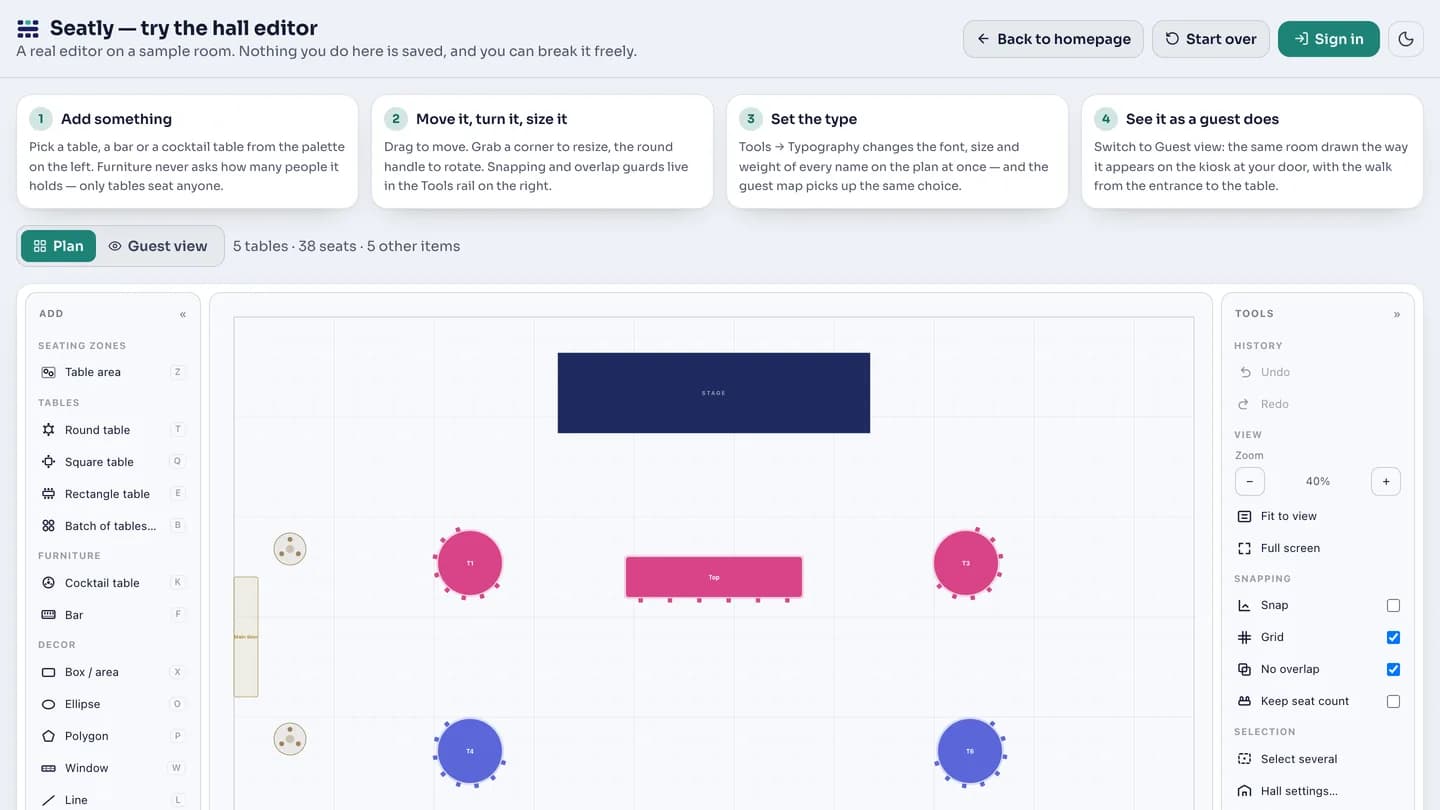
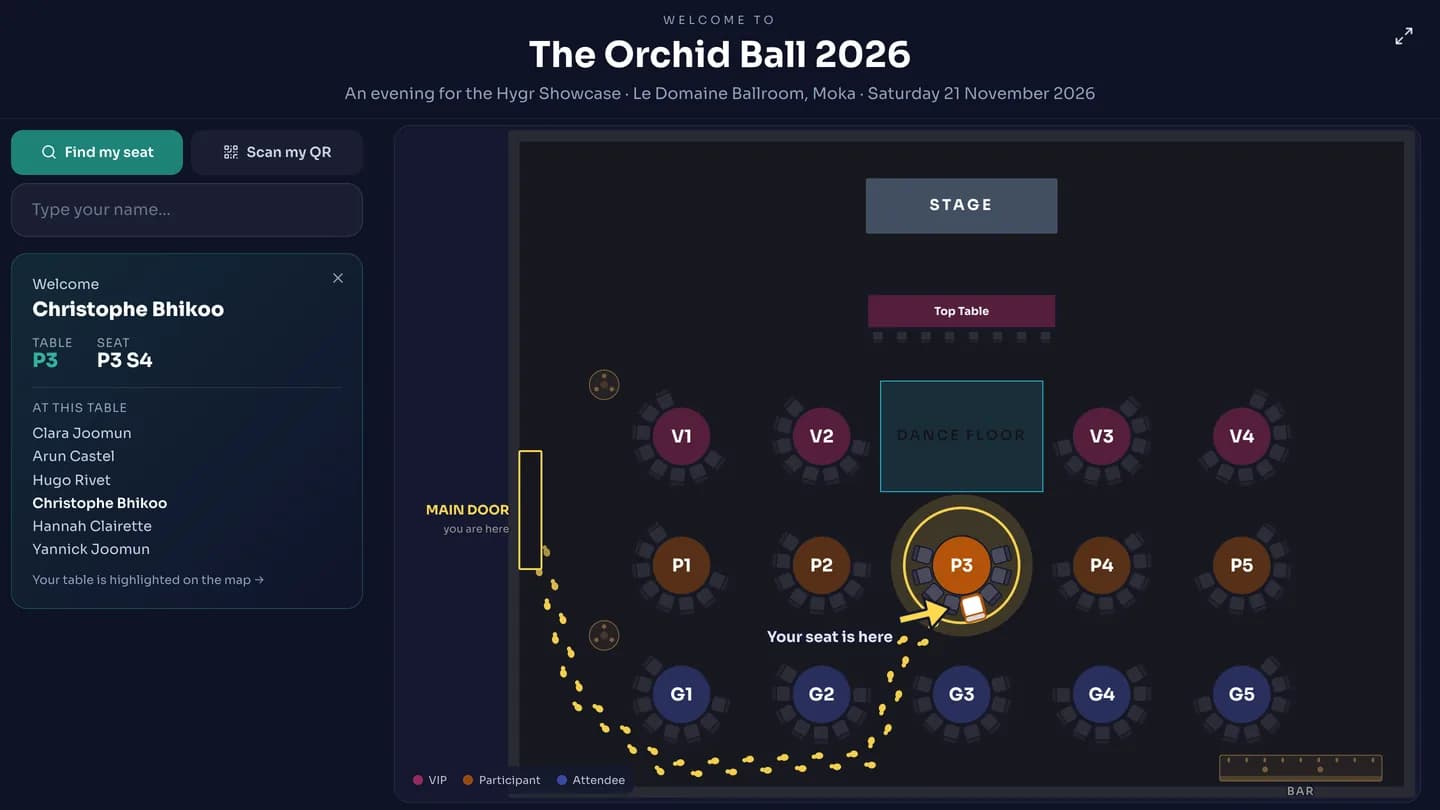
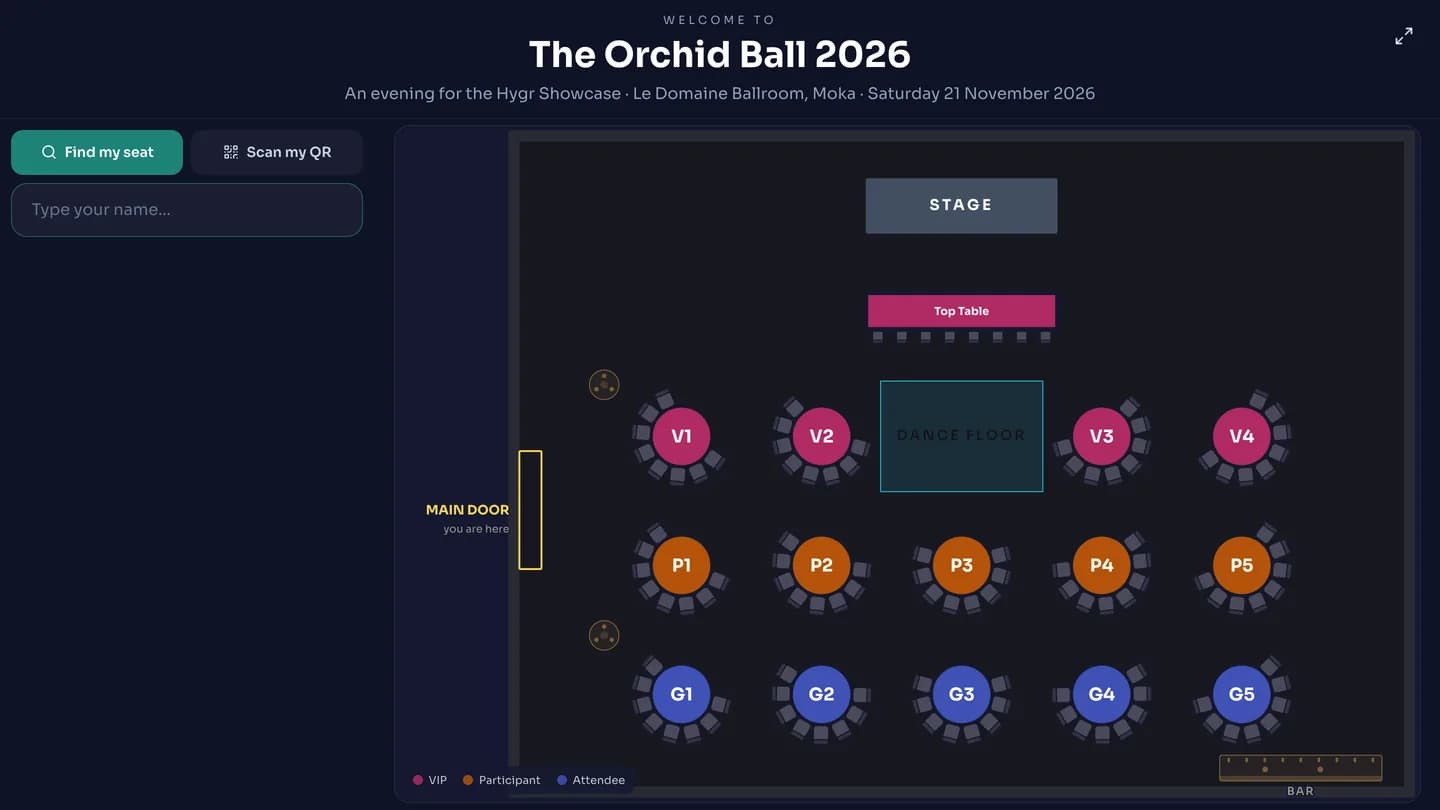
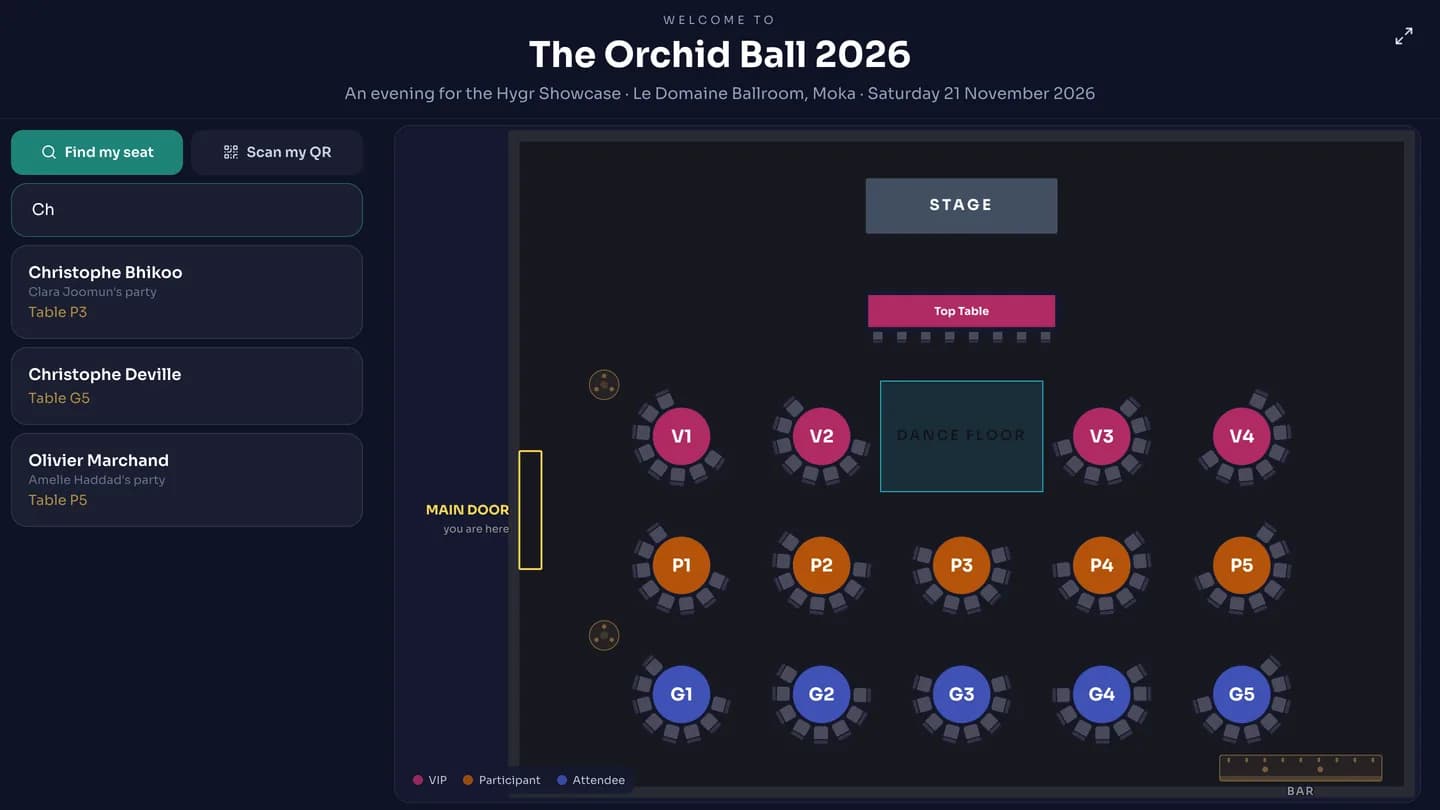
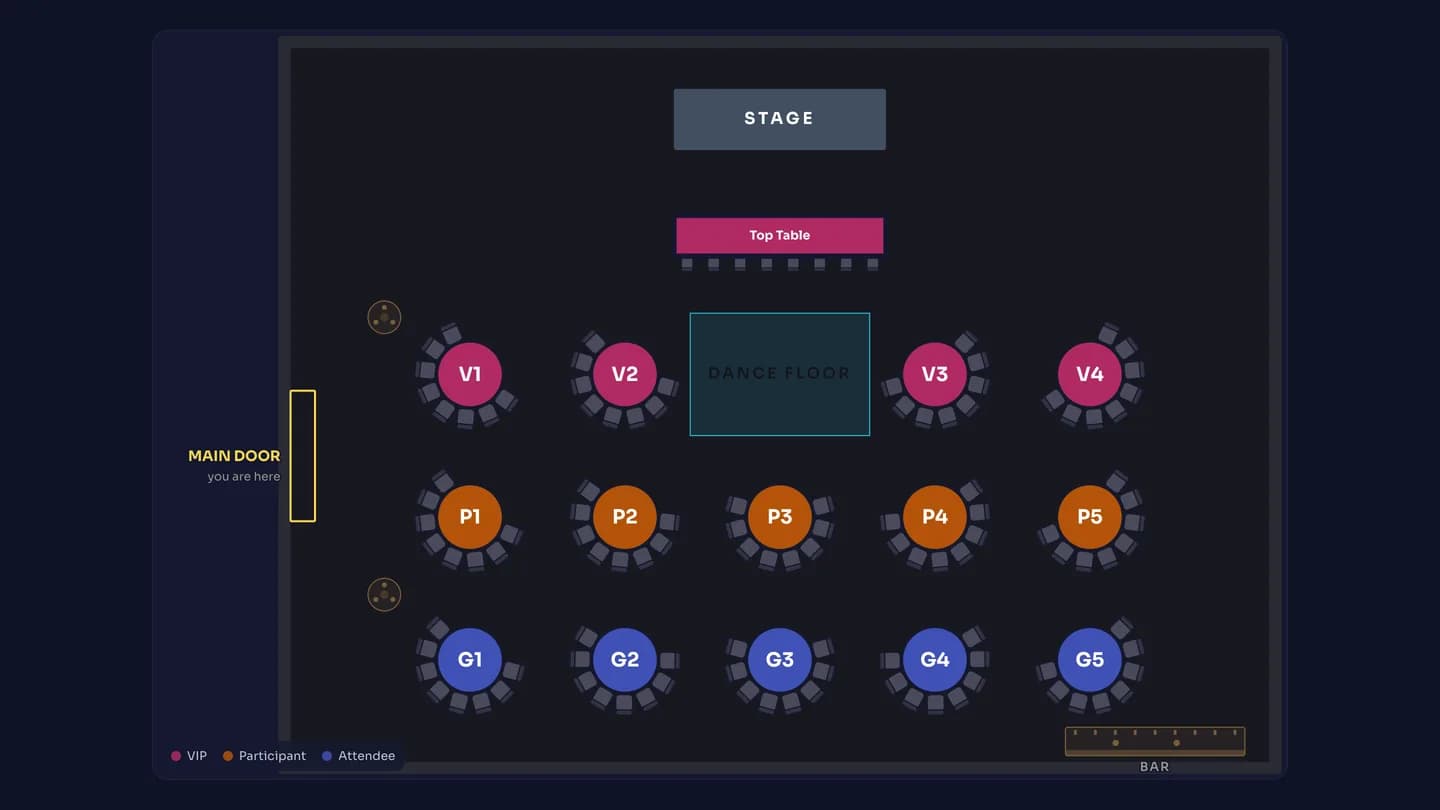
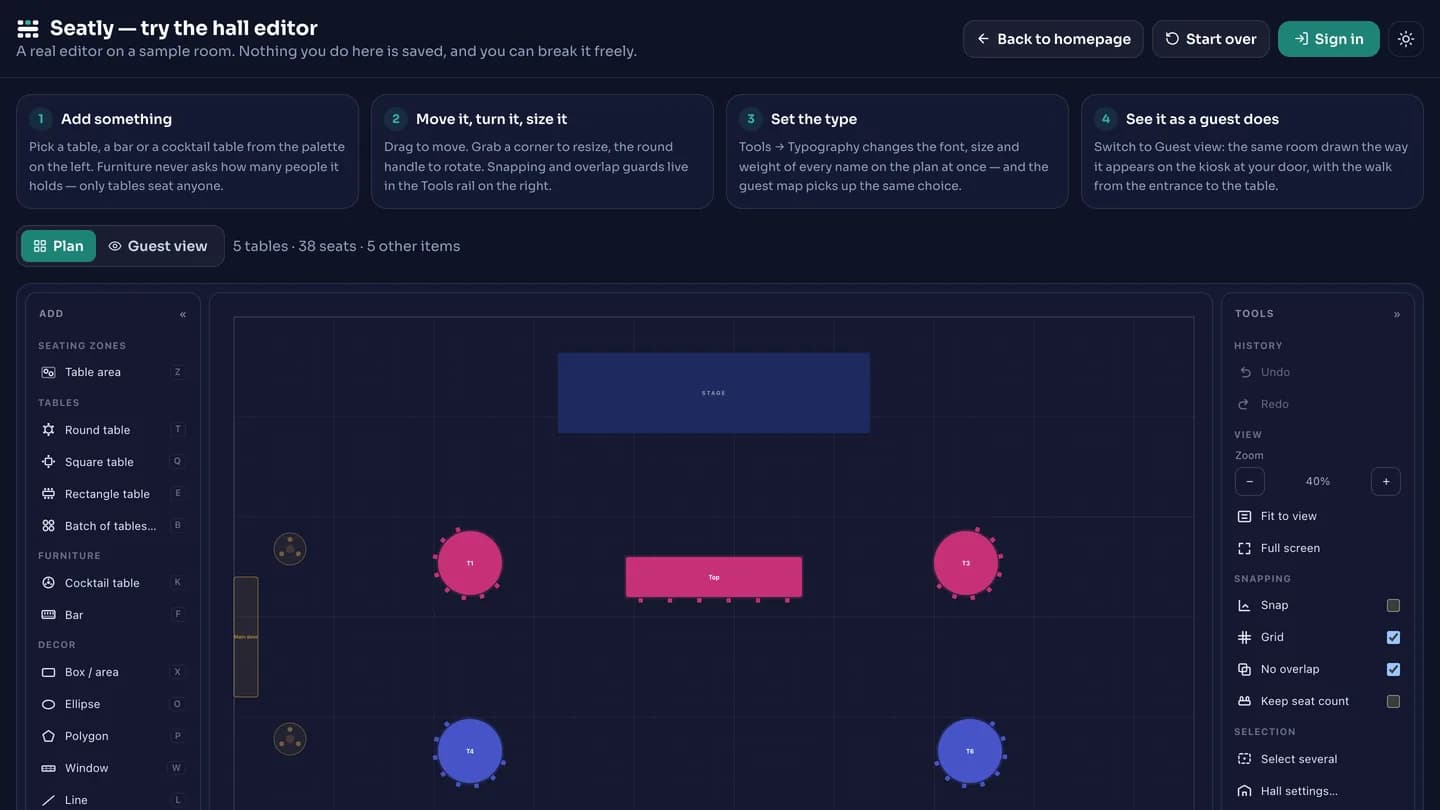
Seatly is an event invitation, RSVP, seating and check-in platform. The organiser draws the hall in the built-in editor, sends personal invitation links and assigns the tables. On the day of the event, a touch screen at the door runs the seat finder: a guest types their name or scans the QR from their email, the screen highlights their table, lists who else is sitting there, and draws a gold footstep trail from the door the screen stands at to their seat. The same hall map fills a foyer TV or projector edge to edge, with no browser bars, menus or buttons on show, refreshing itself with no one touching it.
Seatly · Demo film
Screen recordings of the real product, nothing staged or animated. Press play — they are silent, so they are safe to watch anywhere. Each one can be watched in the light or the dark theme — the film is recorded twice, not tinted.
02 · Themed crossword game
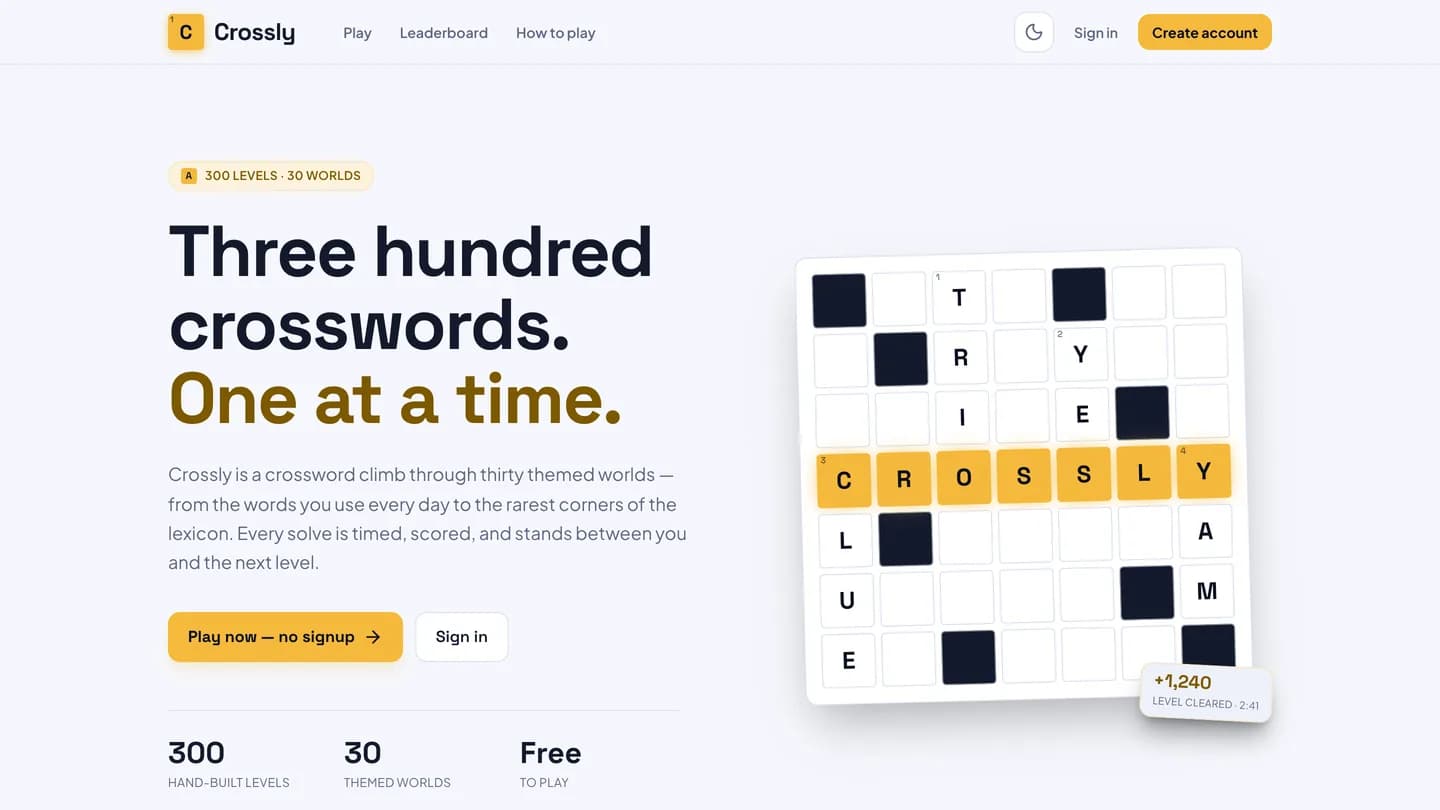
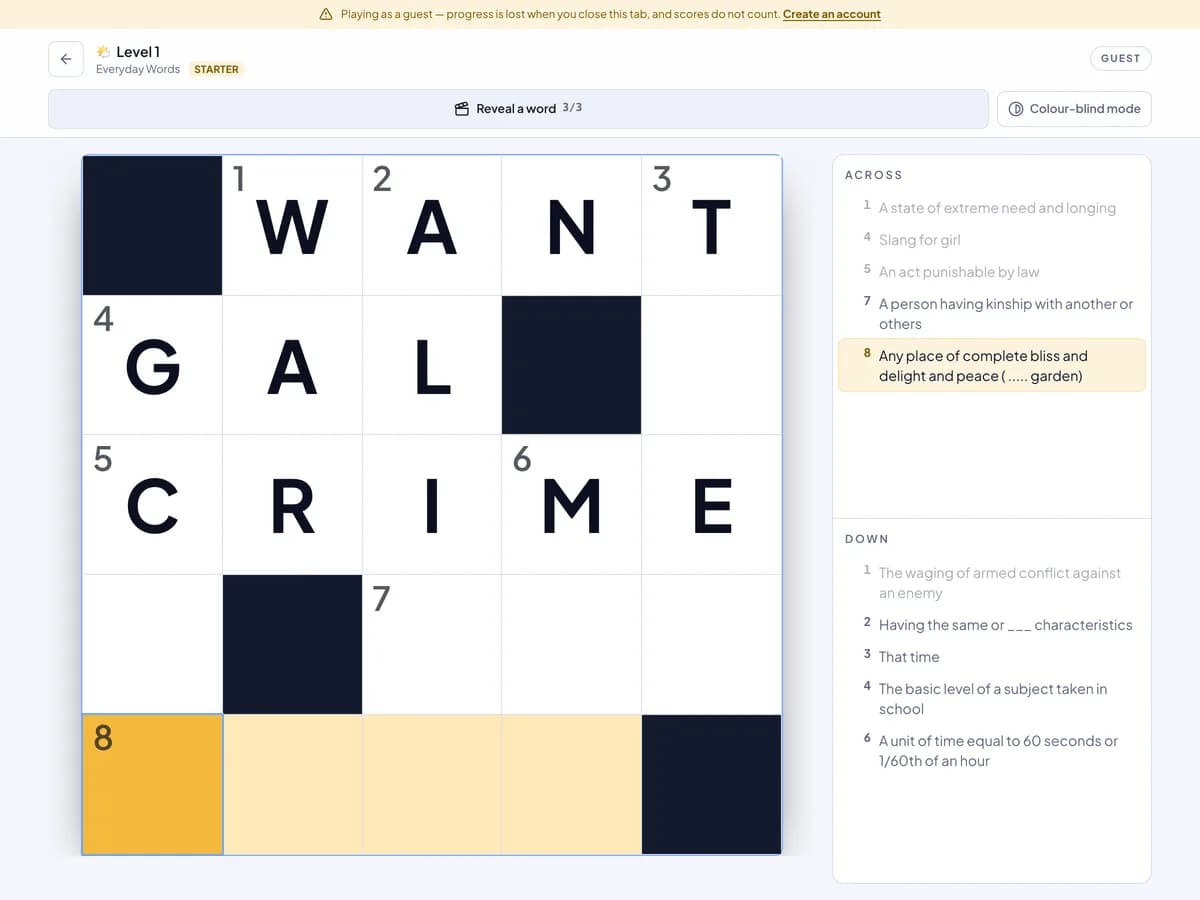
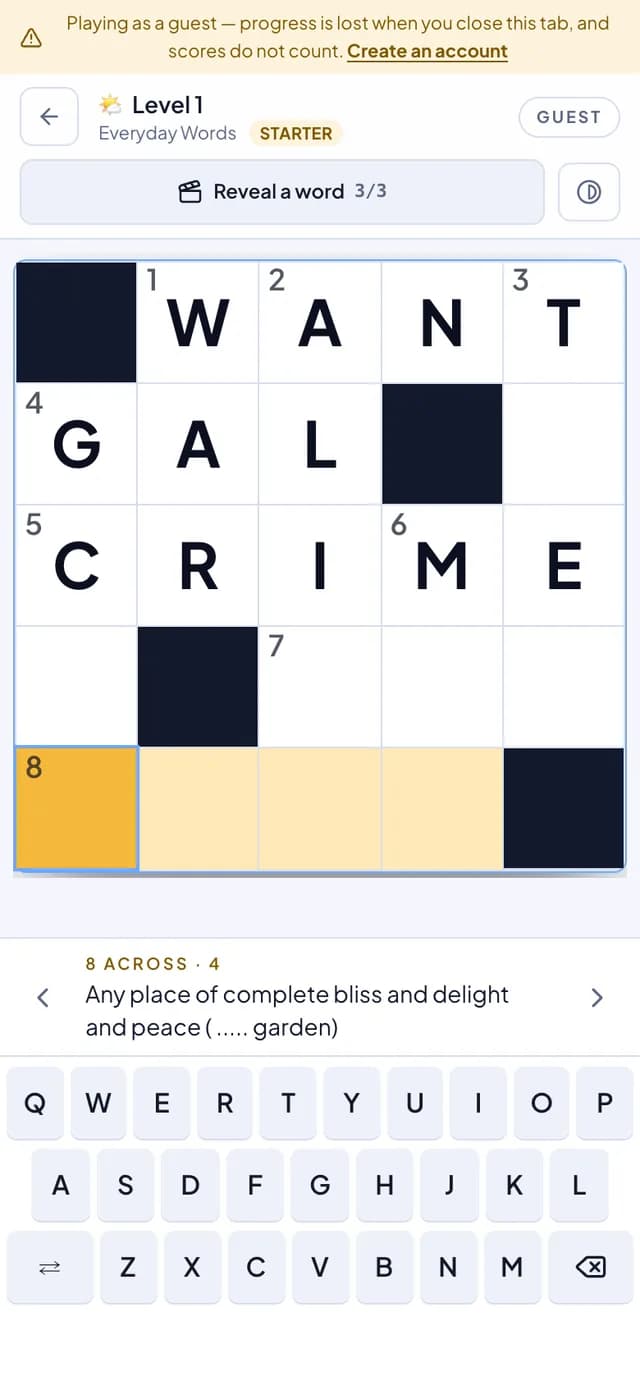
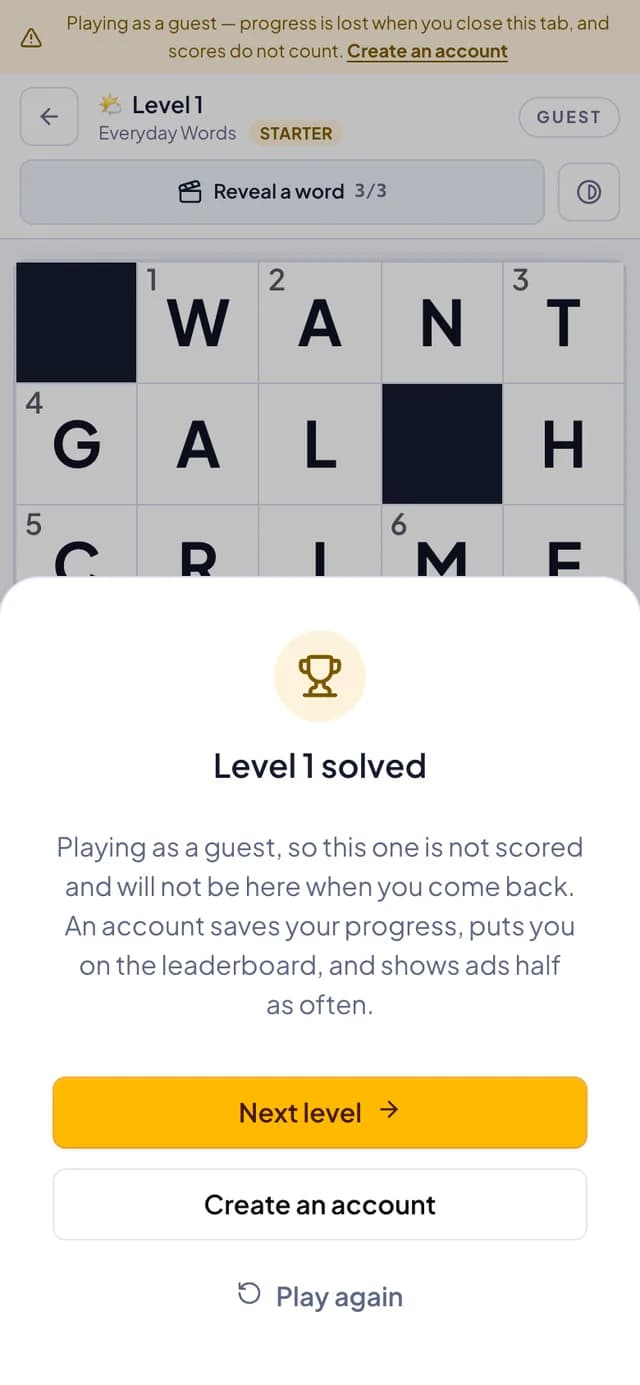
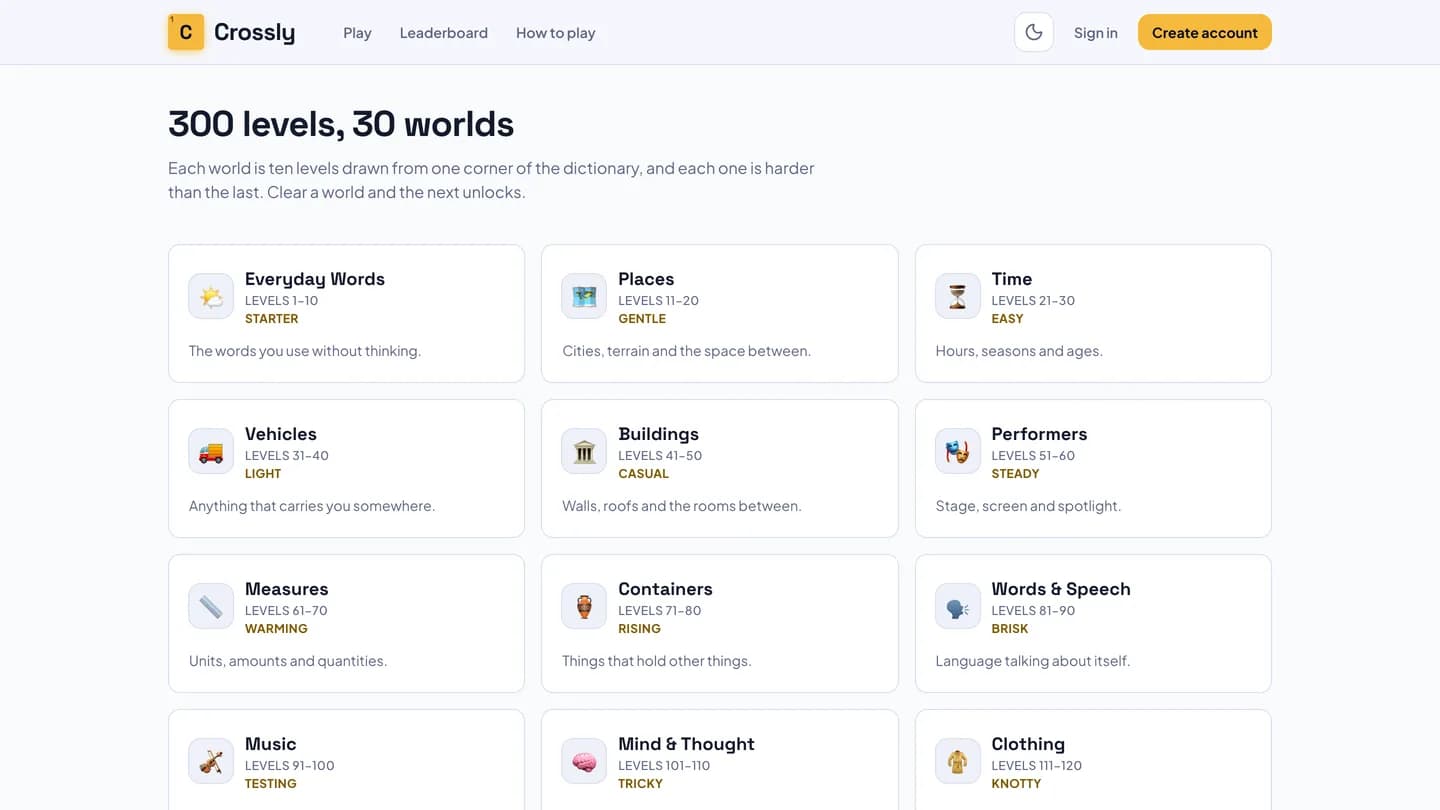
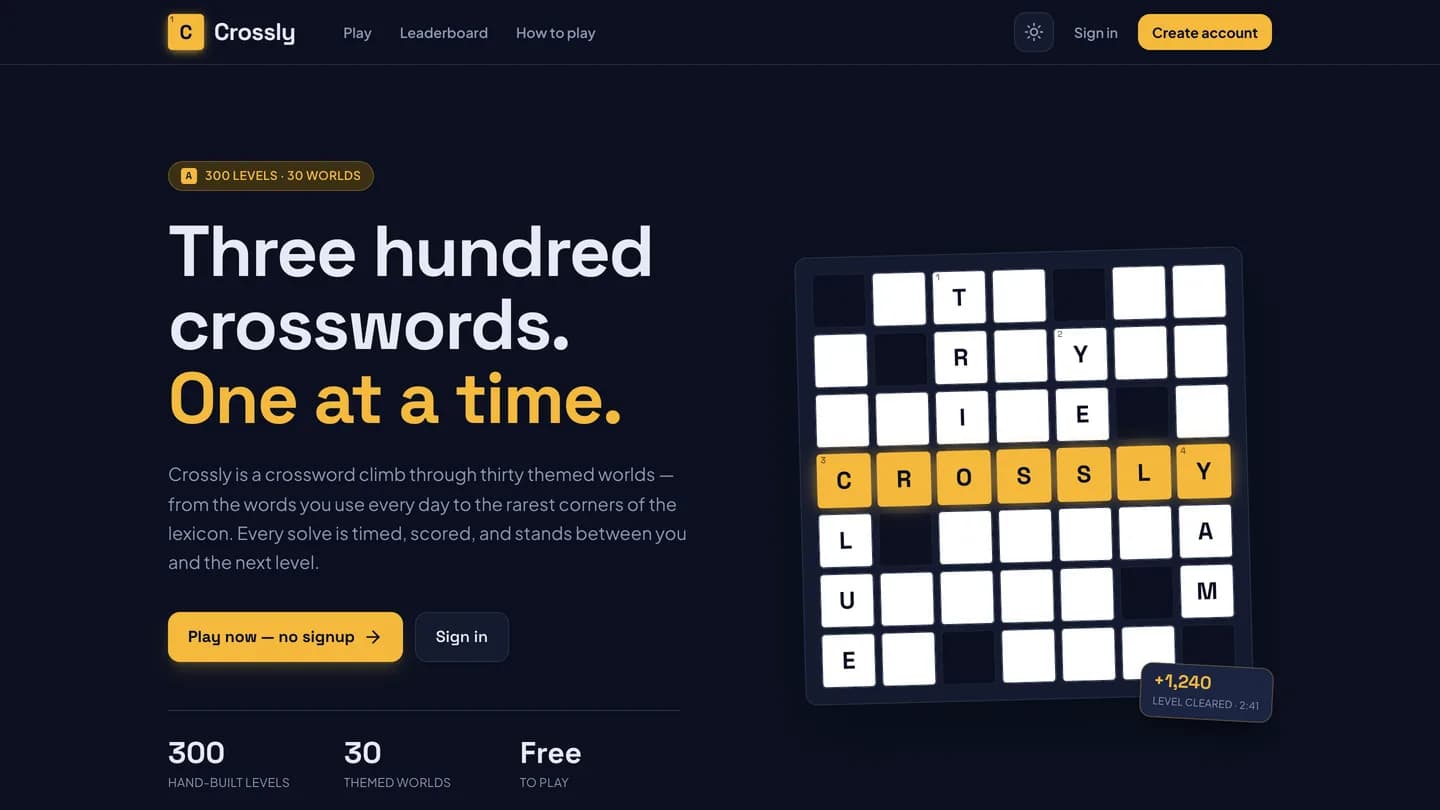
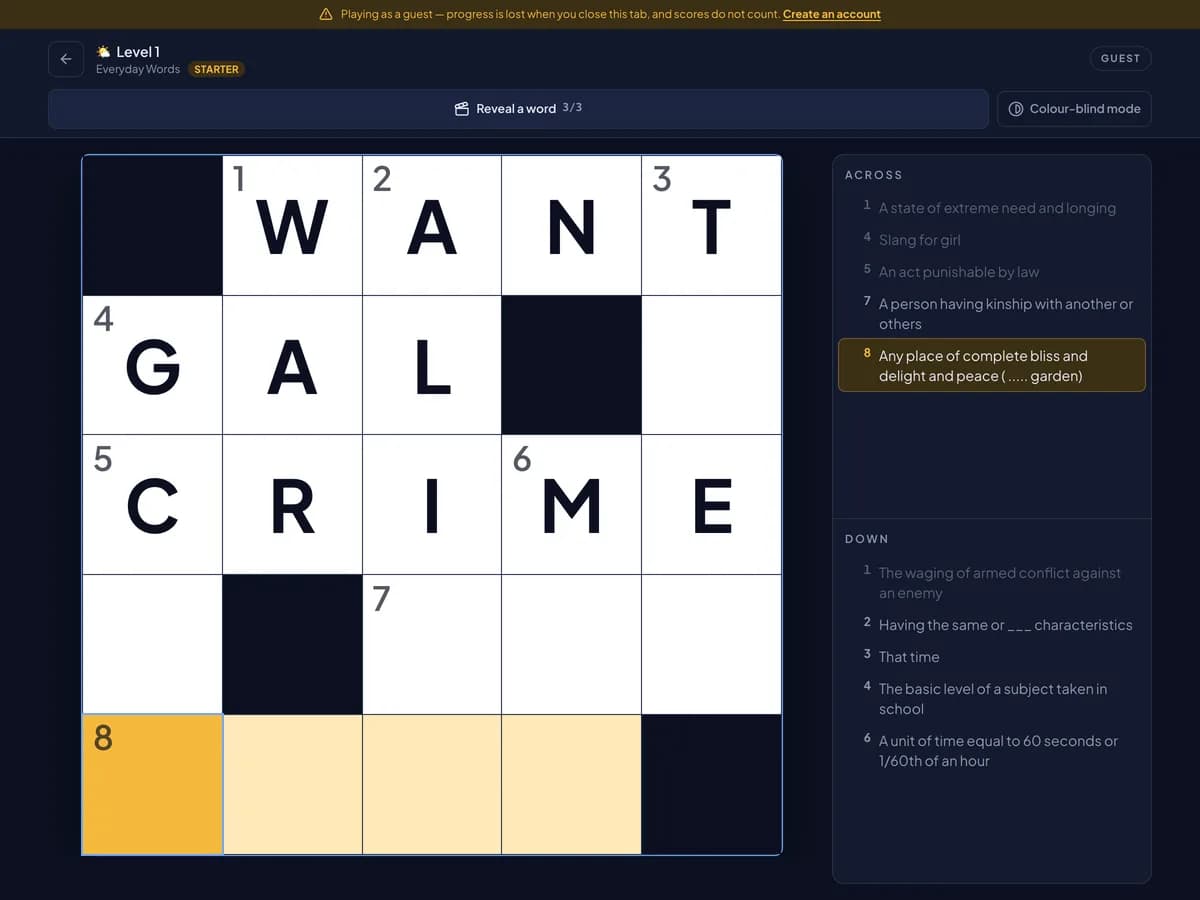
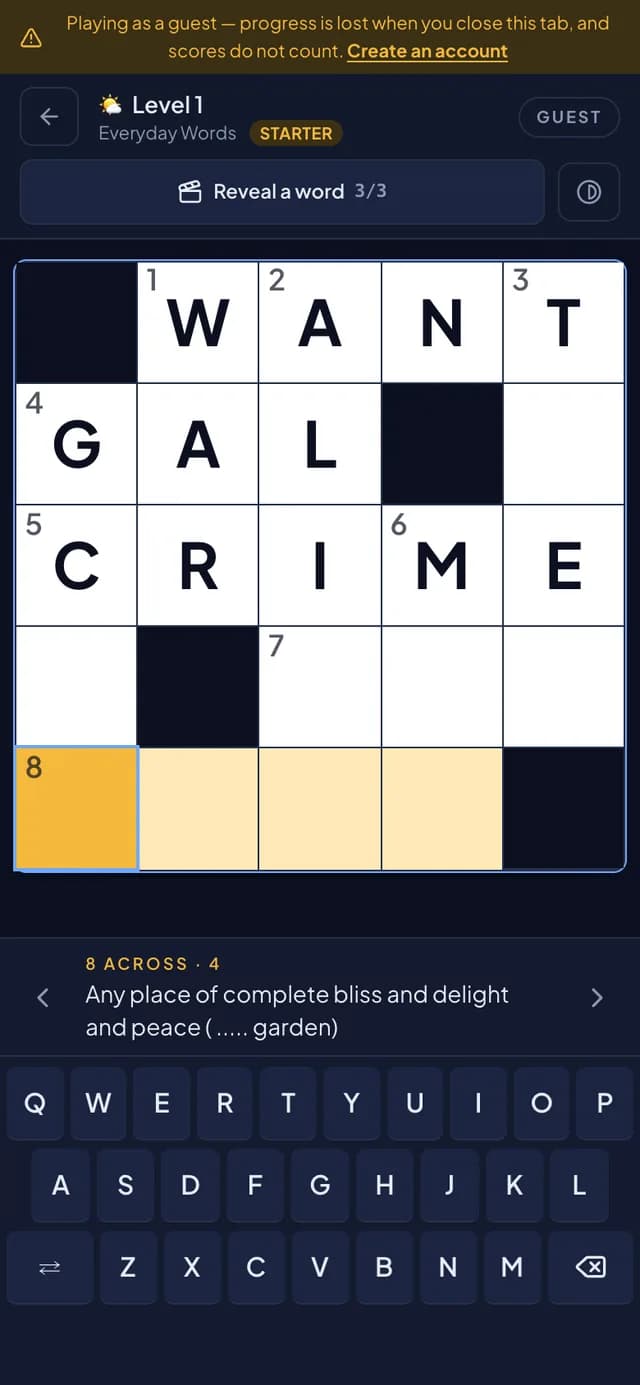
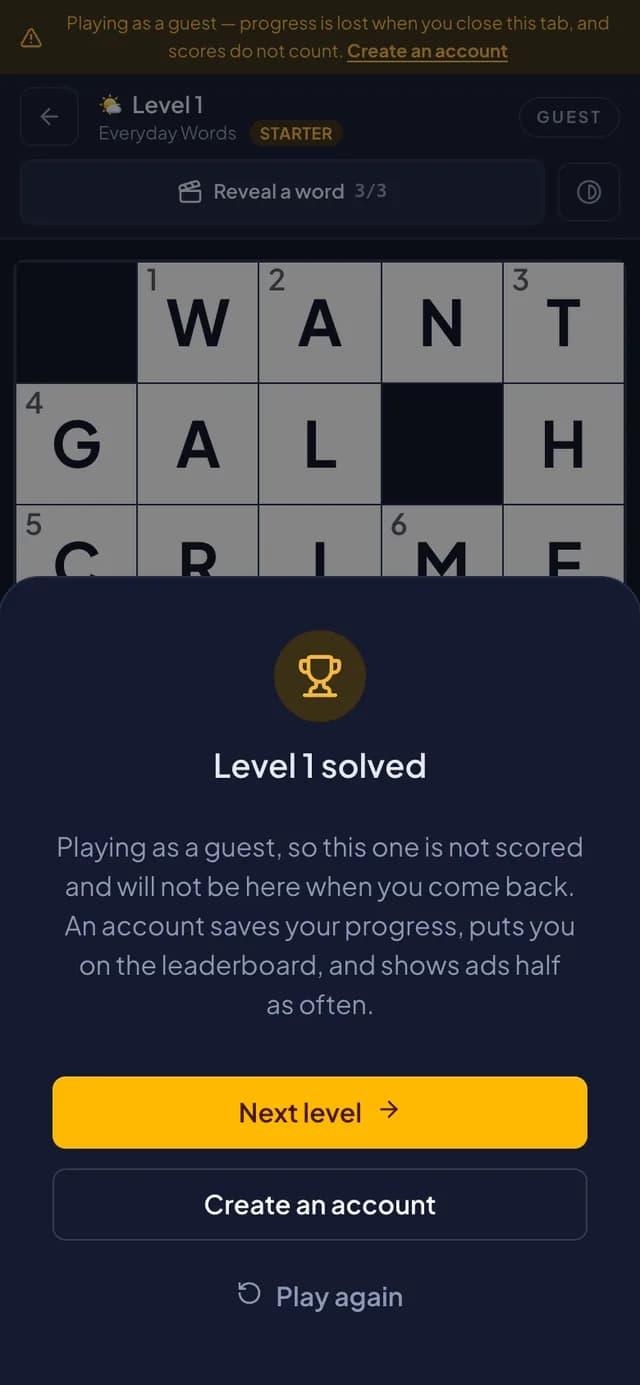
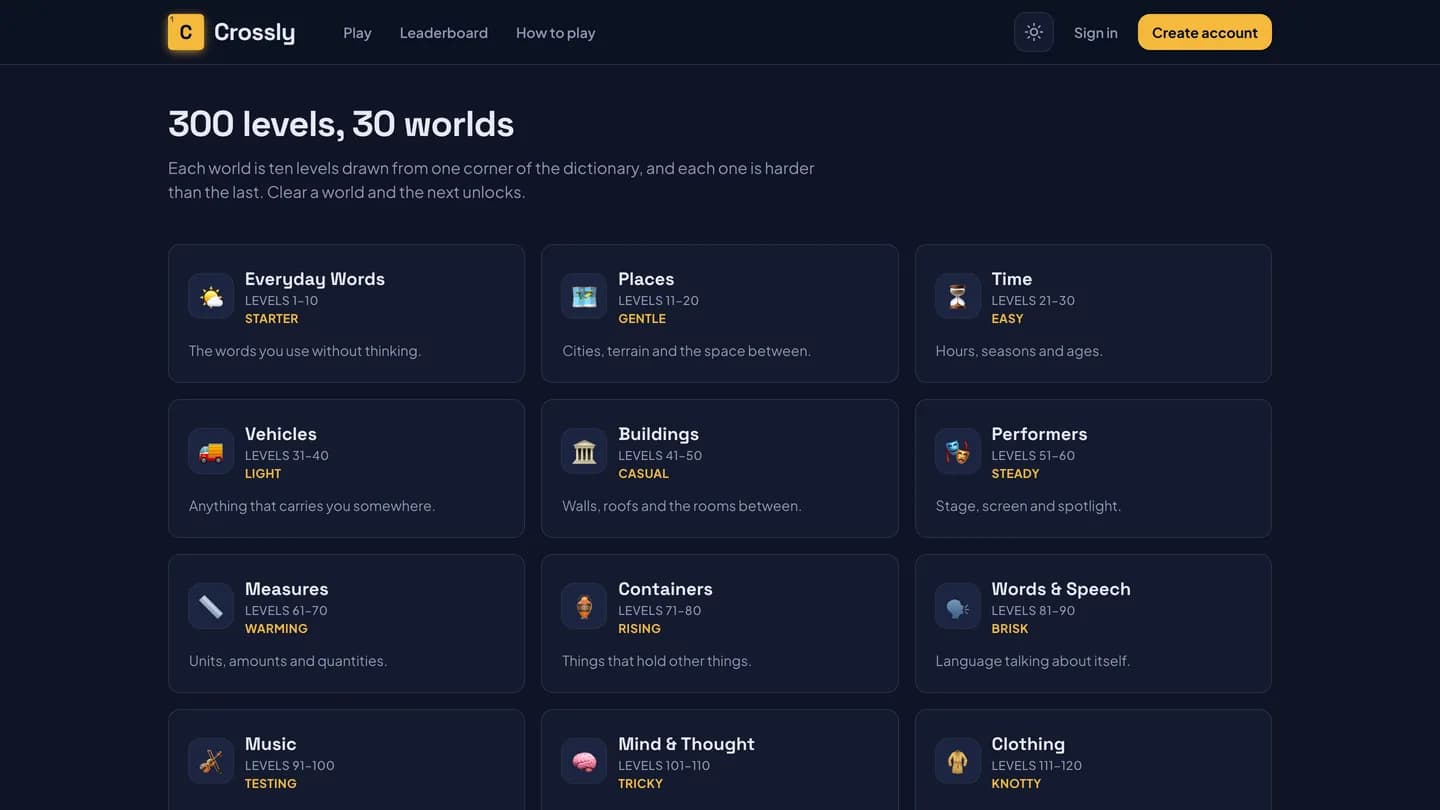
Crossly is a crossword game built as a ladder of levels grouped into themed worlds of ten, each world a graded difficulty tier from Starter upward. Grids follow British quick-crossword rules. The board is built for touch: 44px targets, an on-screen keyboard, a colour-blind-safe mode, and on phones the clue bar and keyboard stack so the keyboard never covers the clue. Anyone can play as a guest with no account; solving is verified on the server, so answers are never sent to the browser. Signed-in play is timed, scored and feeds a leaderboard.
Crossly · Demo film
Screen recordings of the real product, nothing staged or animated. Press play — they are silent, so they are safe to watch anywhere. Each one can be watched in the light or the dark theme — the film is recorded twice, not tinted.
03 · Live shaped word clouds
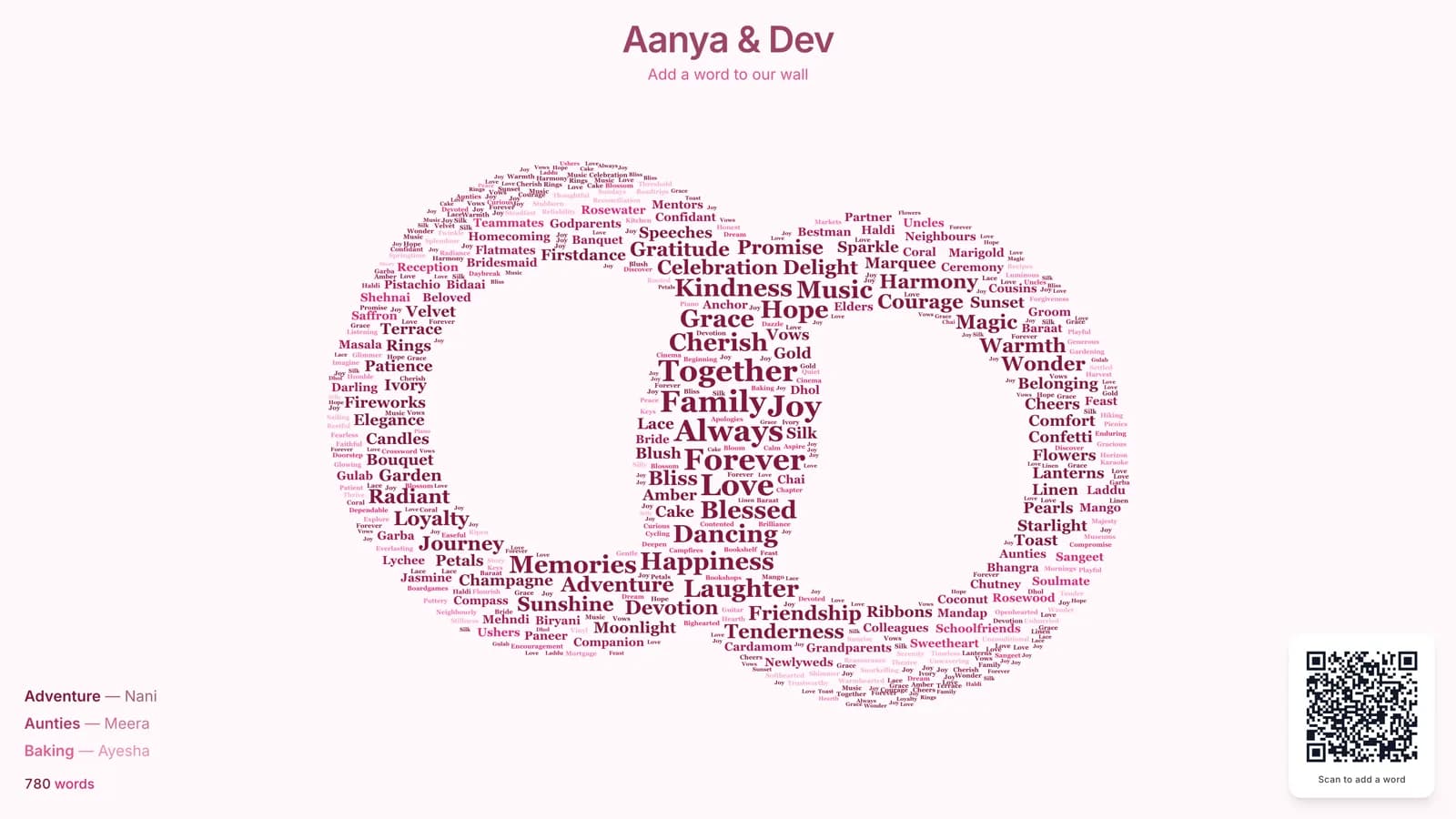
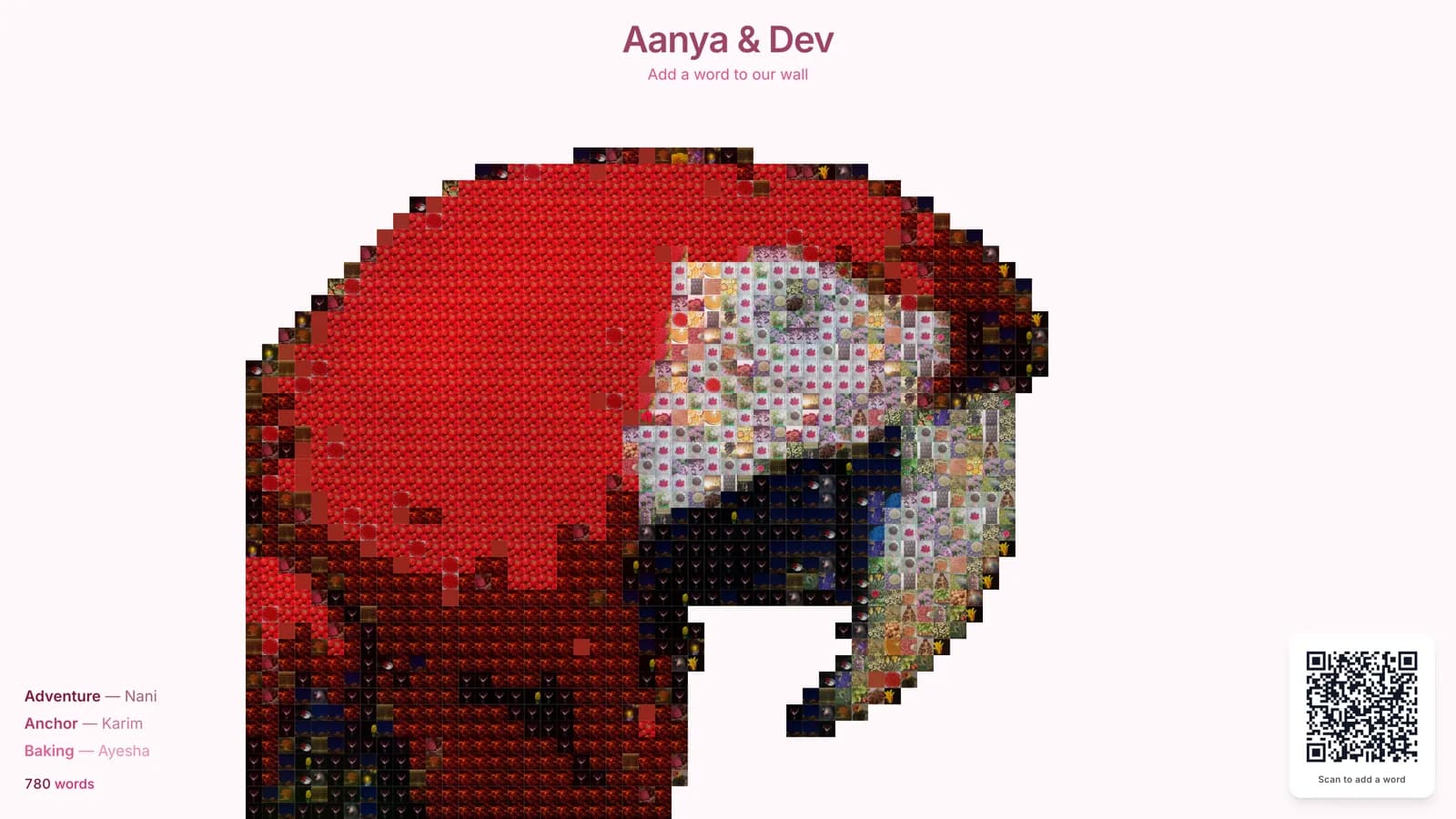
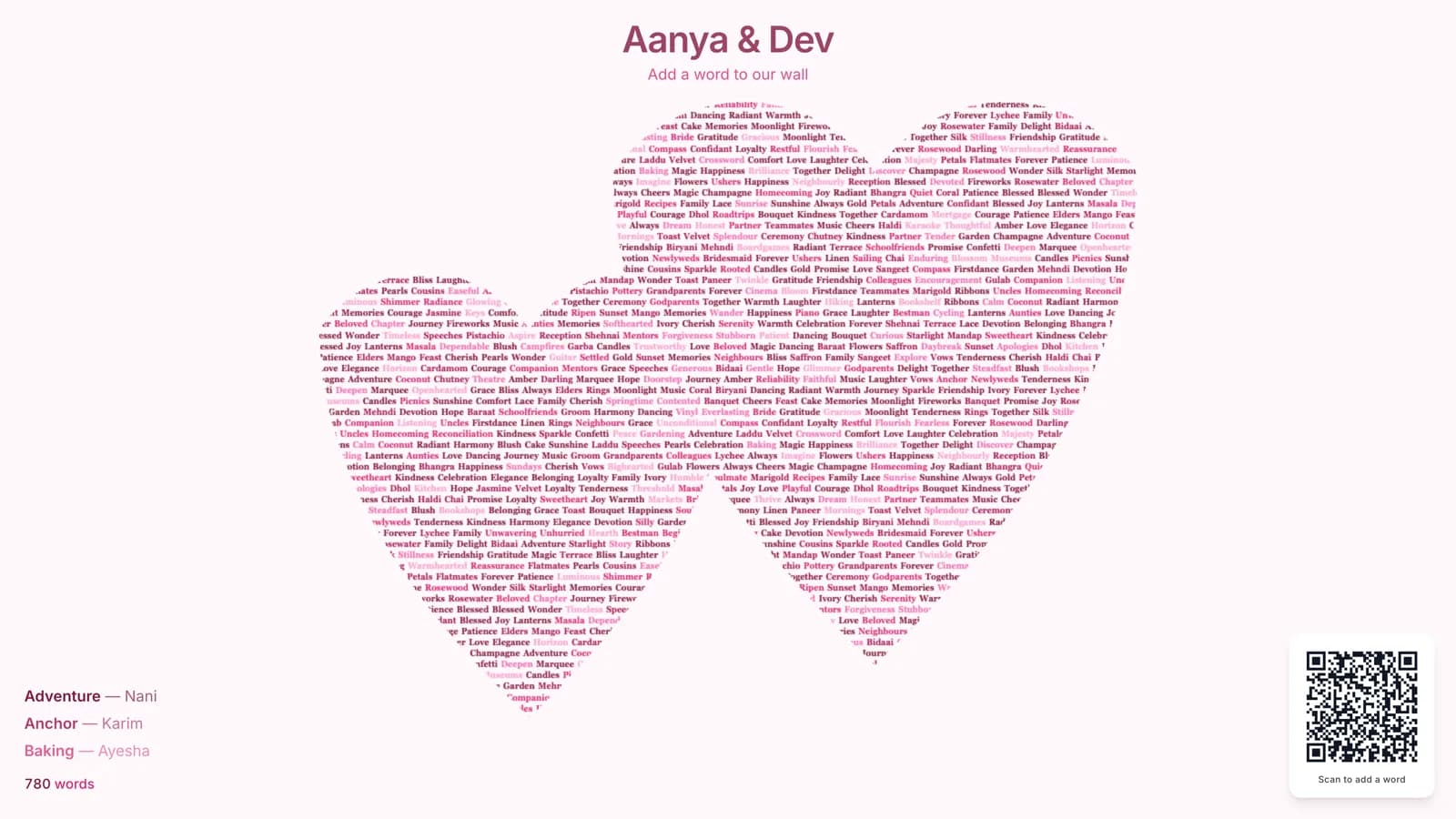
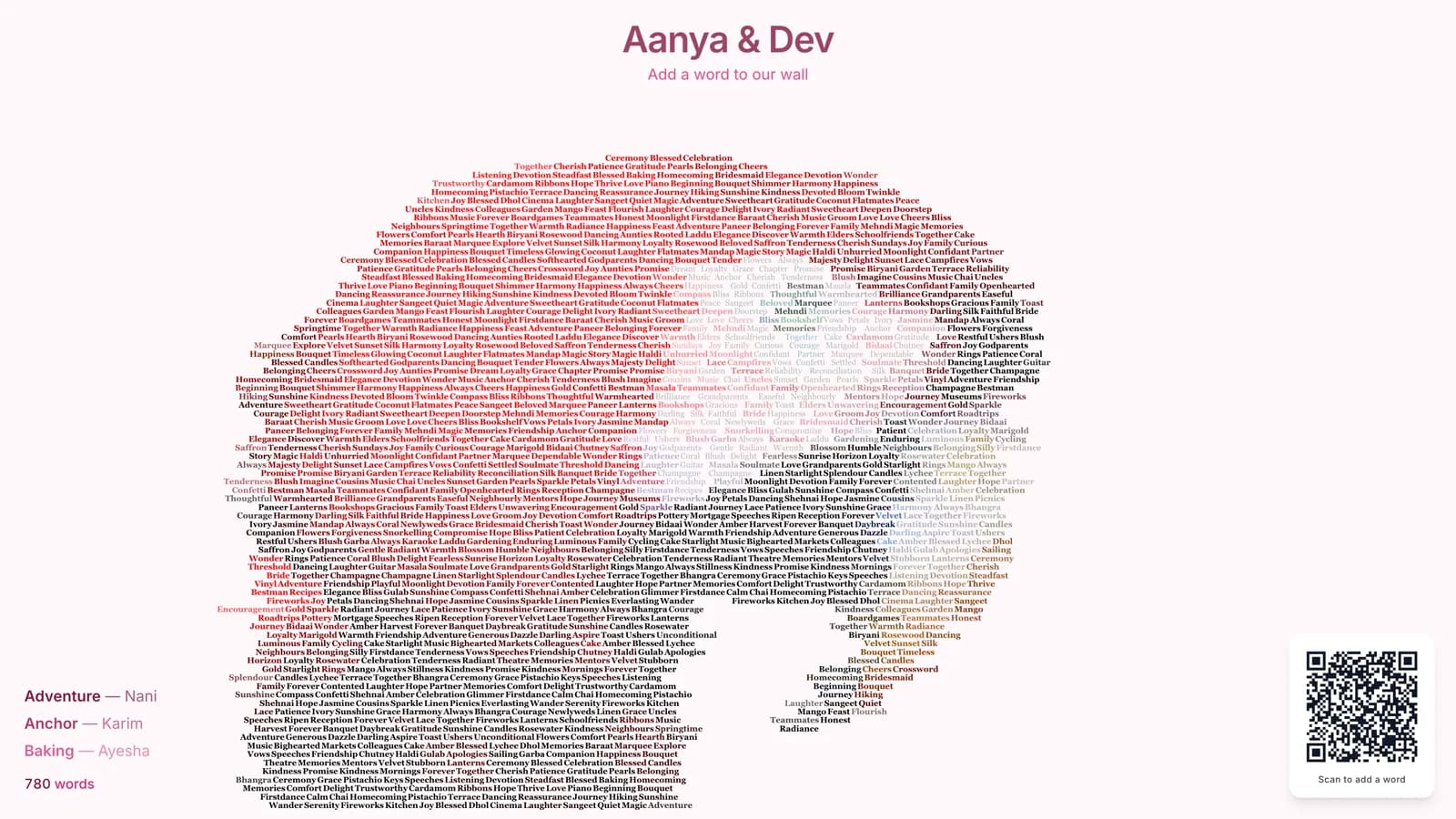
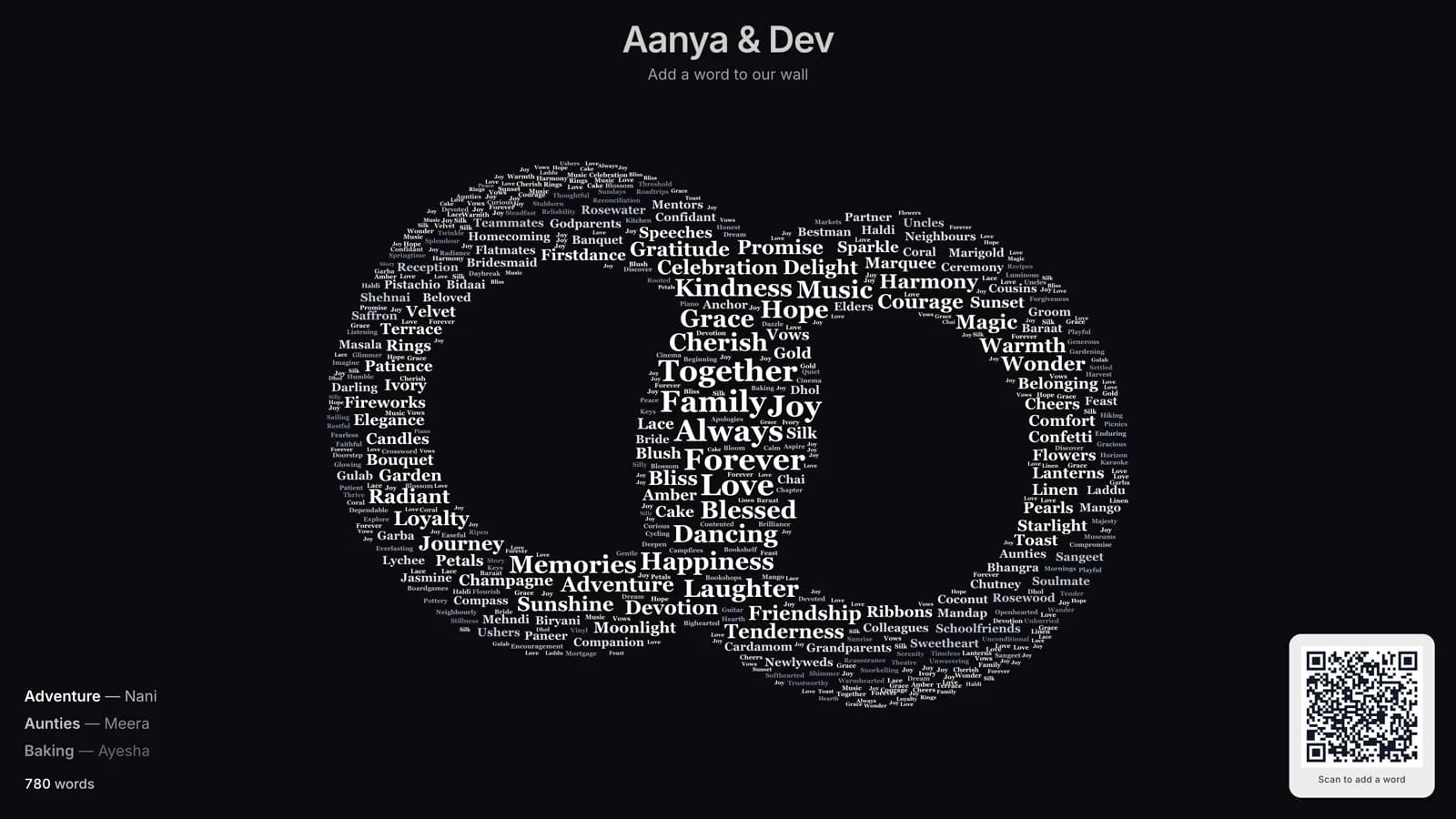
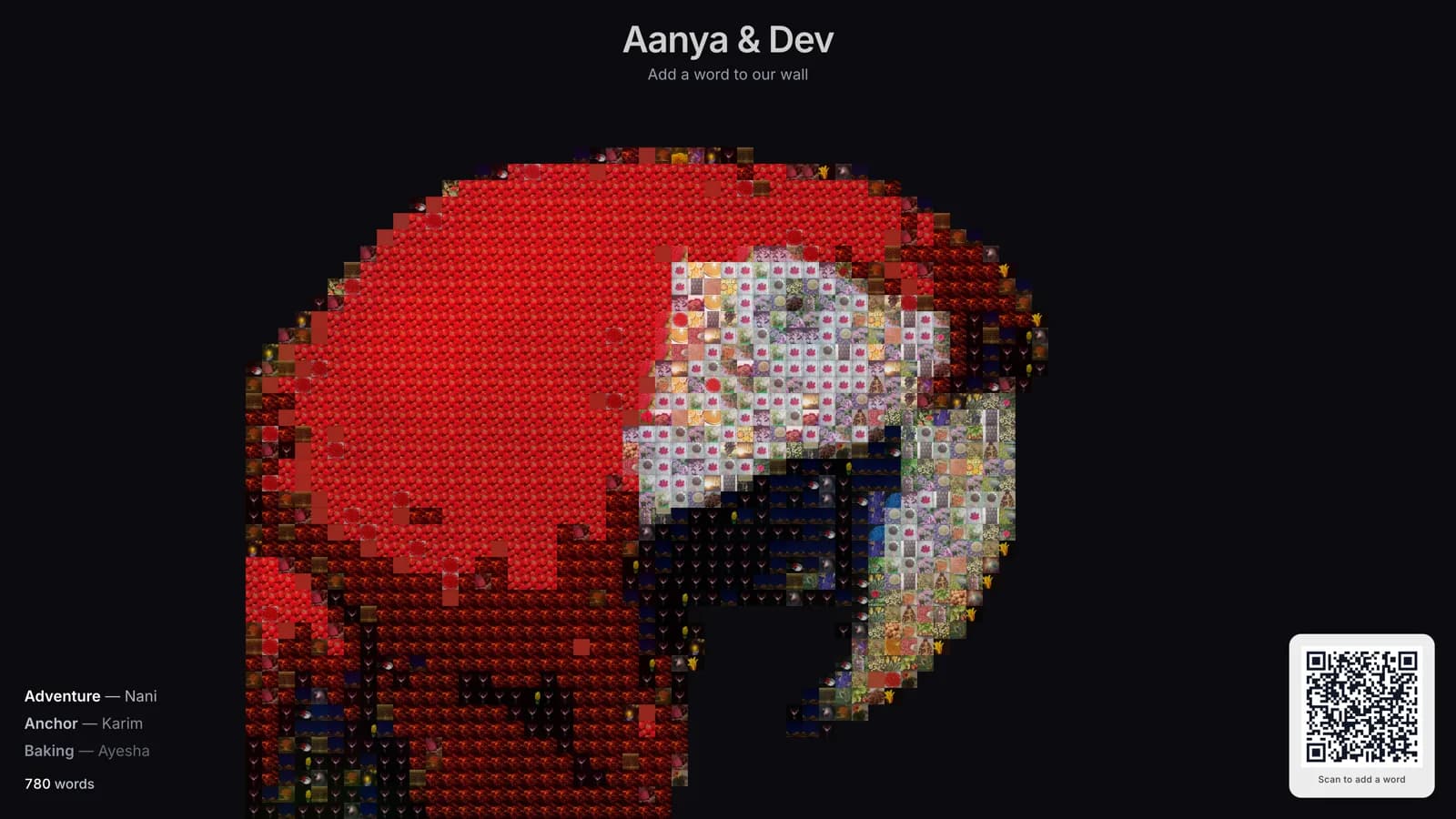
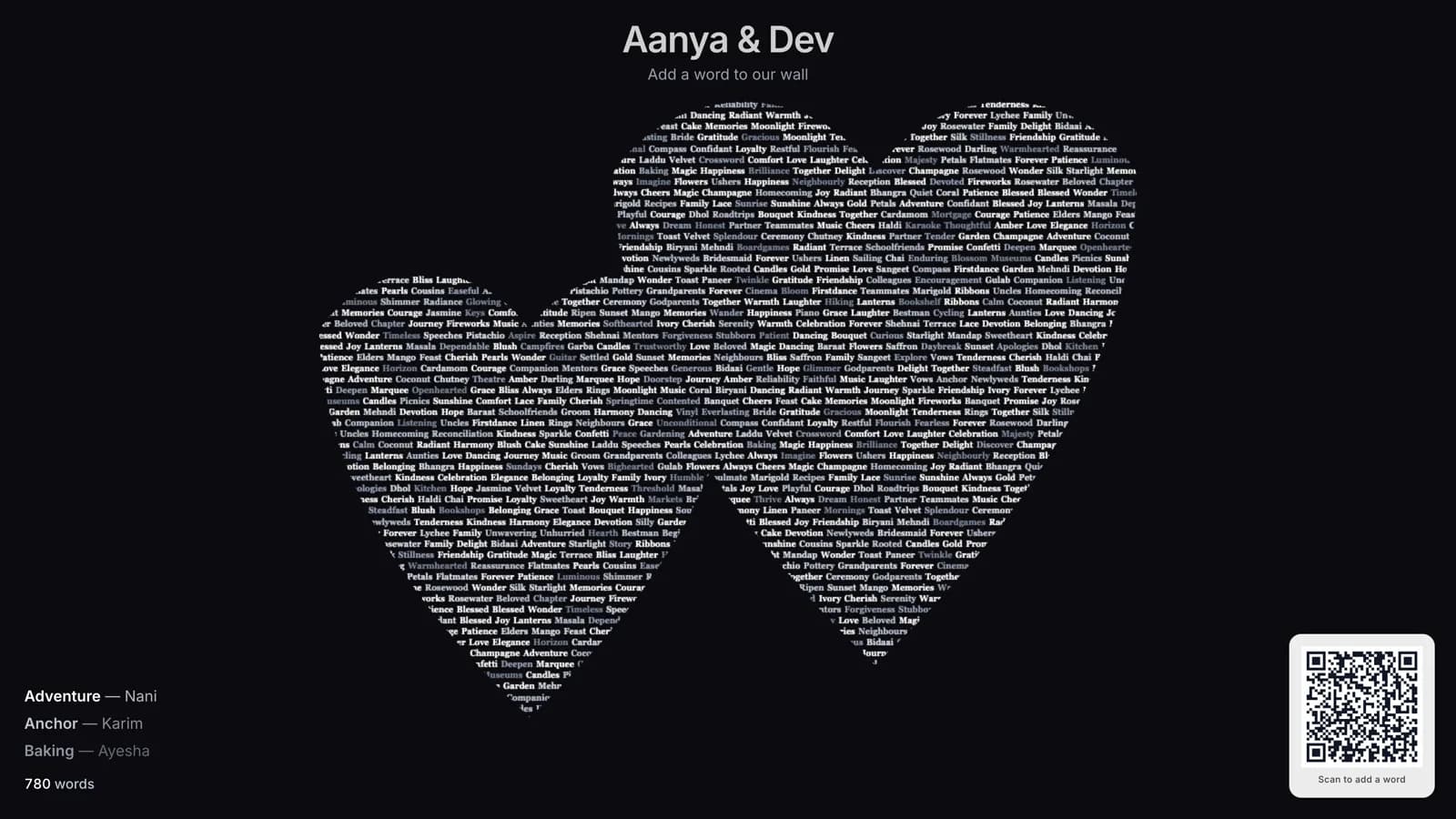
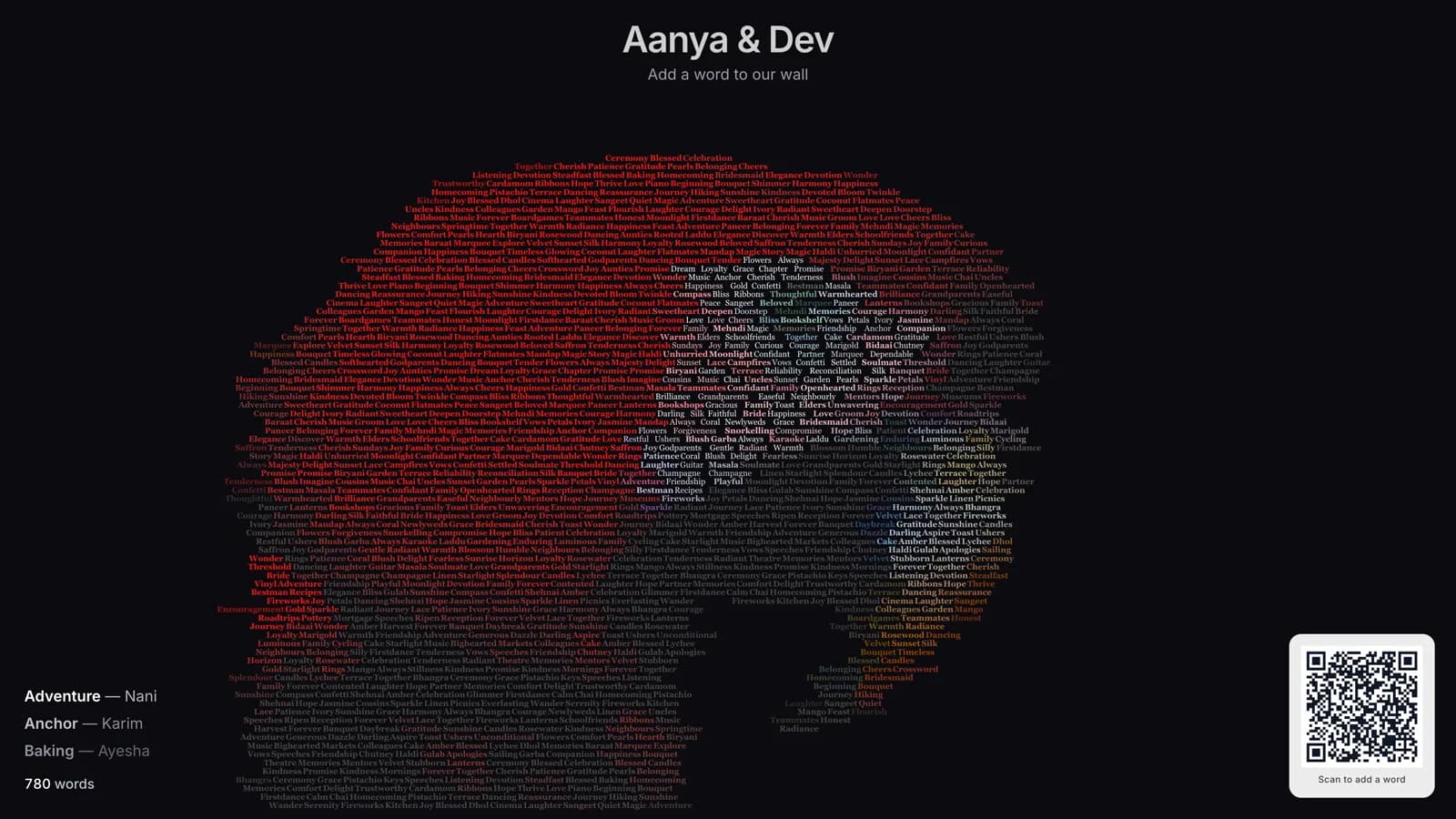
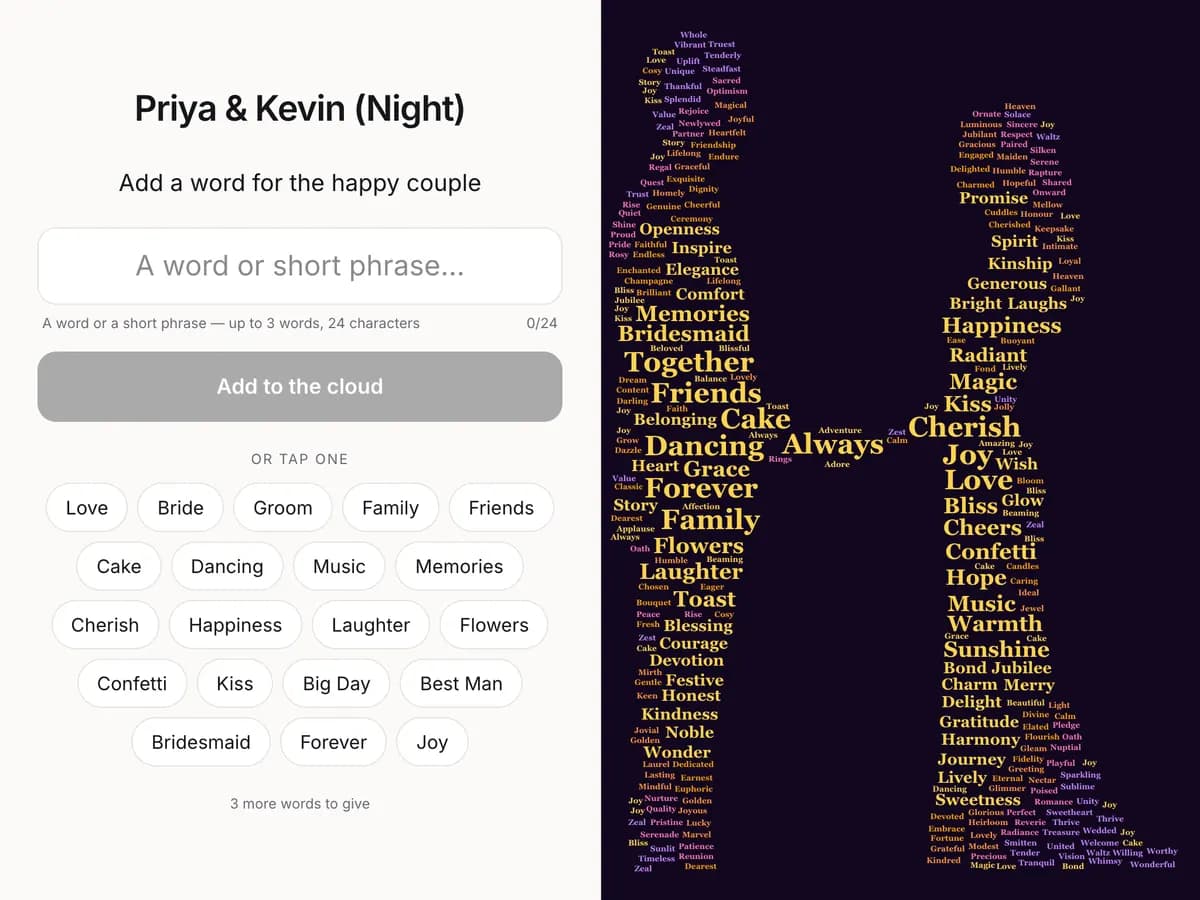
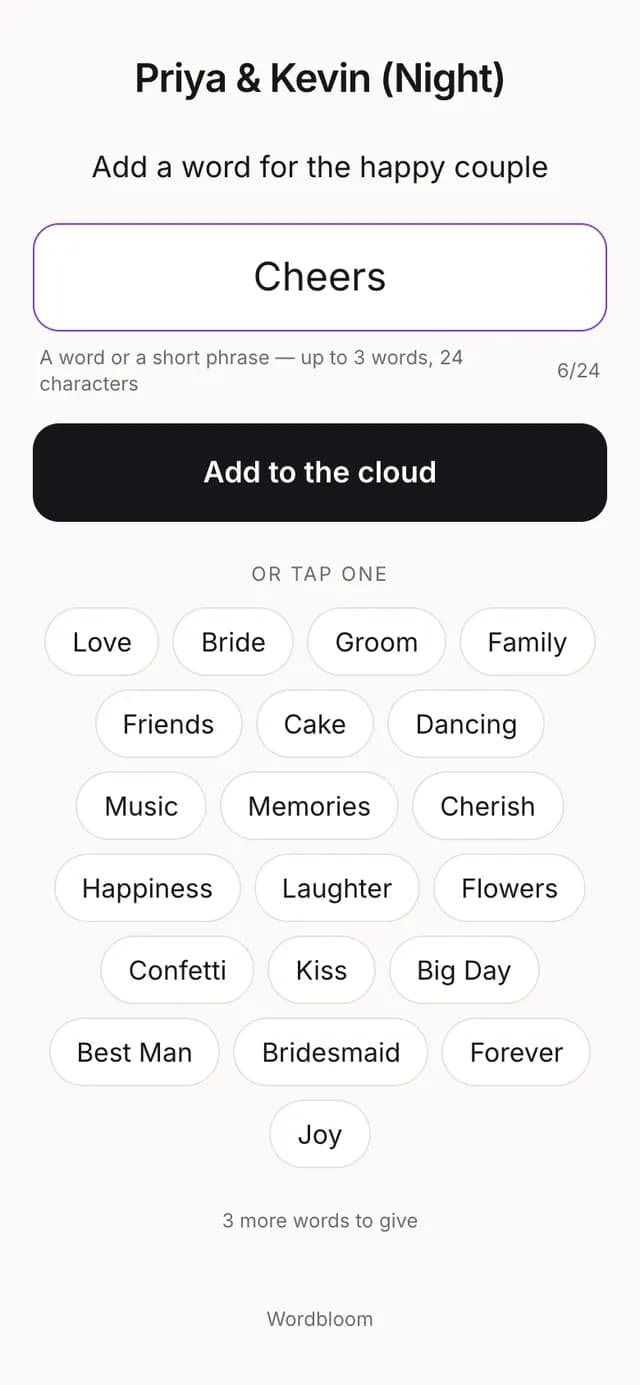
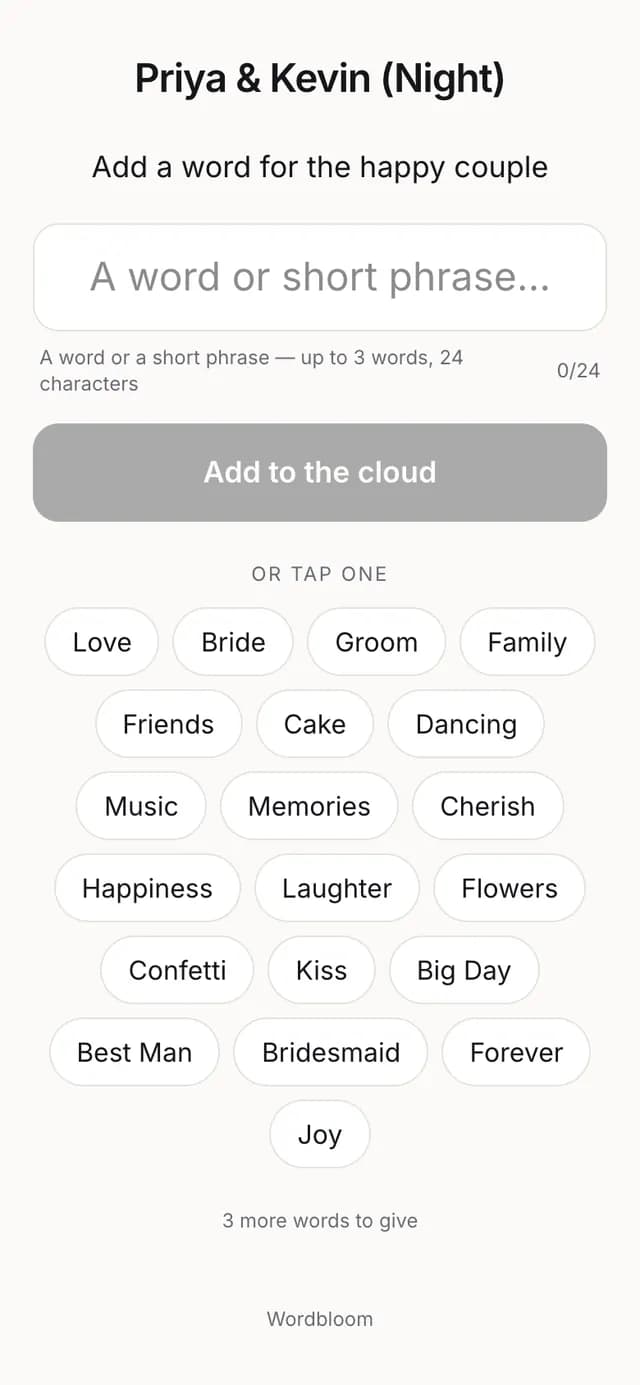
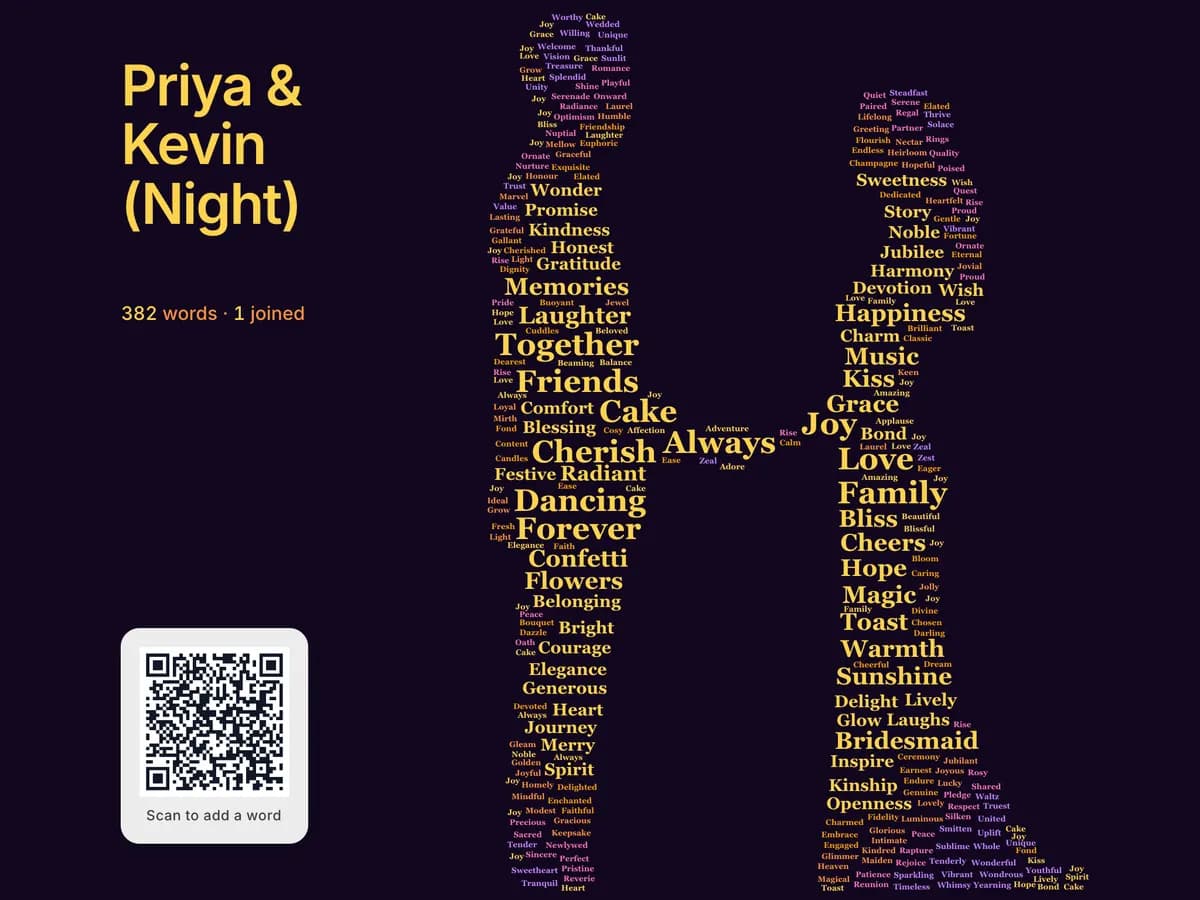
Wordbloom makes live word clouds that fill the shape of an event. Guests submit a word — about how they feel, about the event, about the bride and groom — from their phone (by QR or link), from a shared tablet kiosk at the venue that resets after each guest, or from a link sent ahead. The words land on the projector screen and fill a silhouette — a heart, a pair of rings, a baby onesie, a picture of the bride, or the wedding date itself. The layout engine is custom: words already on screen stay where they are when a new one arrives, instead of the whole cloud re-laying out. Phone, kiosk and display all read the same cloud, so they stay in step.
Wordbloom · Demo film
Screen recordings of the real product, nothing staged or animated. Press play — they are silent, so they are safe to watch anywhere. Each one can be watched in the light or the dark theme — the film is recorded twice, not tinted.
04 · Party games on the big screen, played from phones
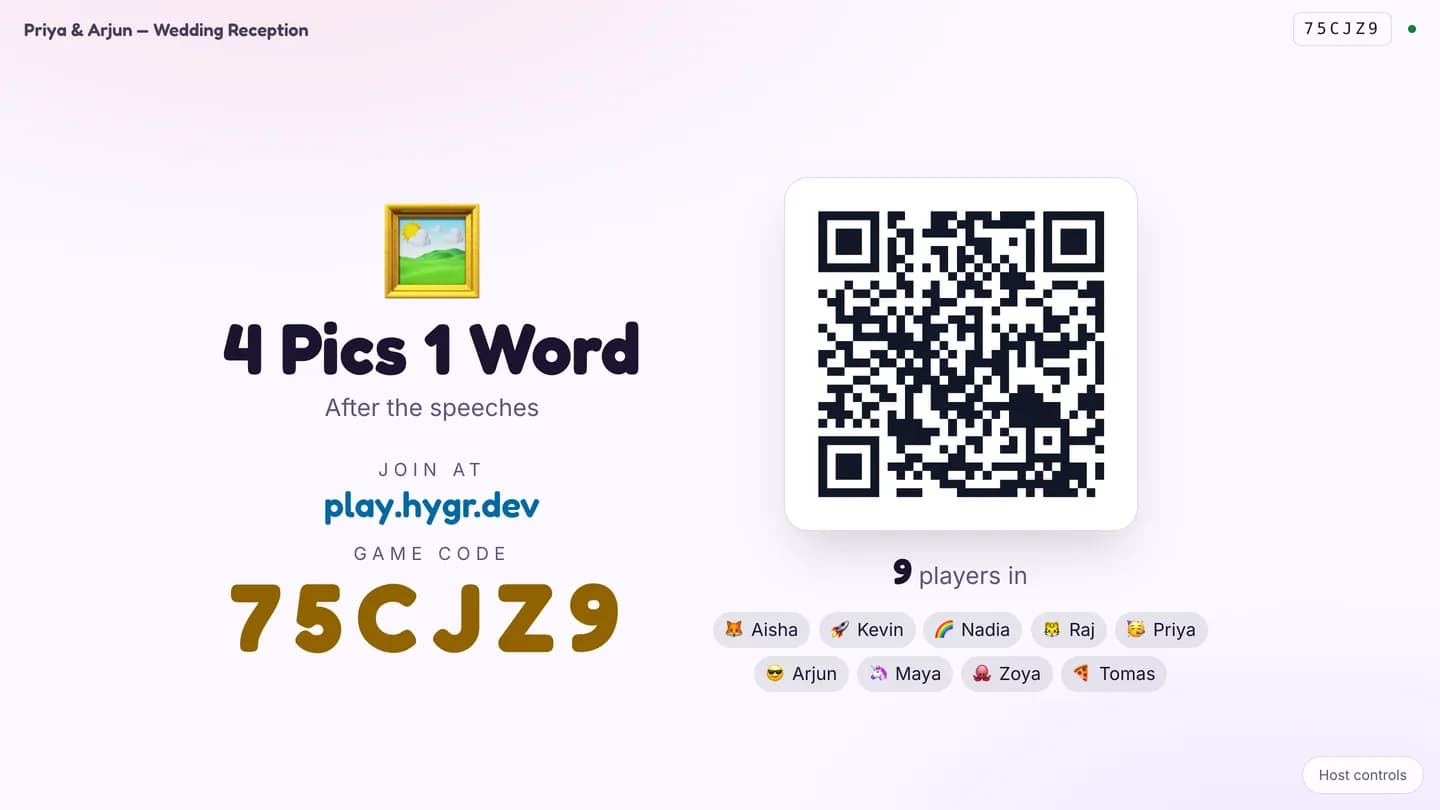
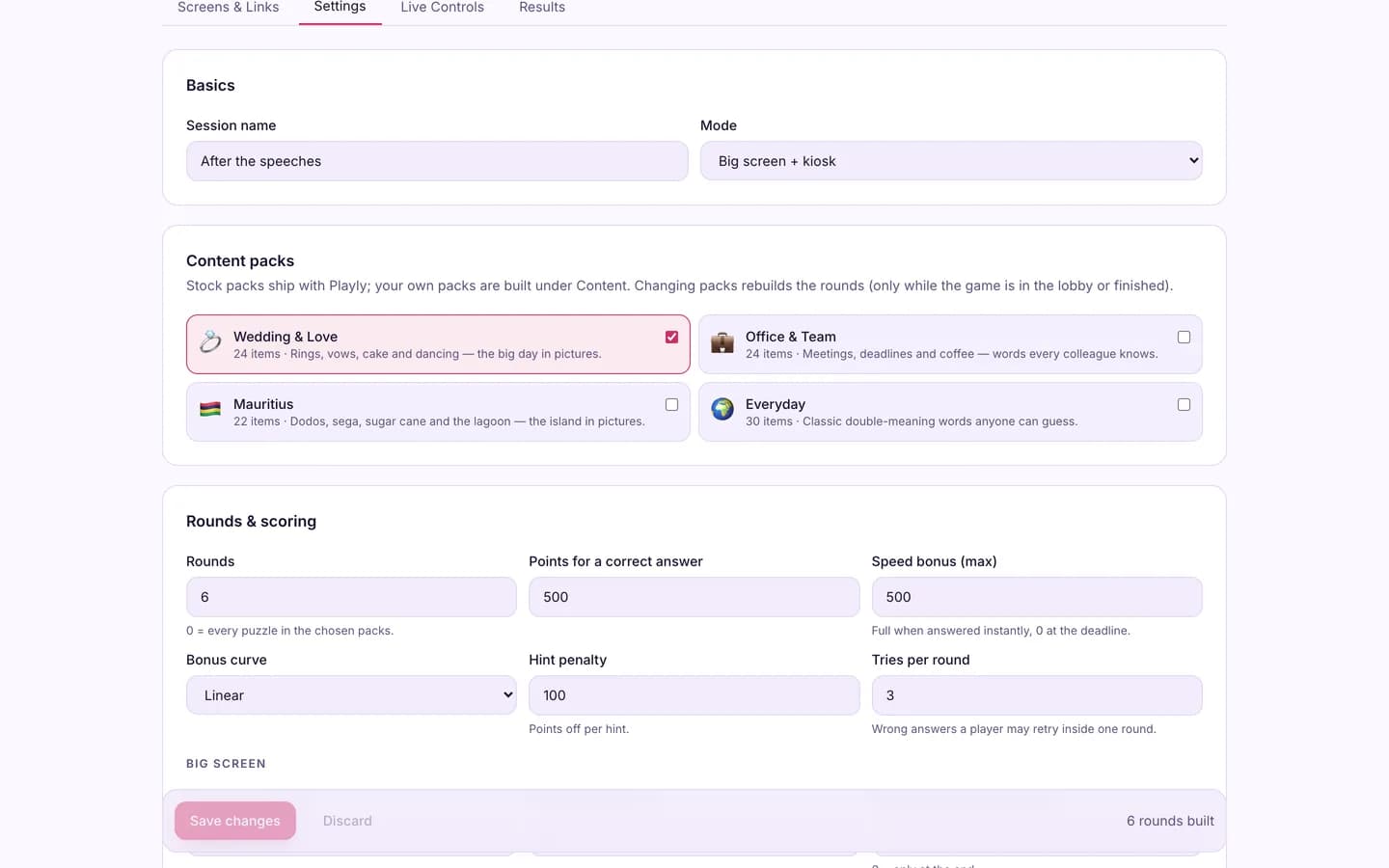
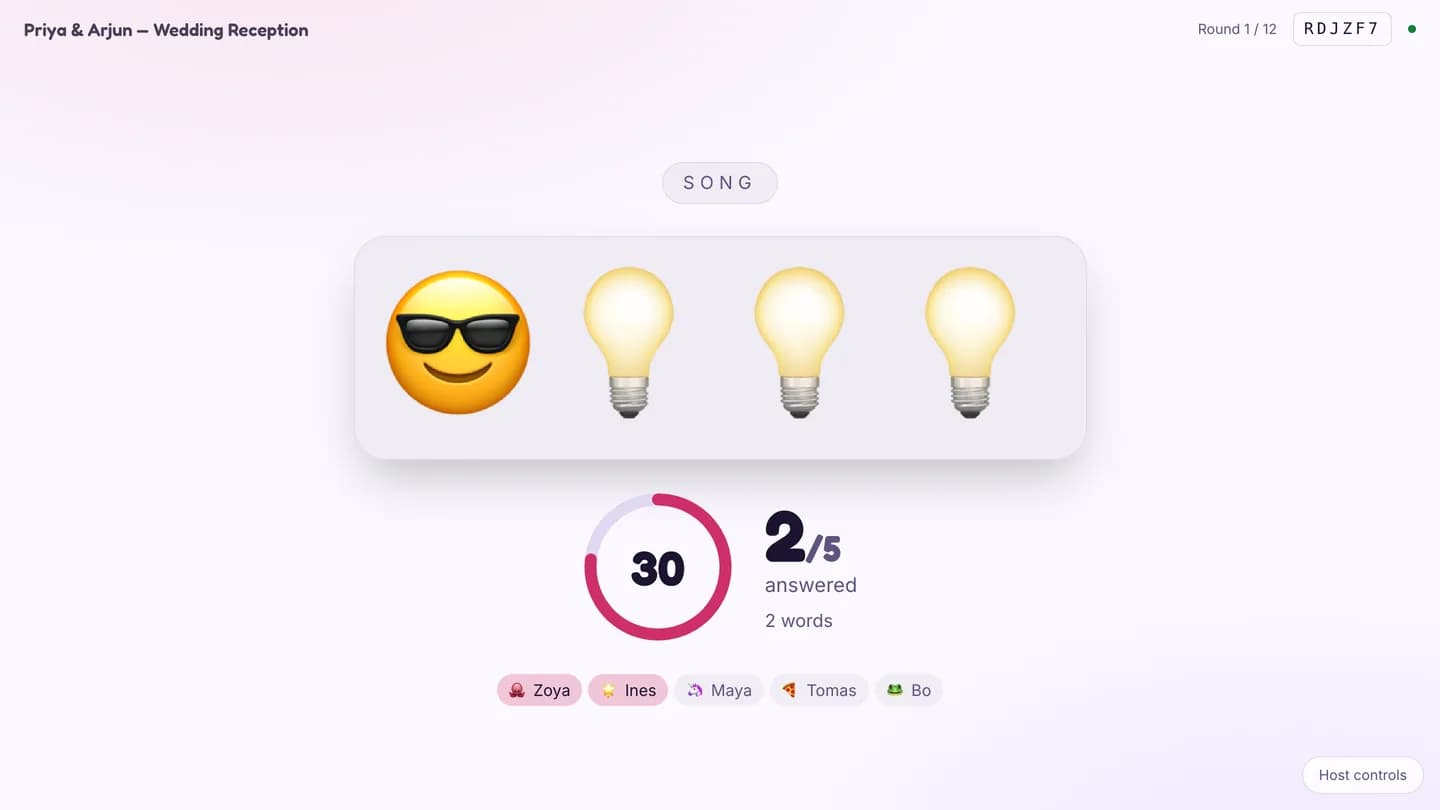
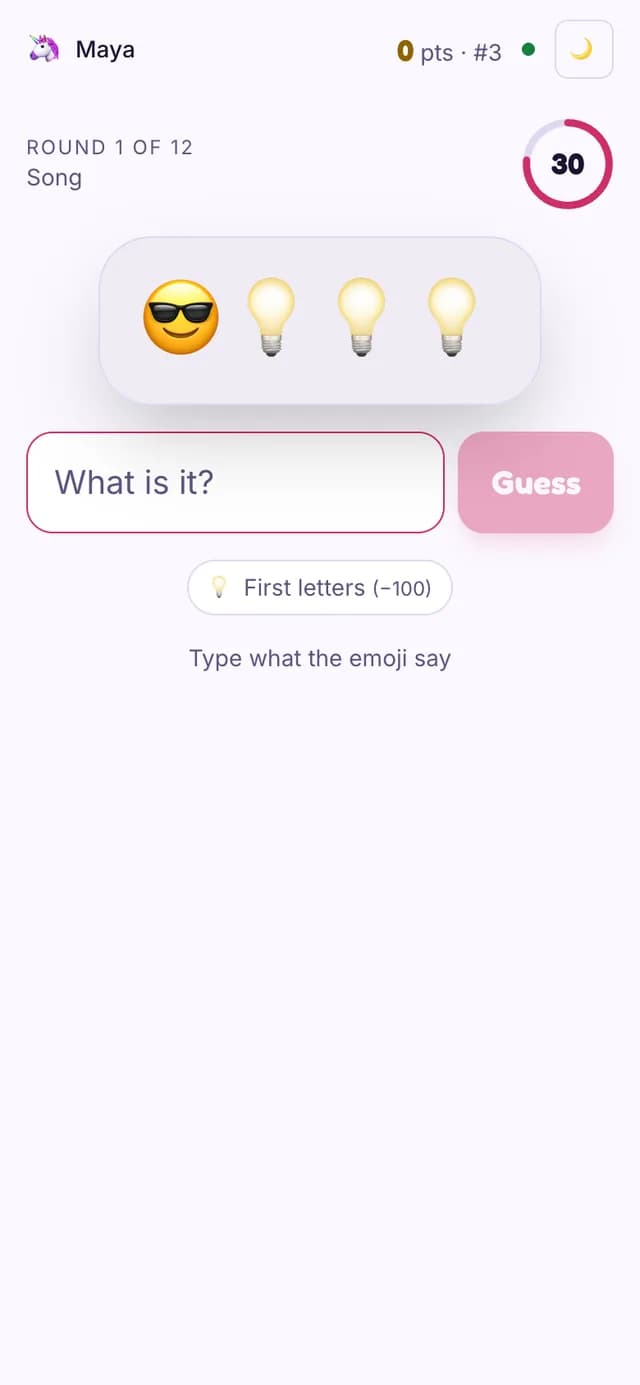
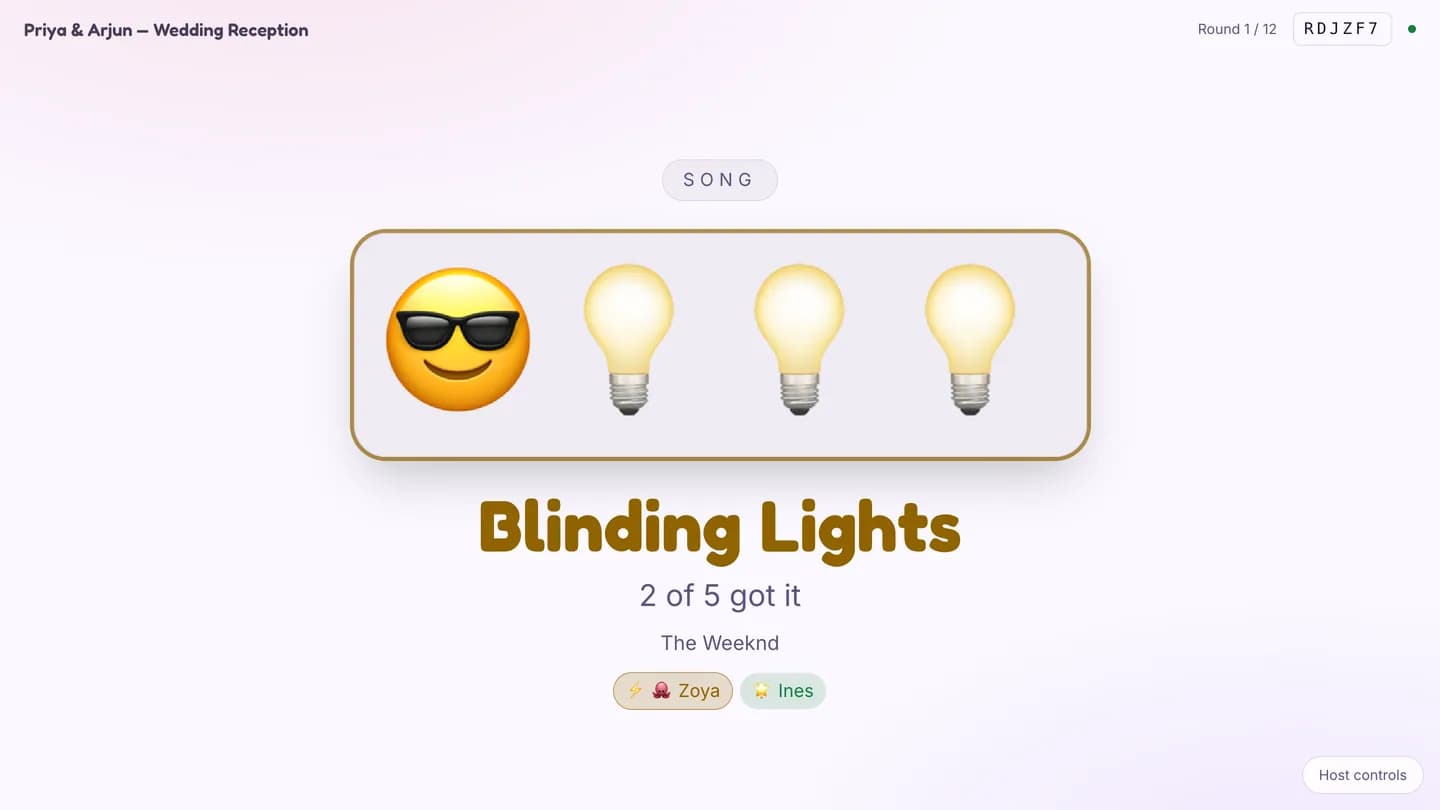
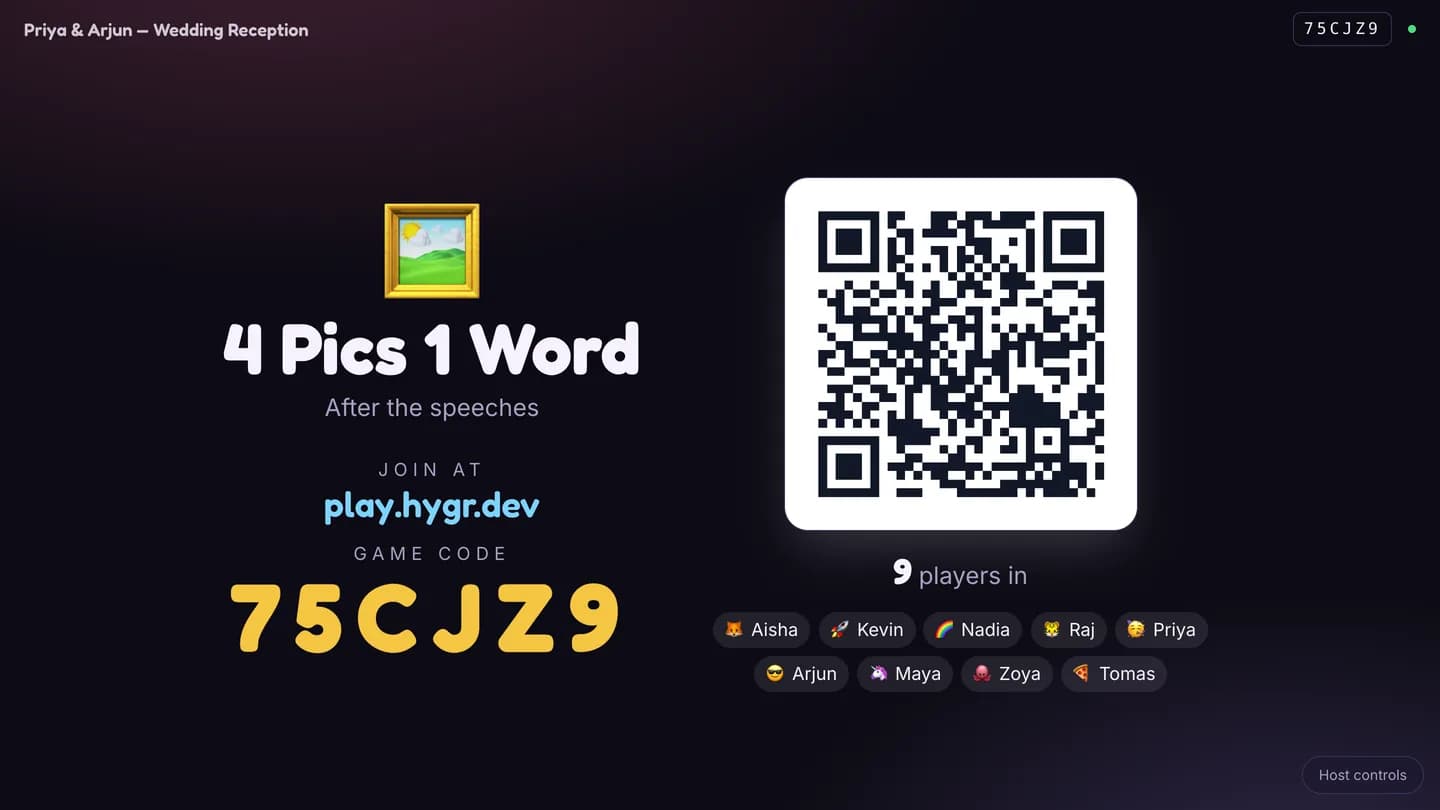
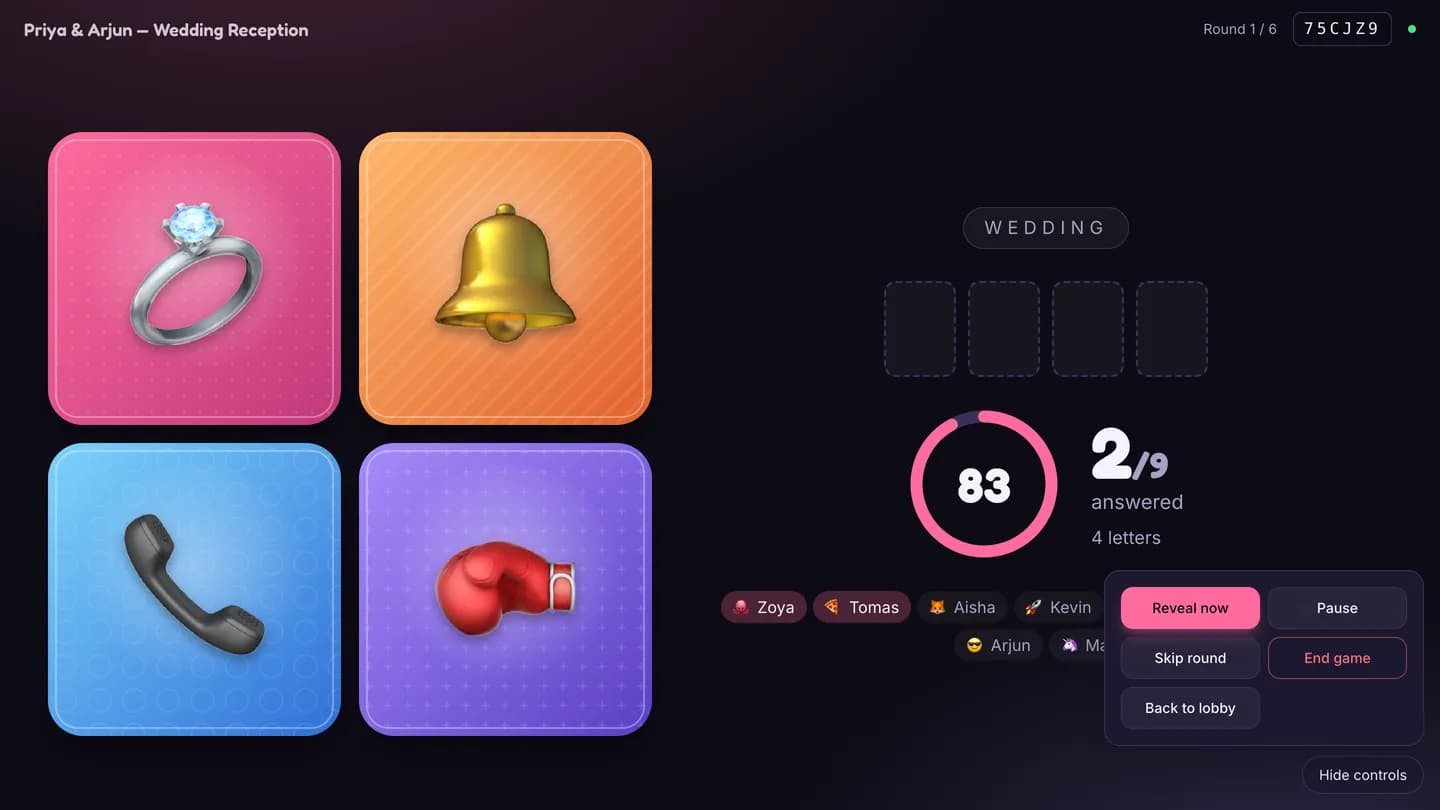
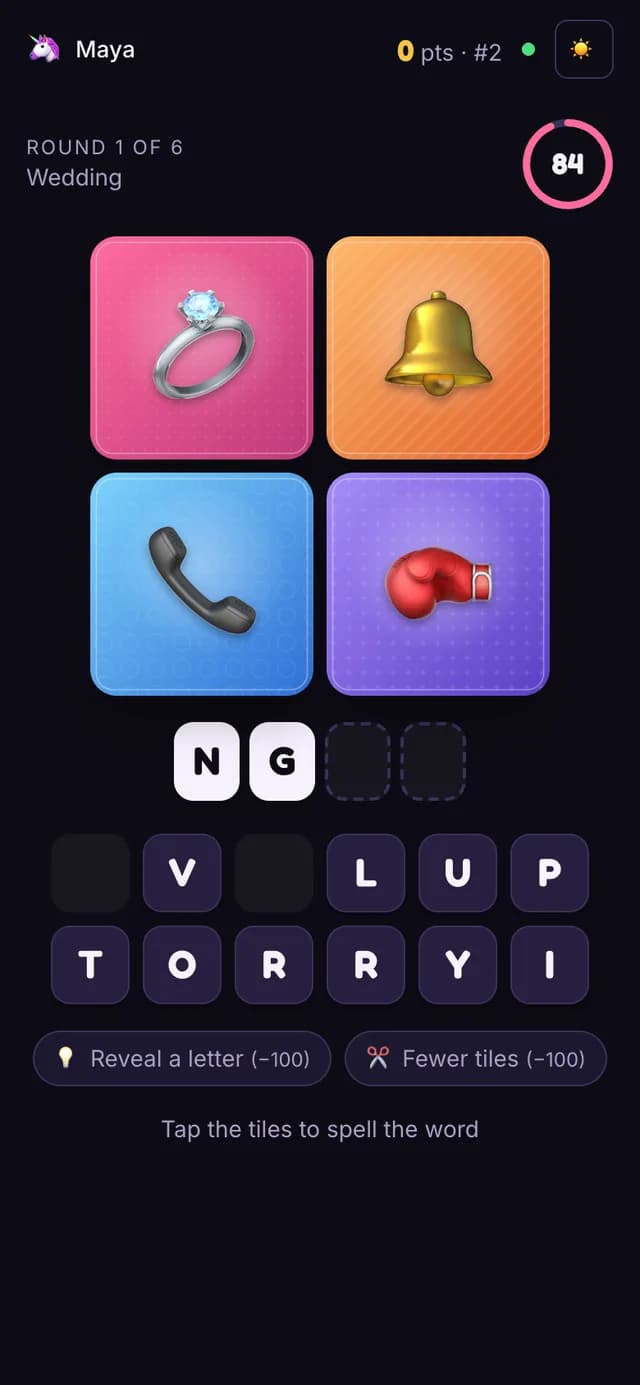
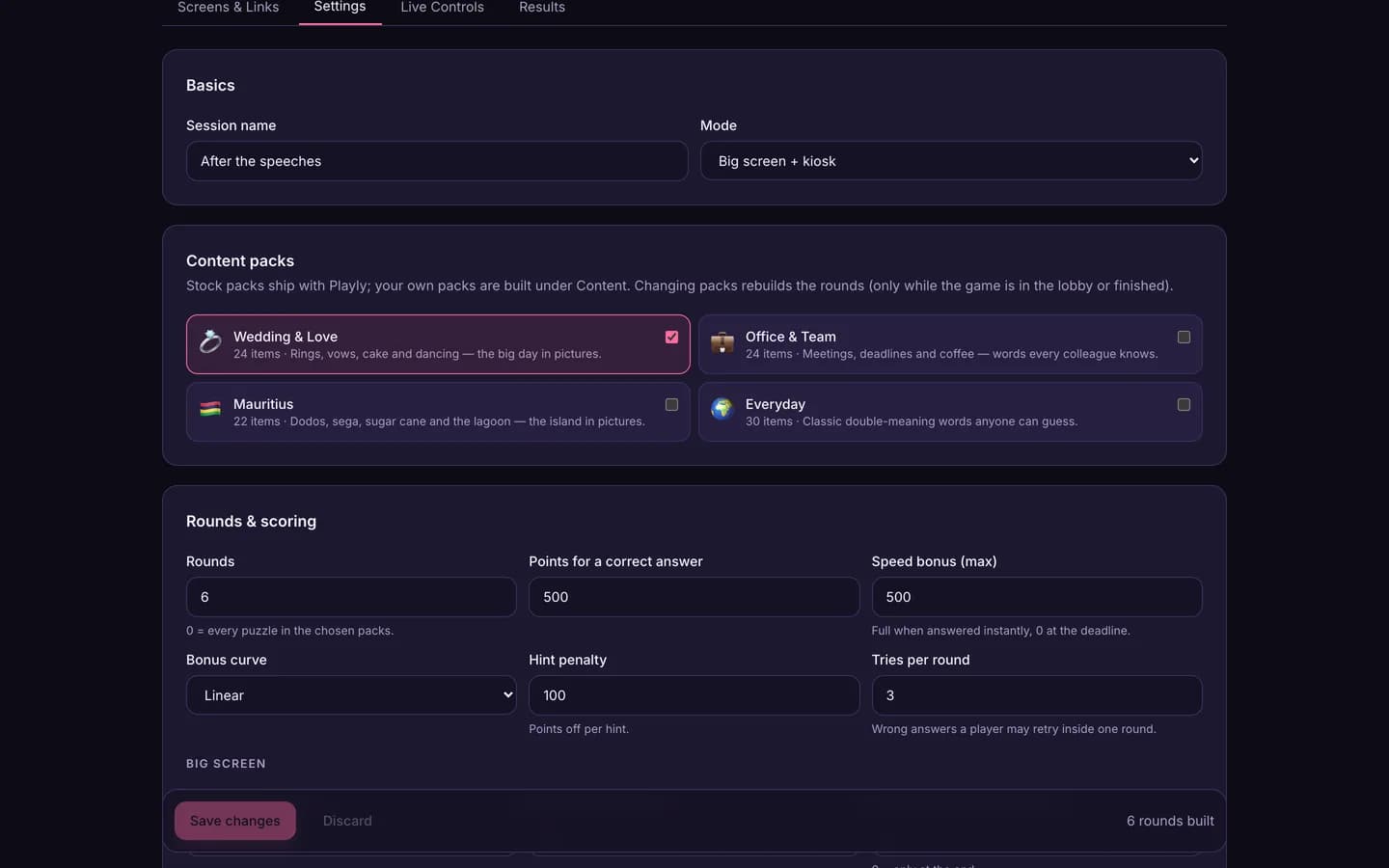
Playly is party games for weddings, team-building days and events — five of them, on one platform. The projector shows a QR and a six-letter code; guests scan it and play from their own phones — nickname, avatar, then the game round by round with their own score and rank. A touch-screen kiosk at a table runs the same game solo against the clock with a high-score board. The MC drives everything from a phone, and the organiser sets up sessions, content packs and custom content from a console, with results as CSV afterwards. No app, no accounts for guests. Every phone and the projector count down together, and scoring happens on the server, so nothing can be faked from a handset.
Playly · Demo film
Screen recordings of the real product, nothing staged or animated. Press play — they are silent, so they are safe to watch anywhere. Each one can be watched in the light or the dark theme — the film is recorded twice, not tinted.
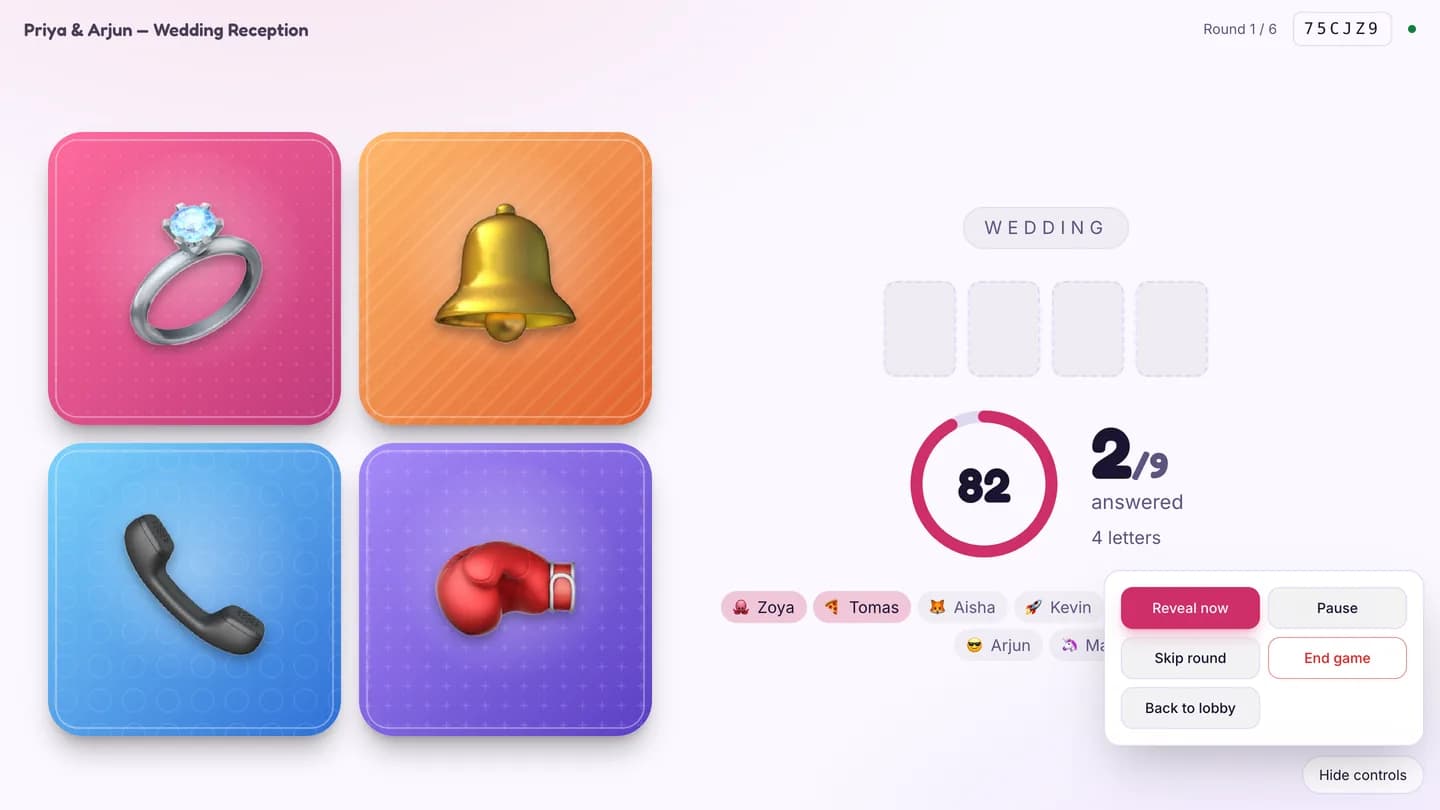
Playly · Four pictures, one word
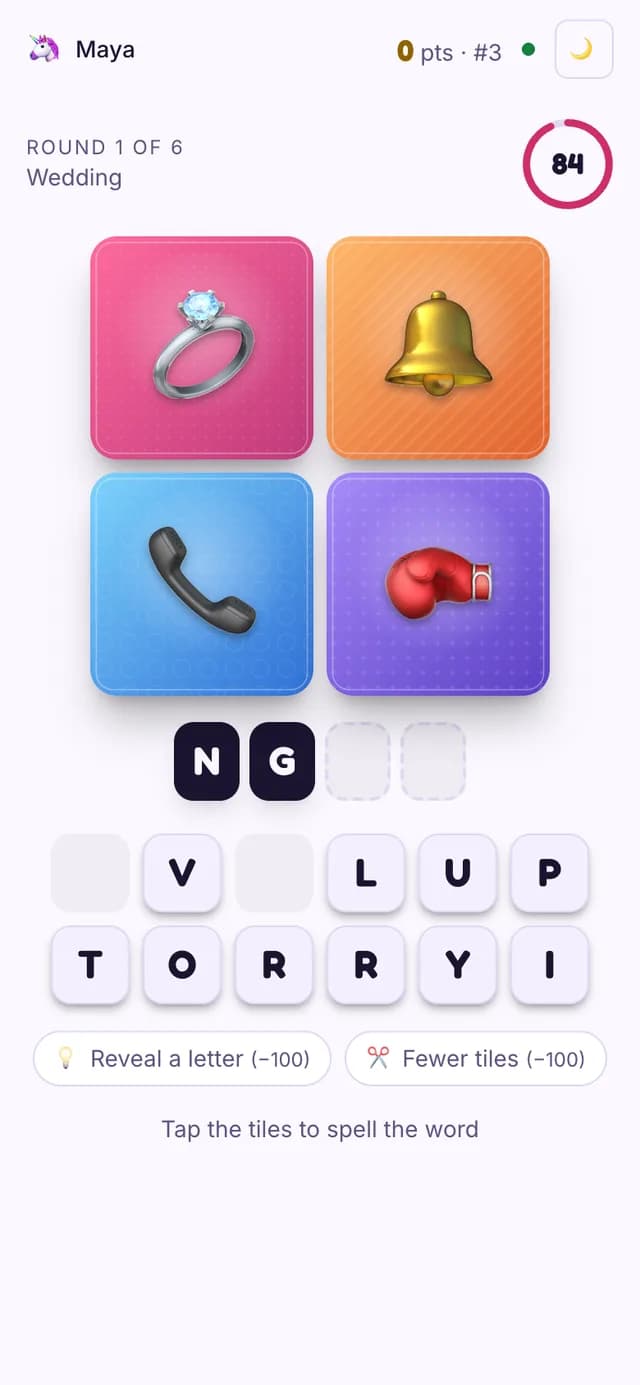
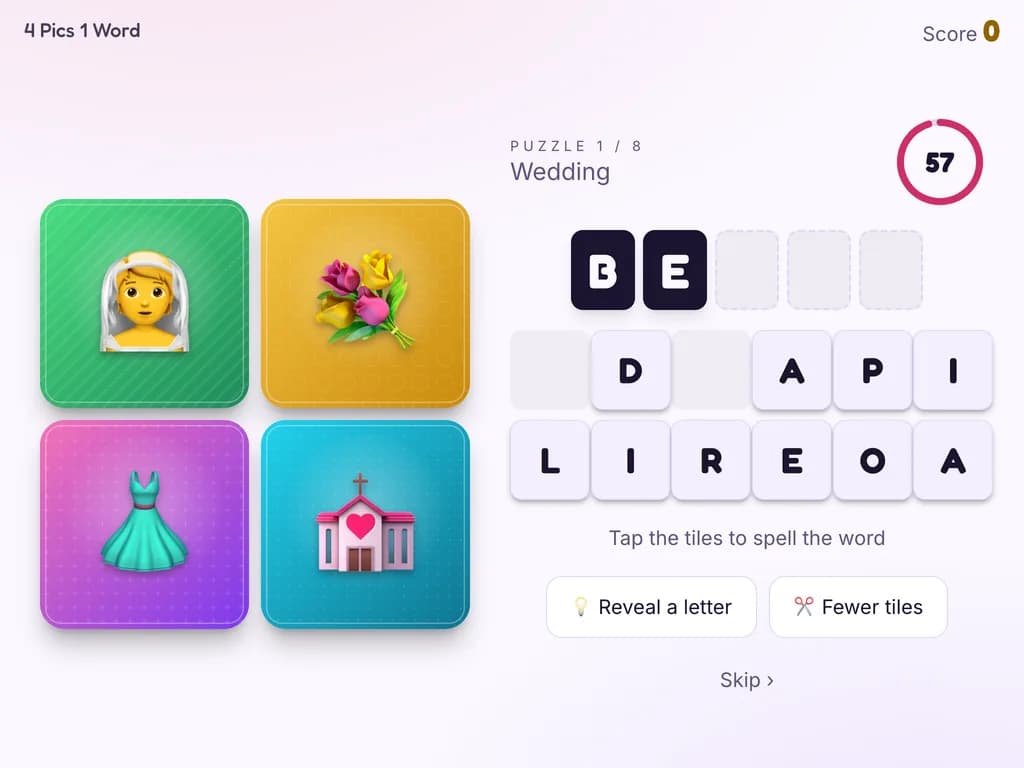
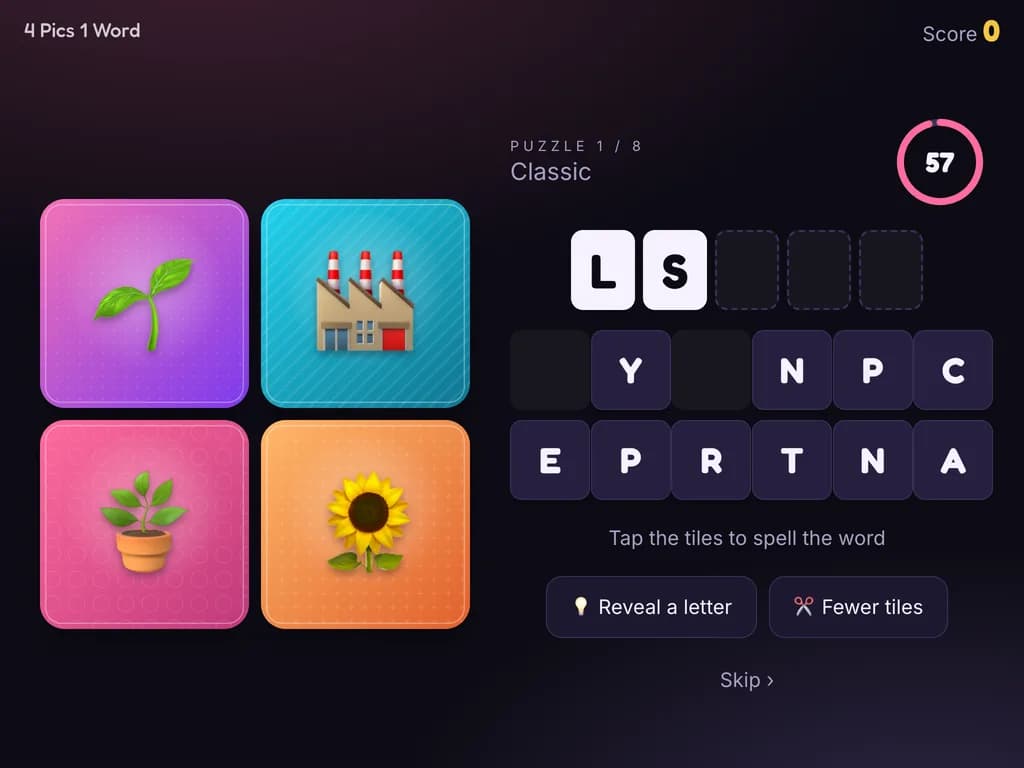
Four pictures, one word: spell it from the tiles before the clock runs out. A hundred stock puzzles in four packs, or puzzles built from your own photos.
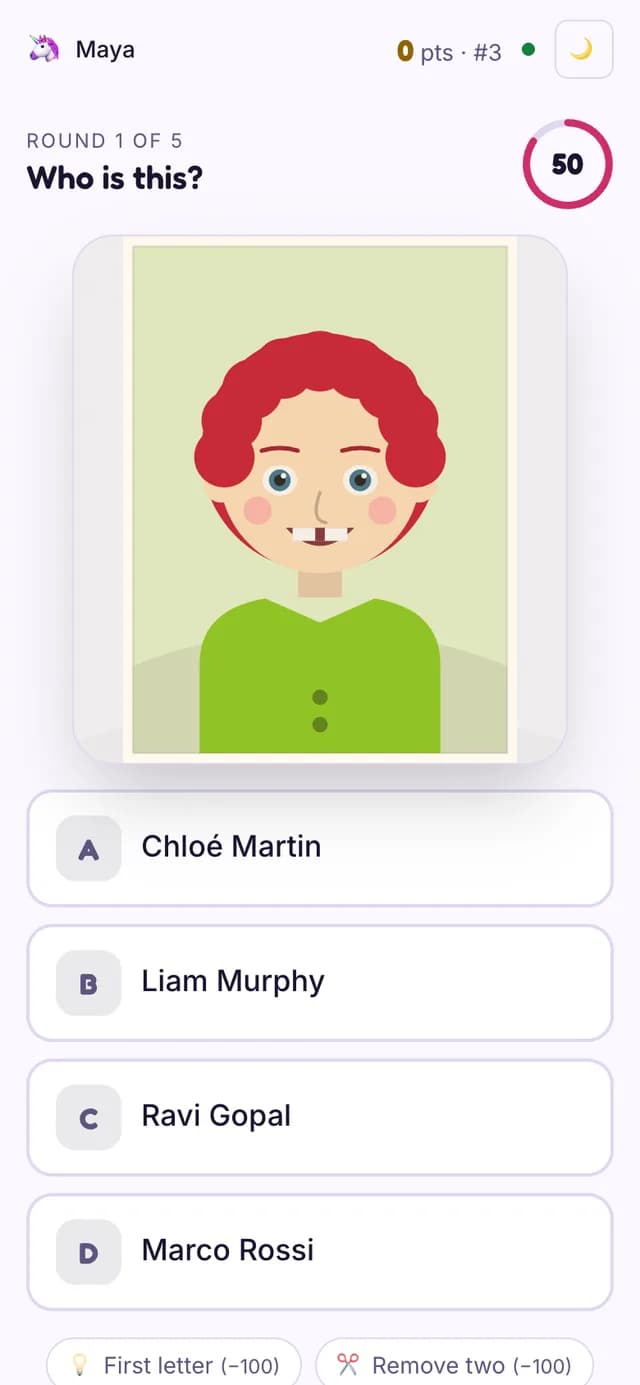
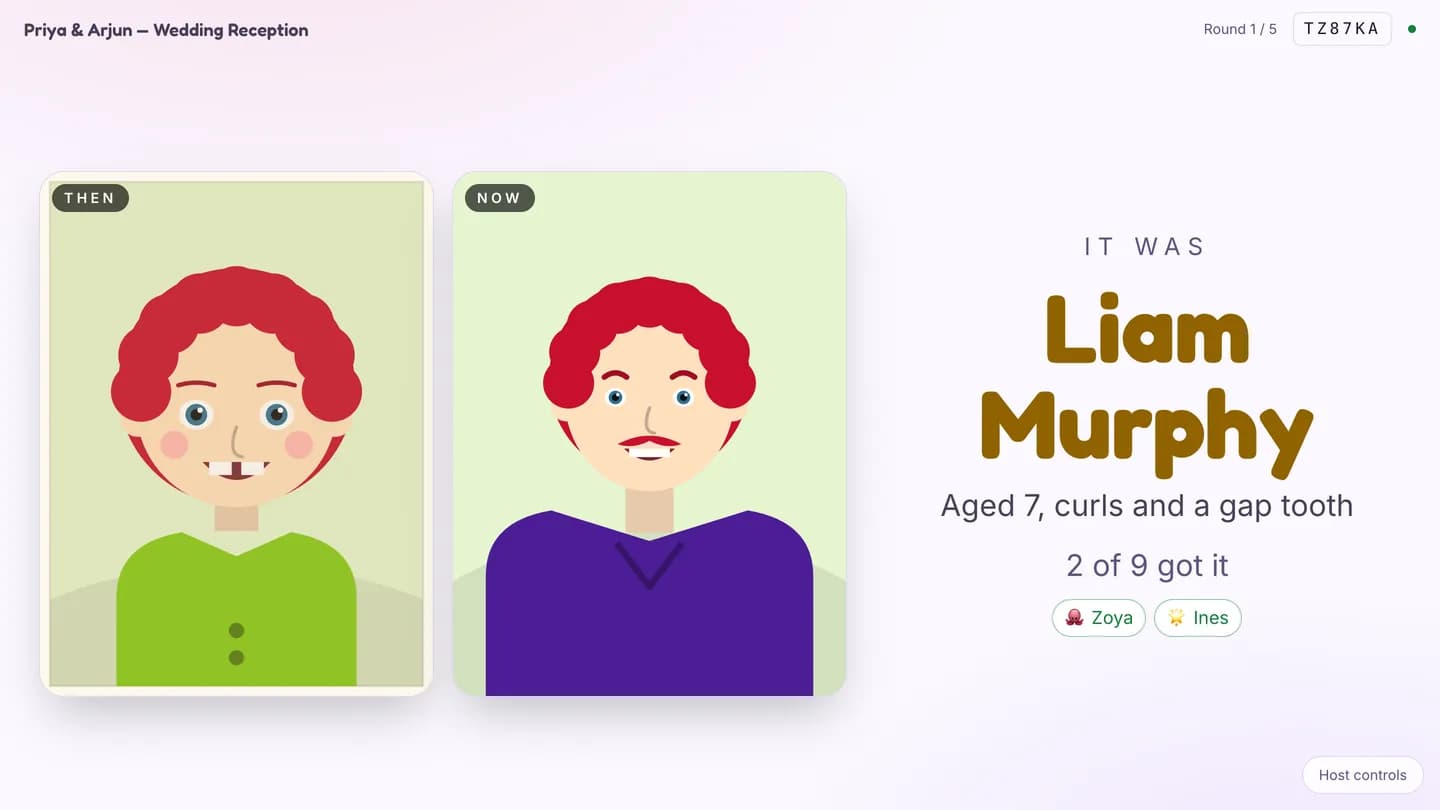
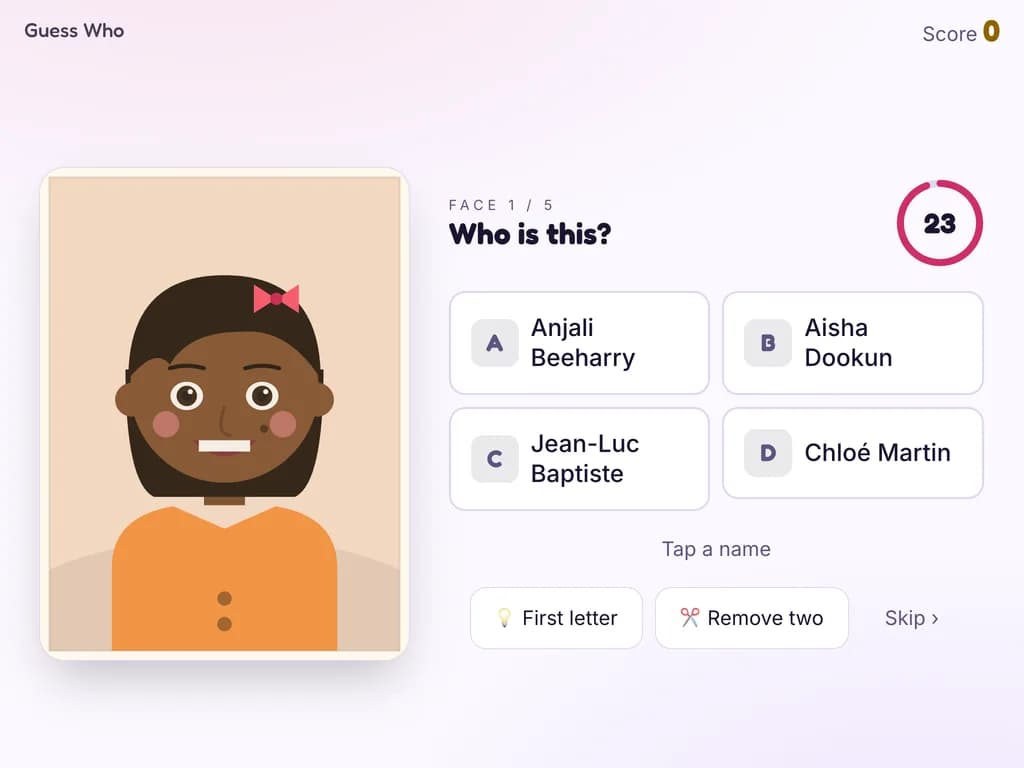
Playly · Whose baby photo is that?
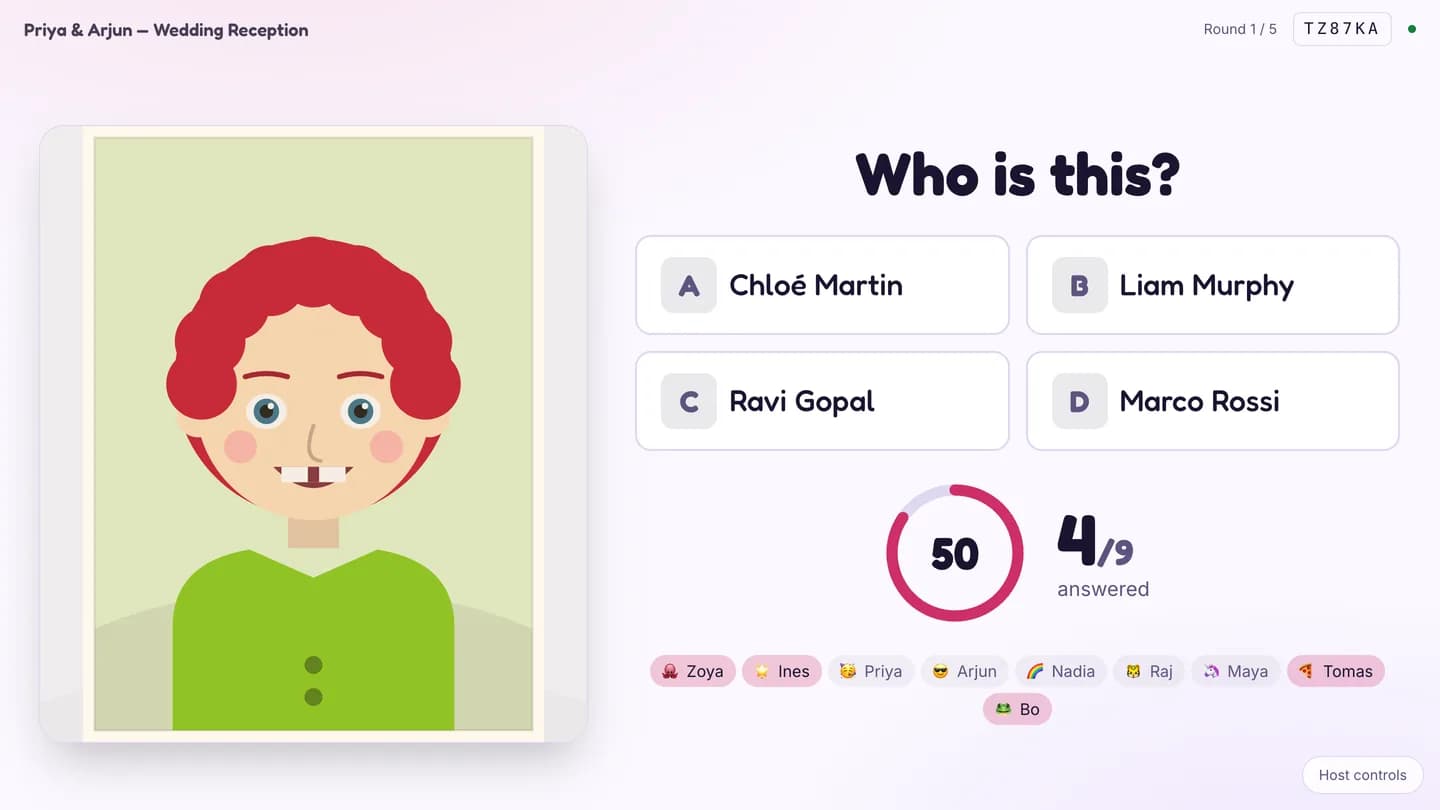
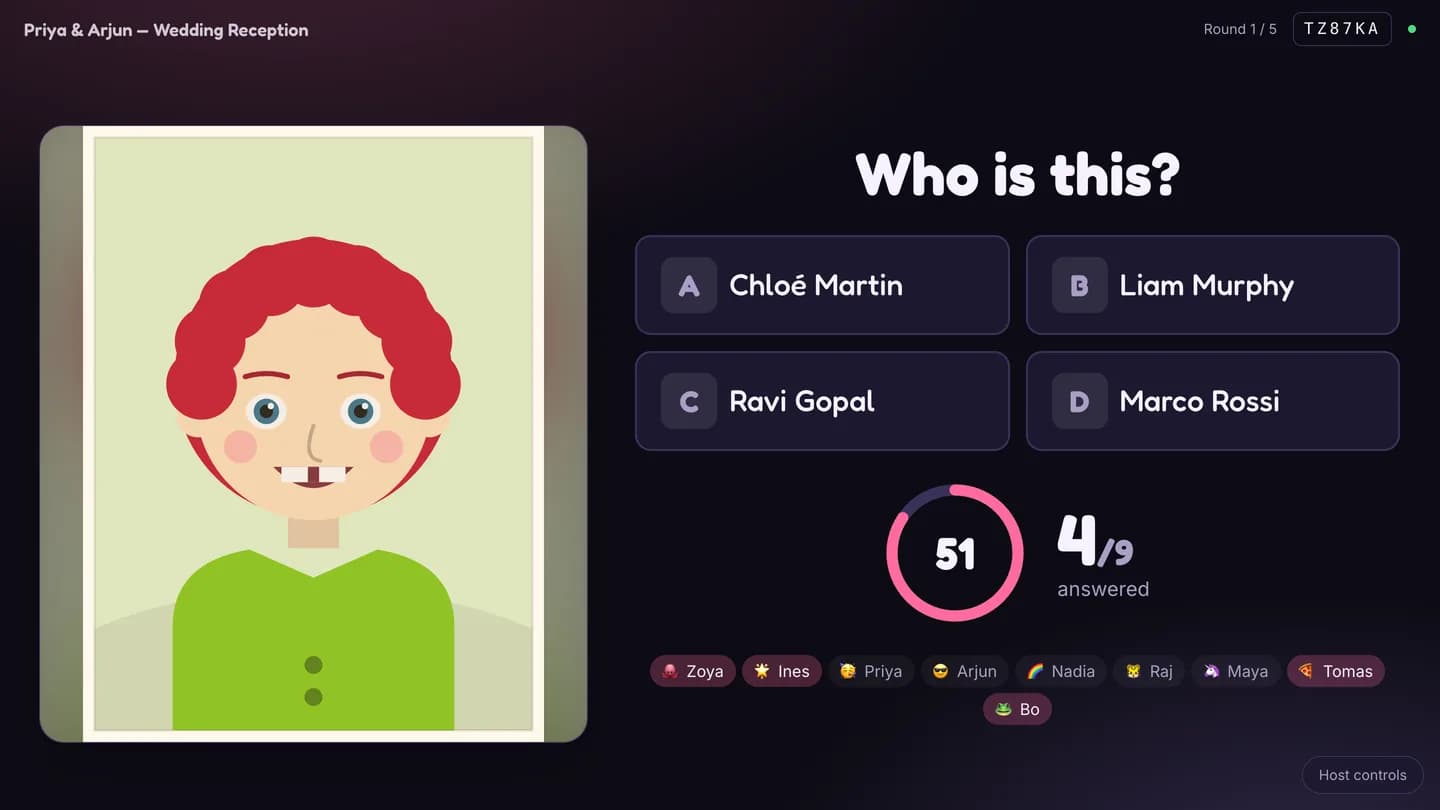
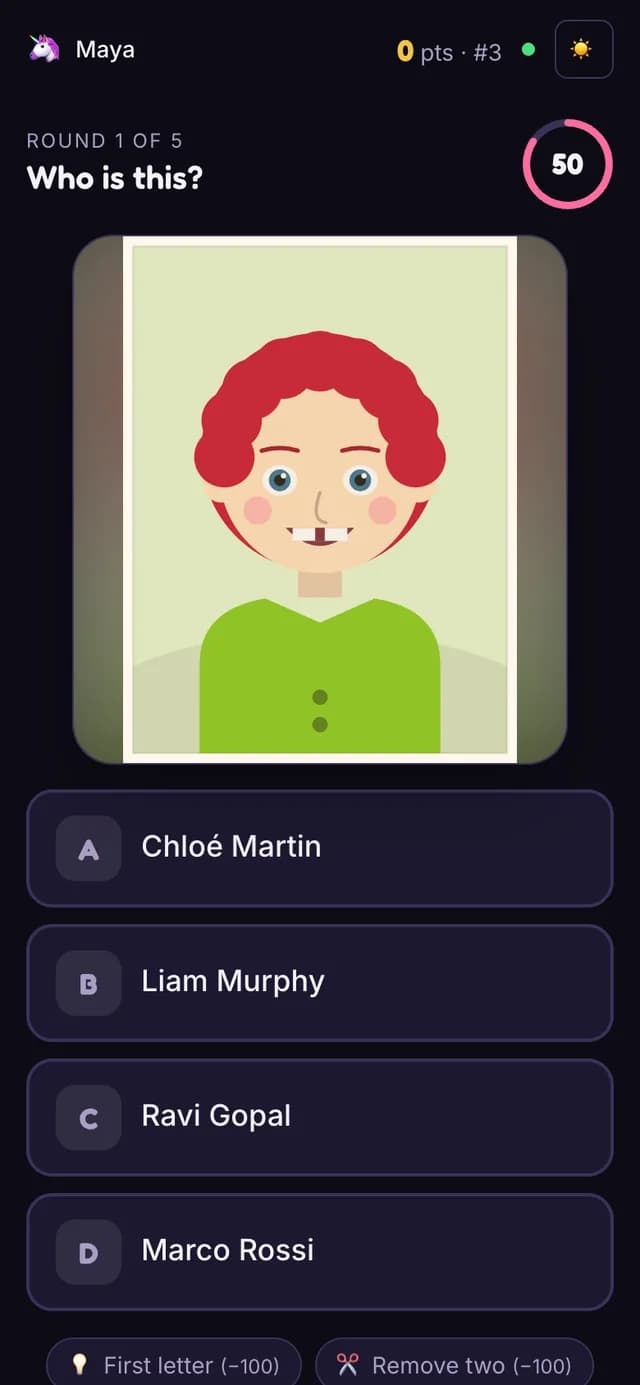
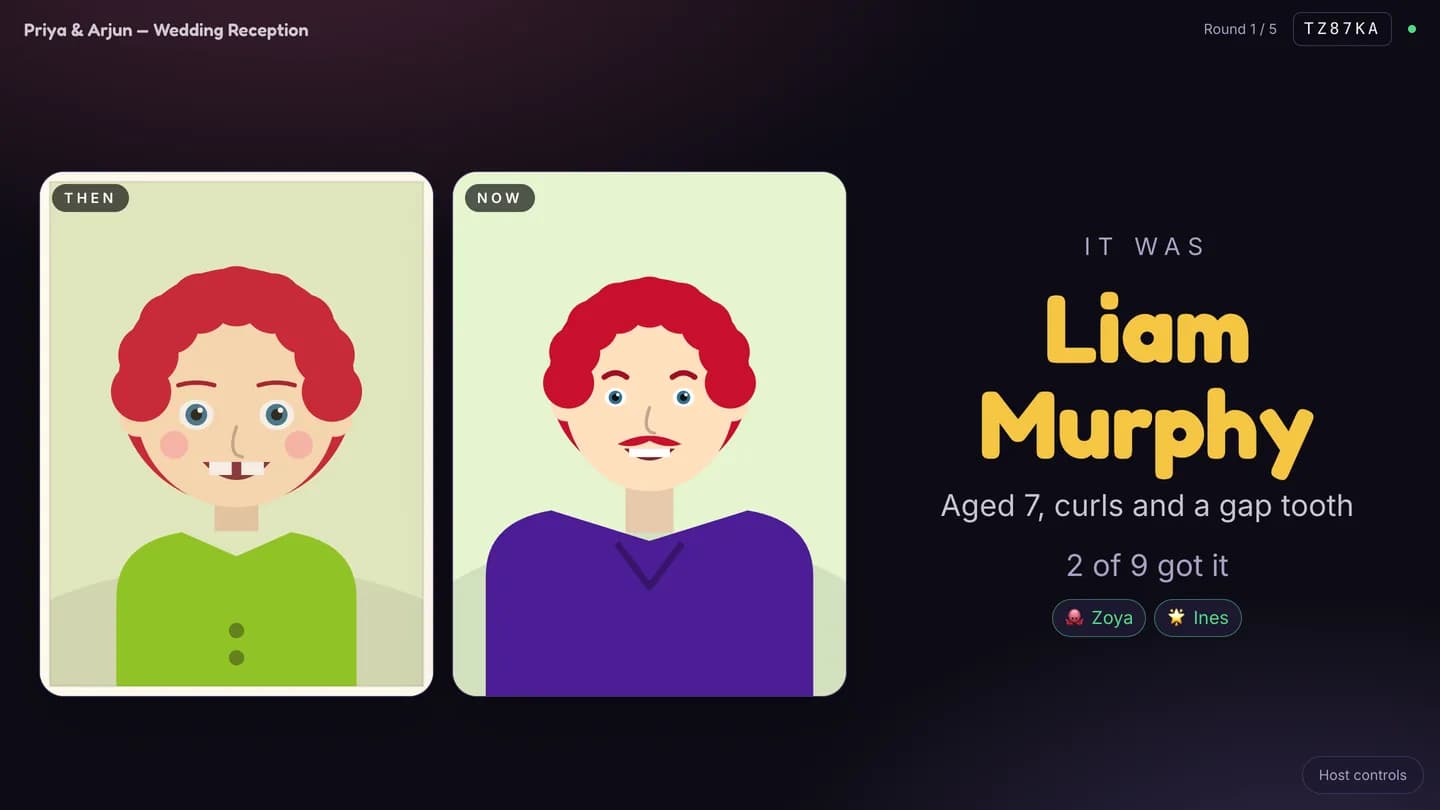
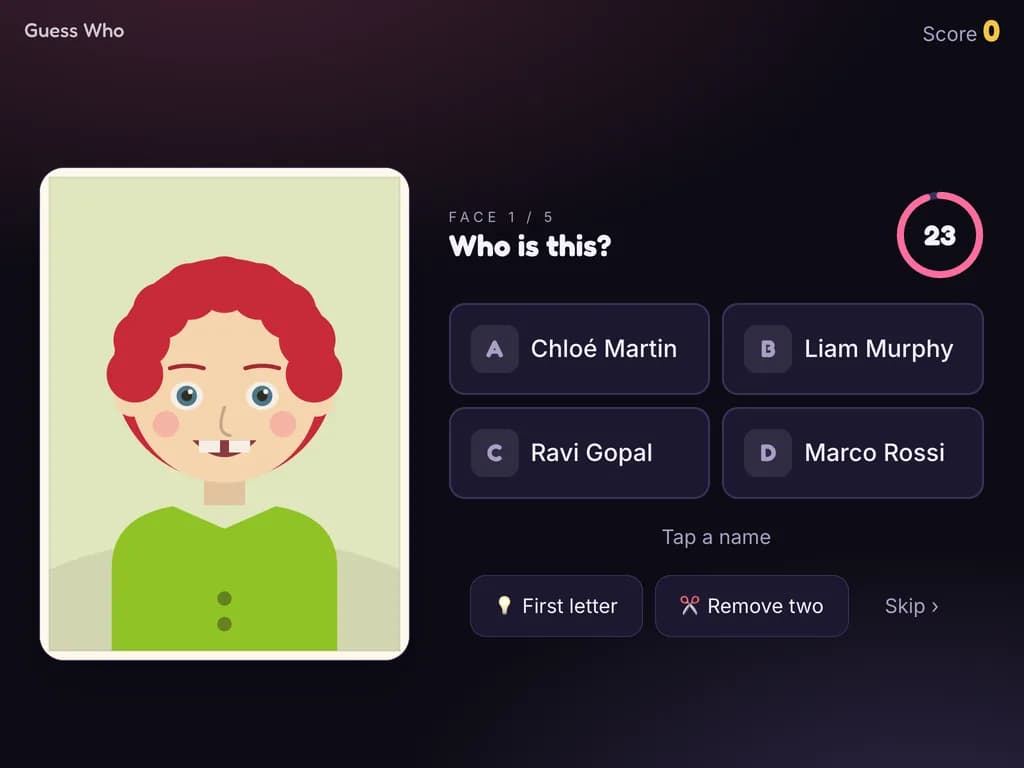
A photo of a guest as a child goes up on the big screen and everyone guesses from a multiple-choice list of names on their phone. The reveal shows the then-and-now pair. Organisers upload their own photos; there is a kiosk mode too.
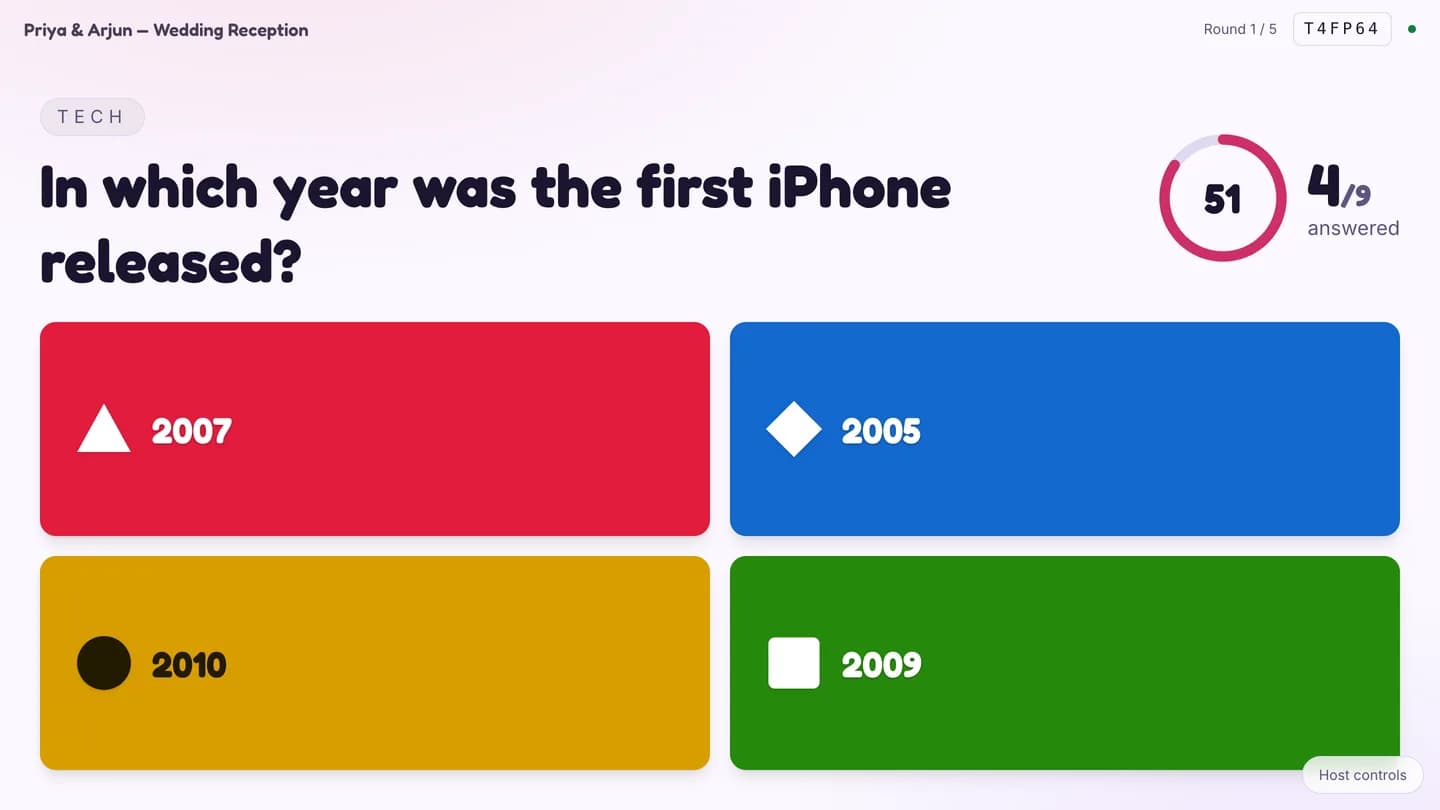
Playly · Fastest finger on the big screen
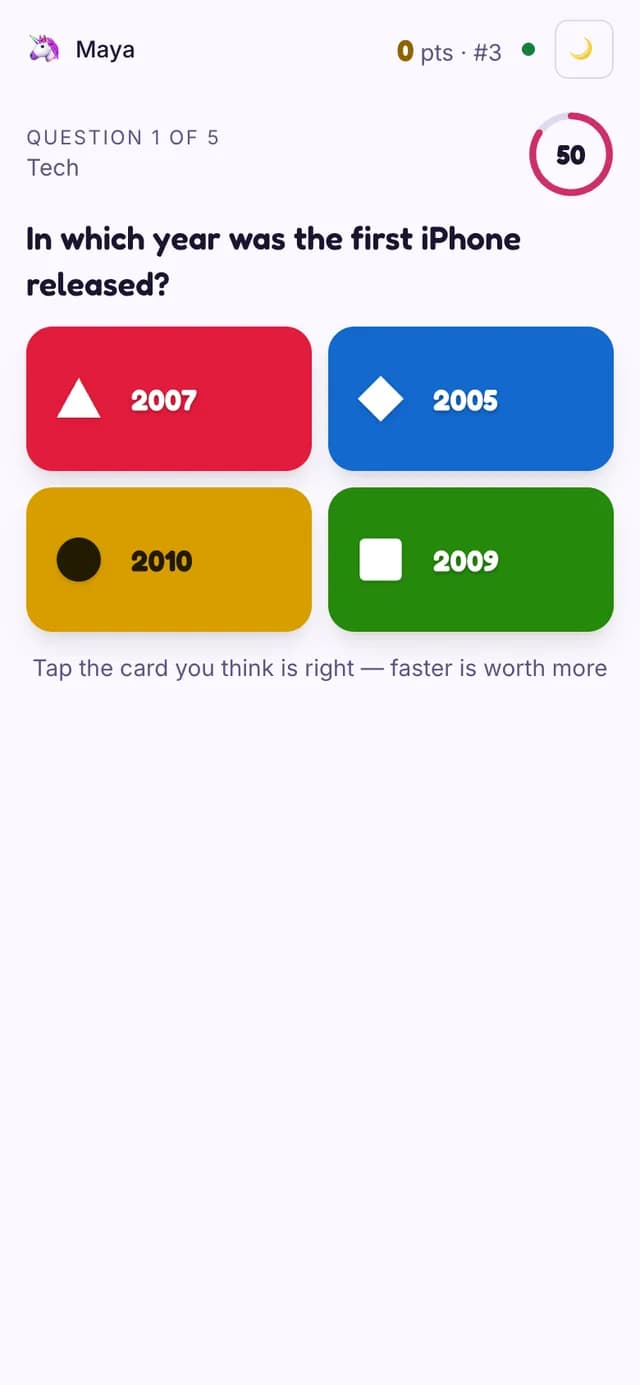
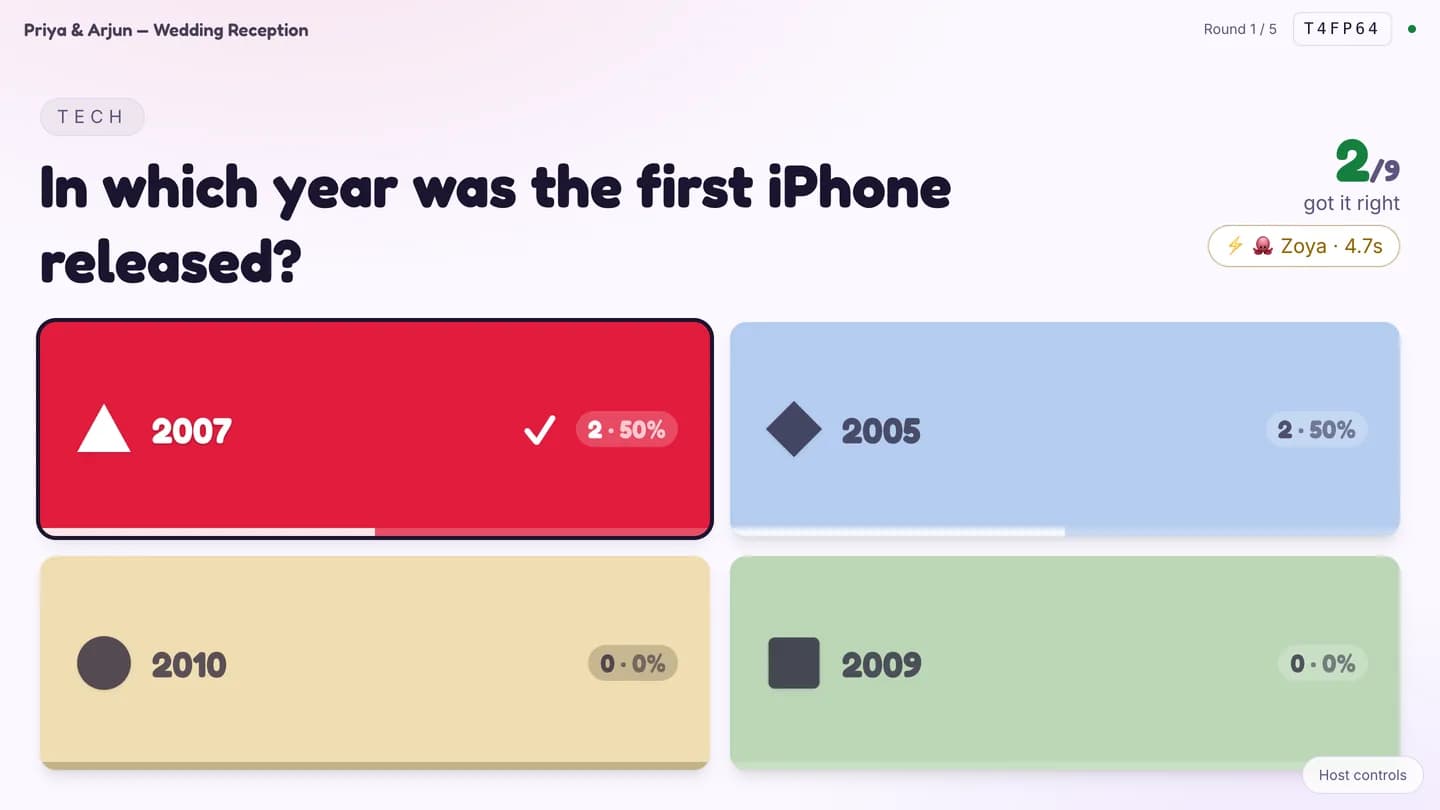
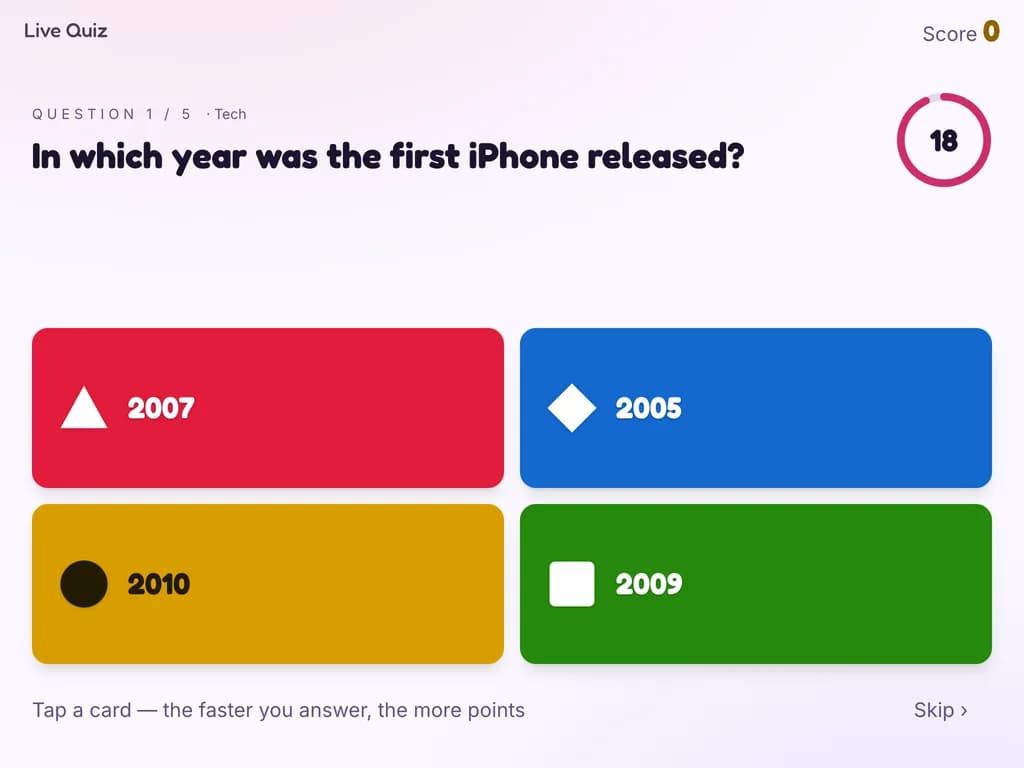
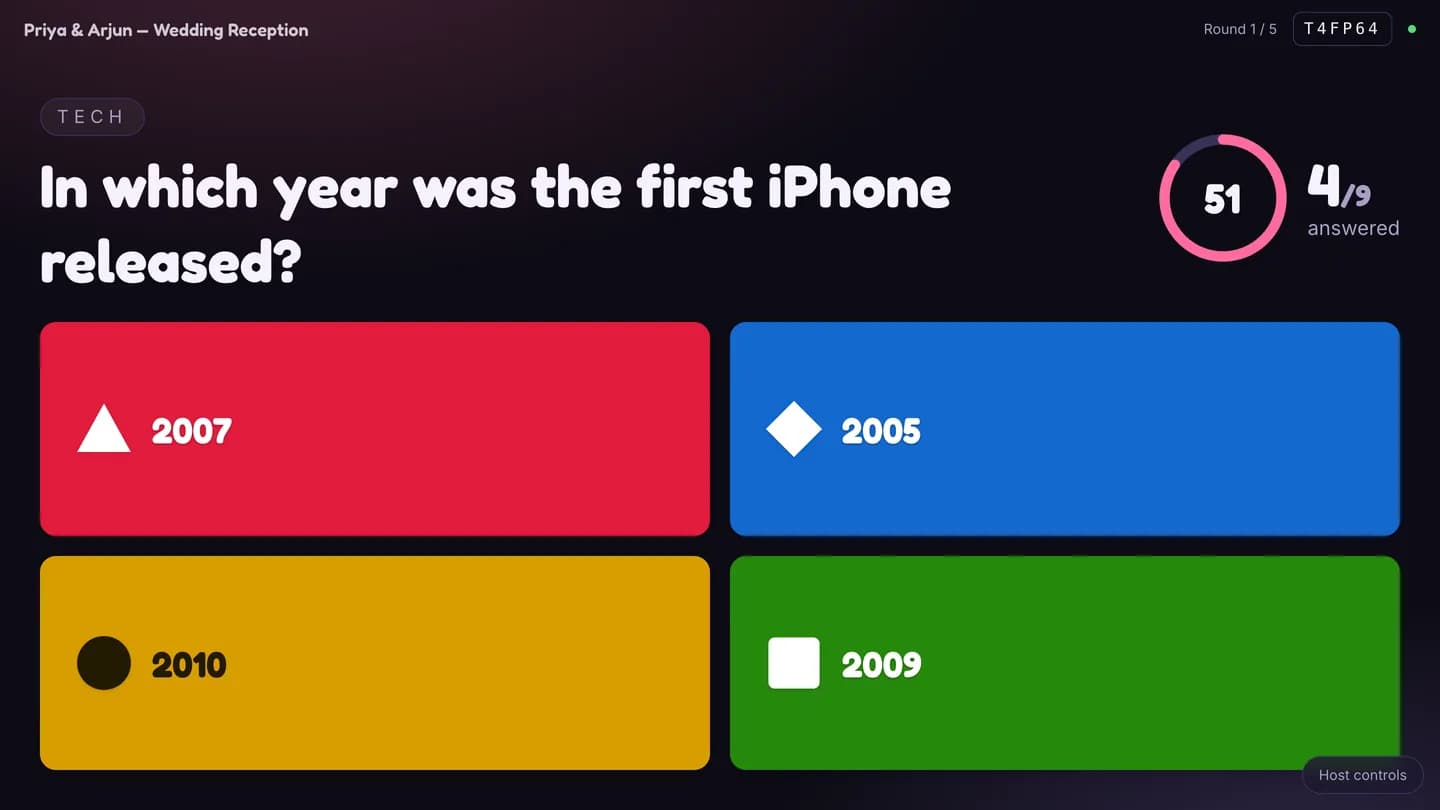
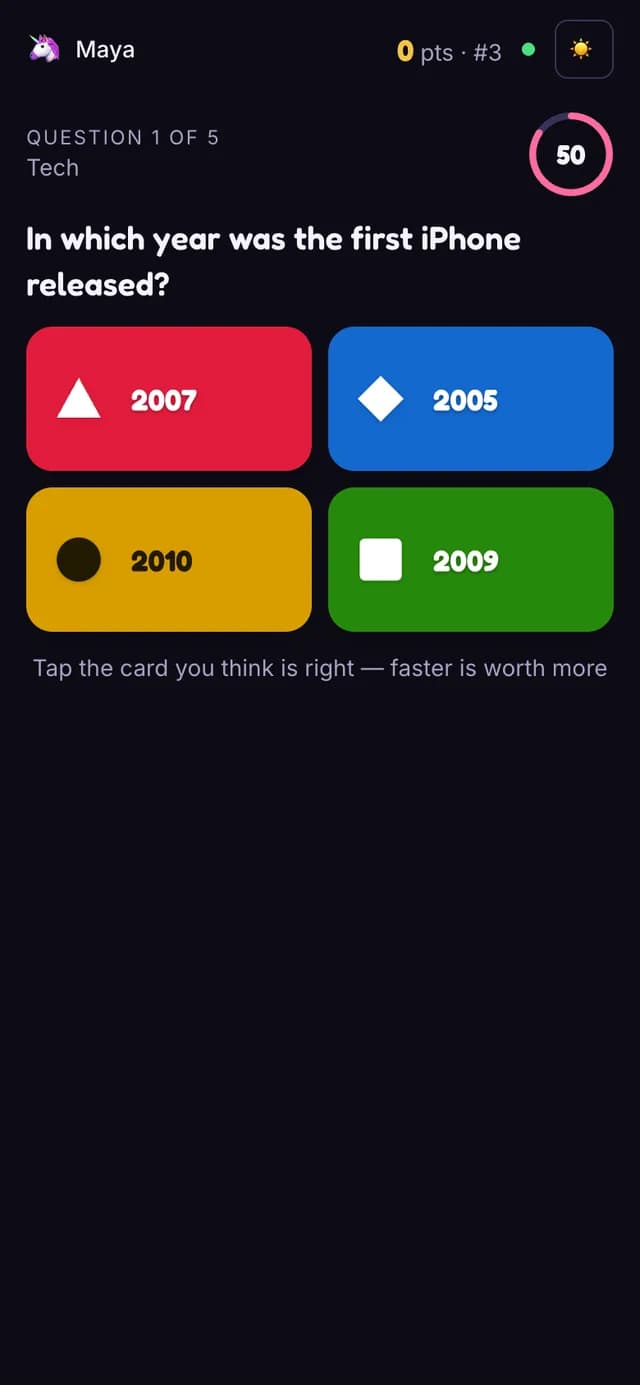
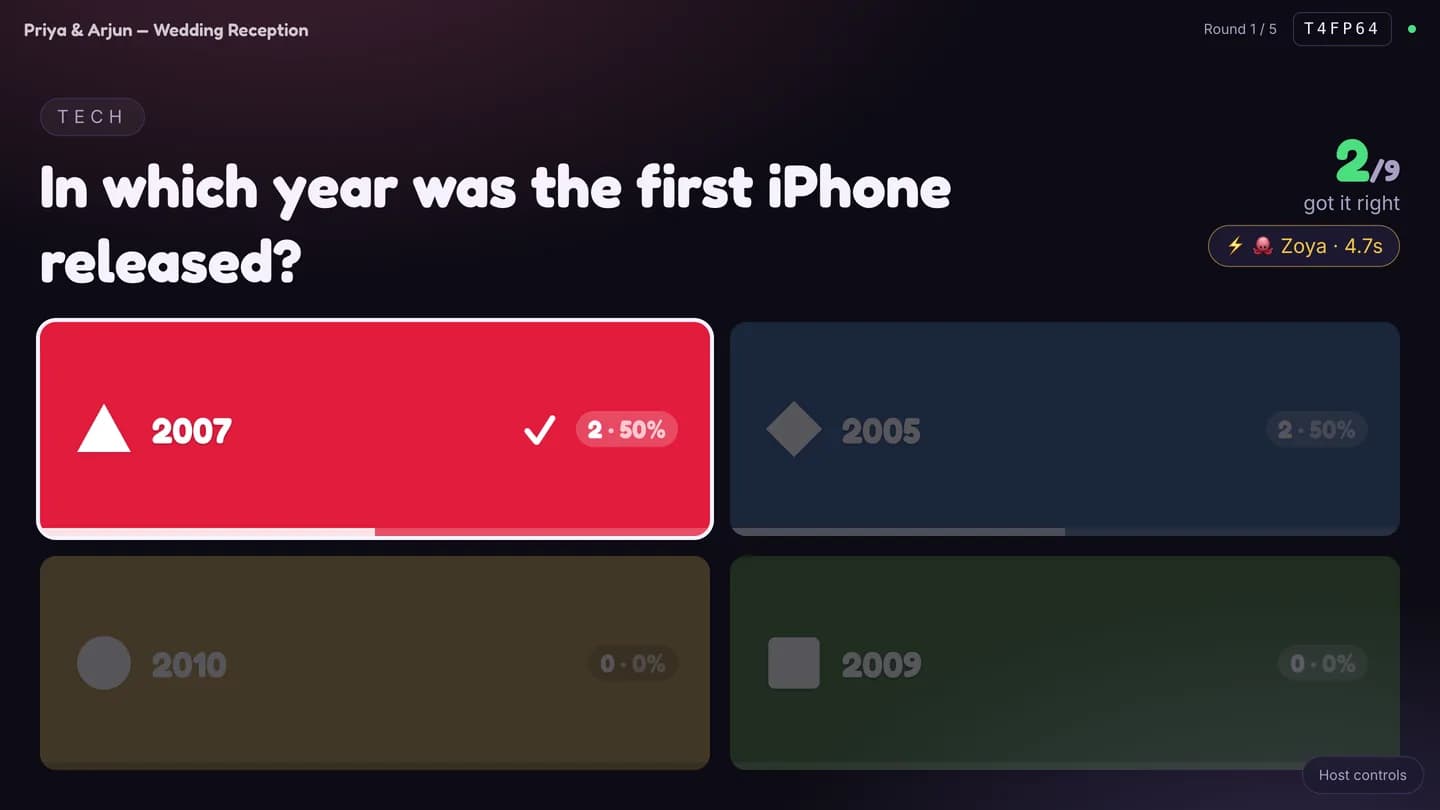
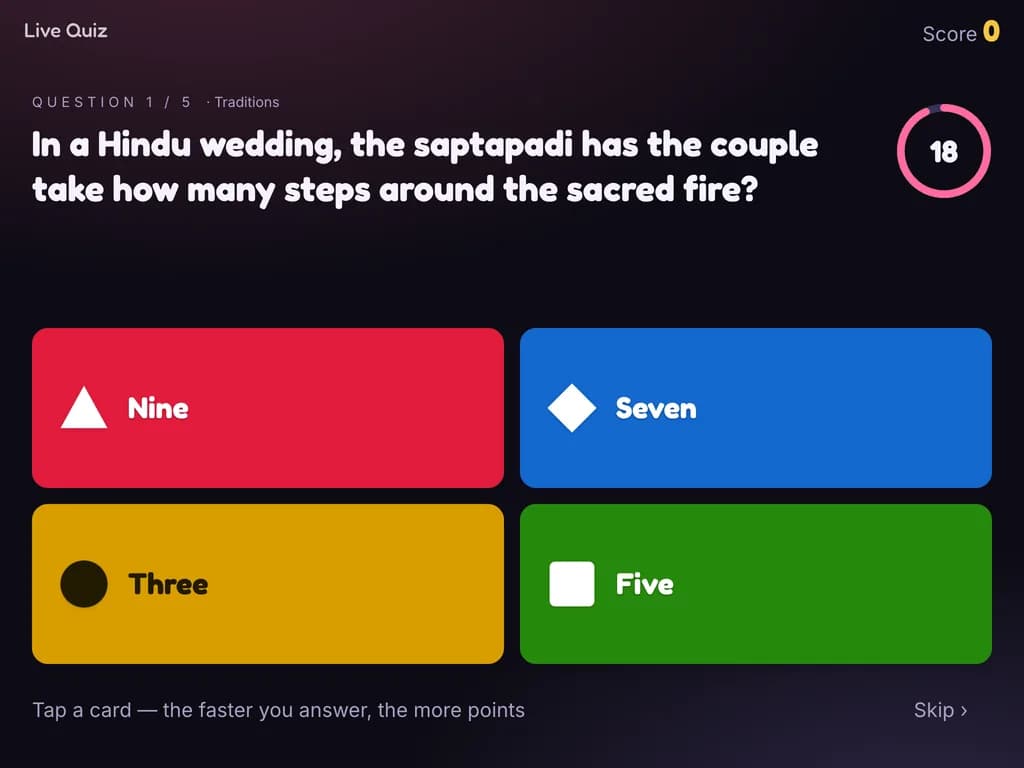
Trivia in the familiar style: the question on the big screen, four coloured option cards on every phone, and more points the faster you answer. At the reveal each option shows how many chose it. Organisers write their own questions; four stock packs ship with it, including a Mauritius one.
Playly · Missions, phones and a photo wall
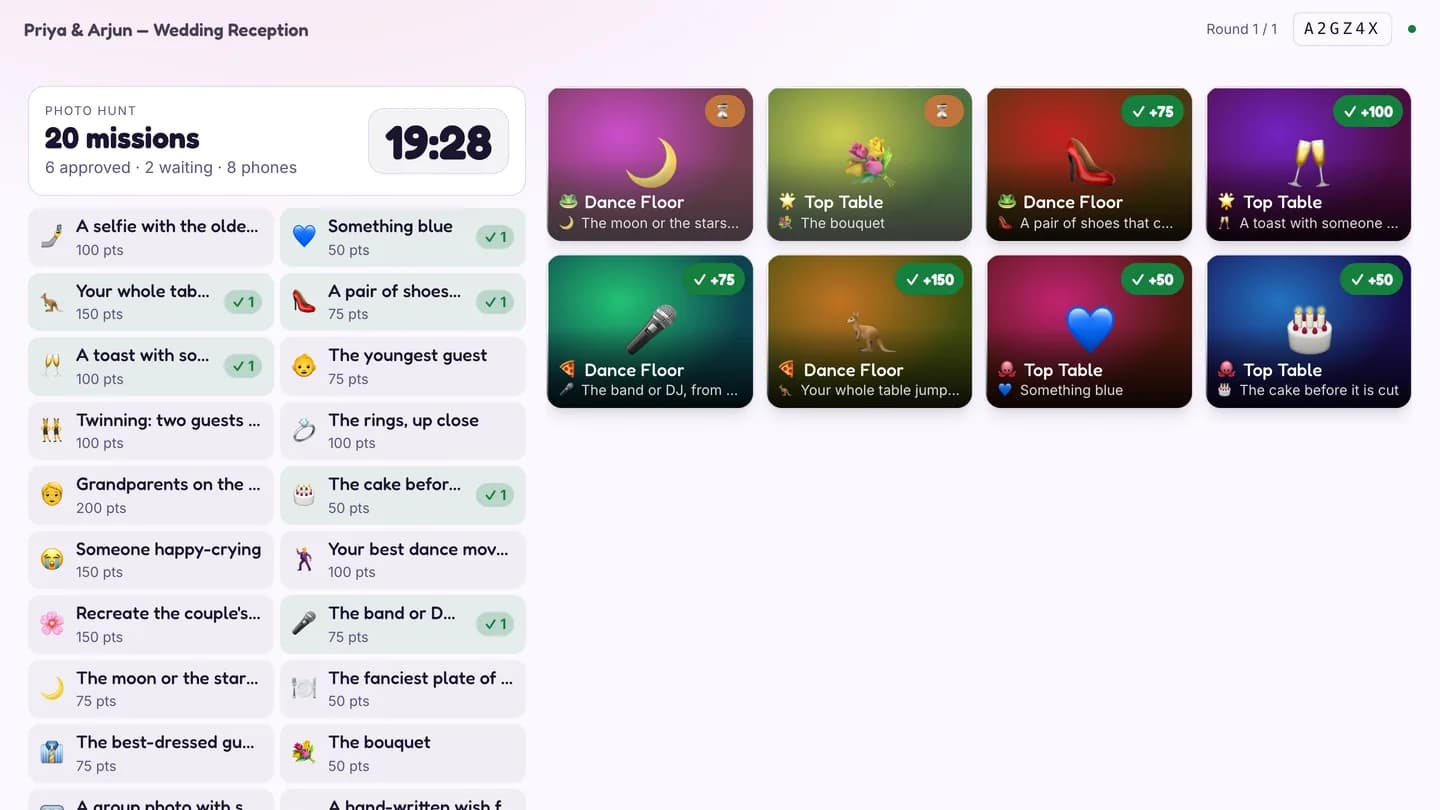
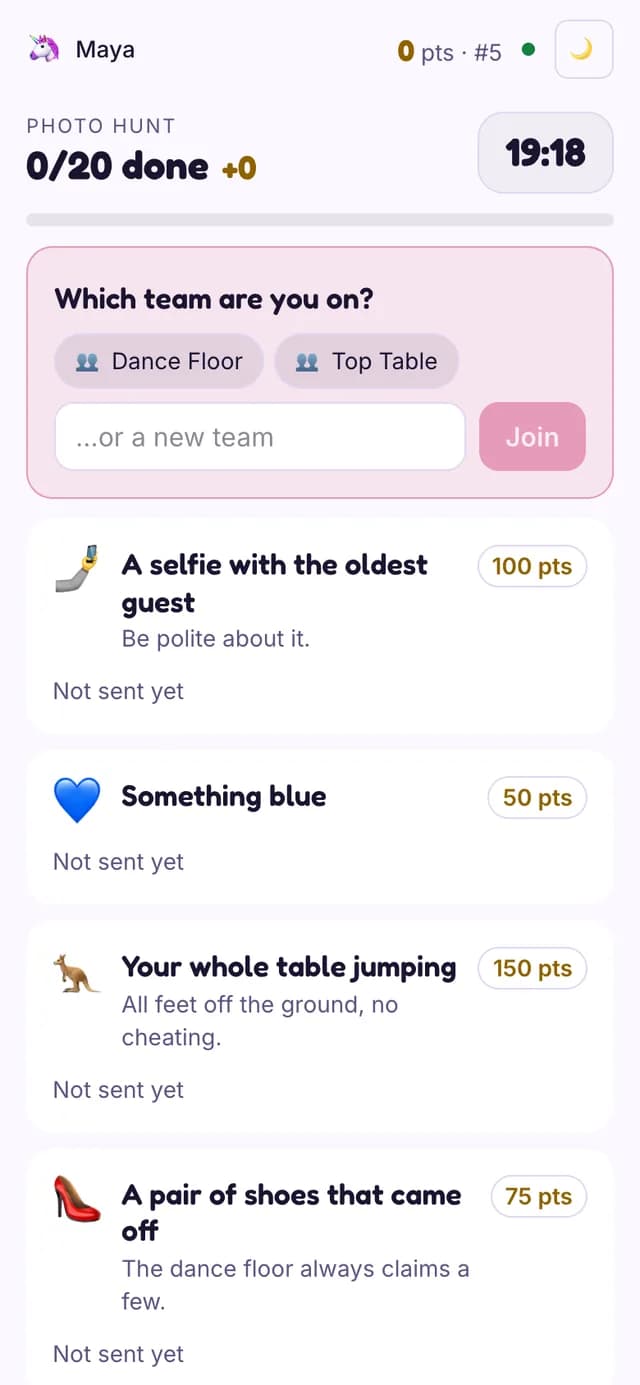
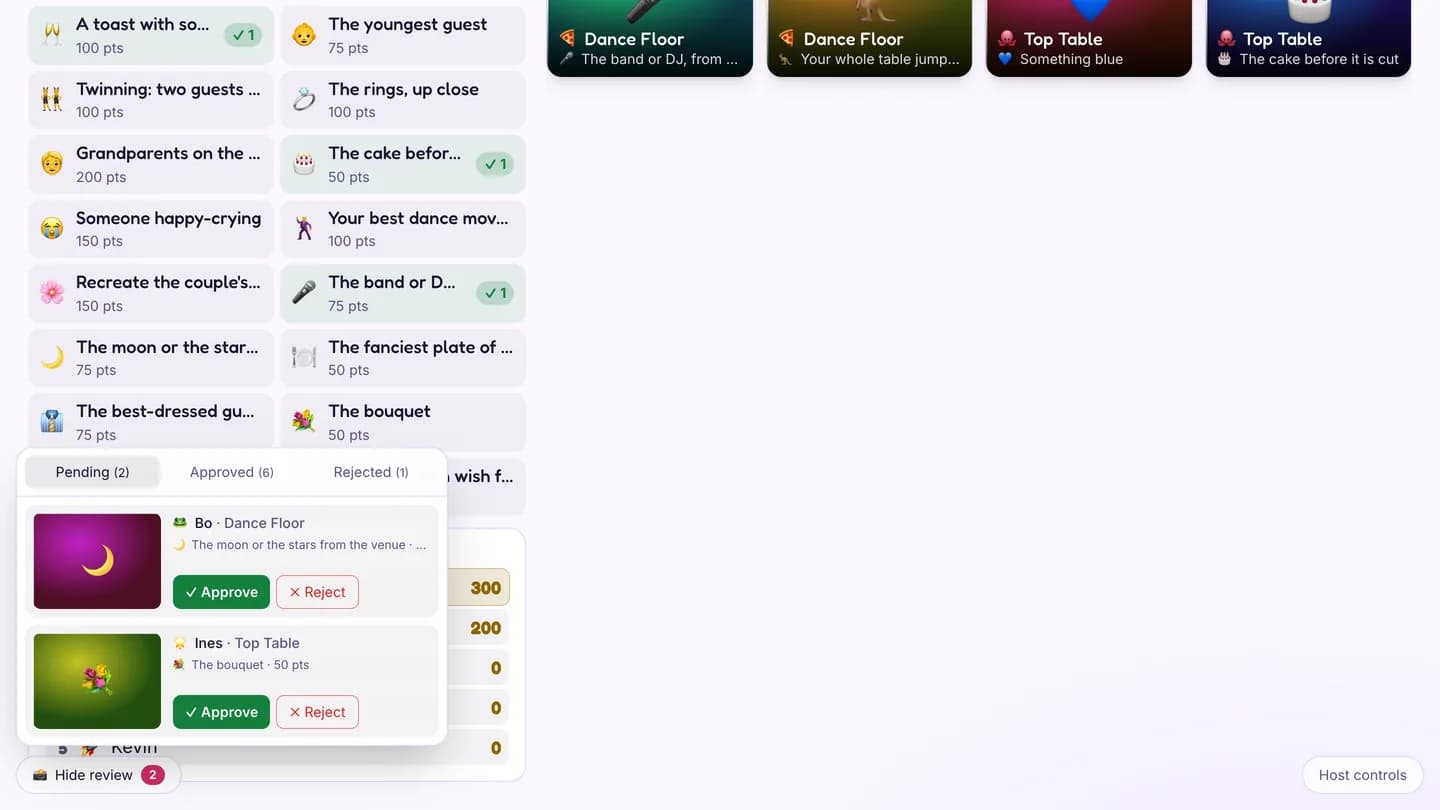
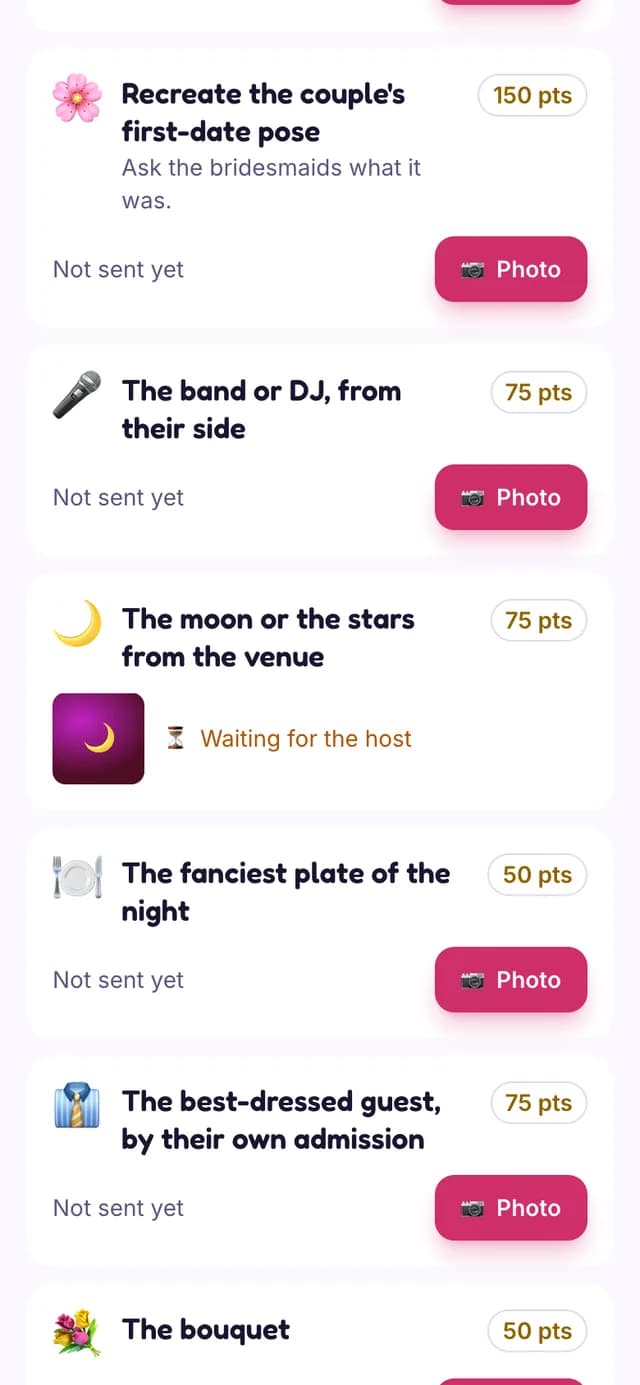
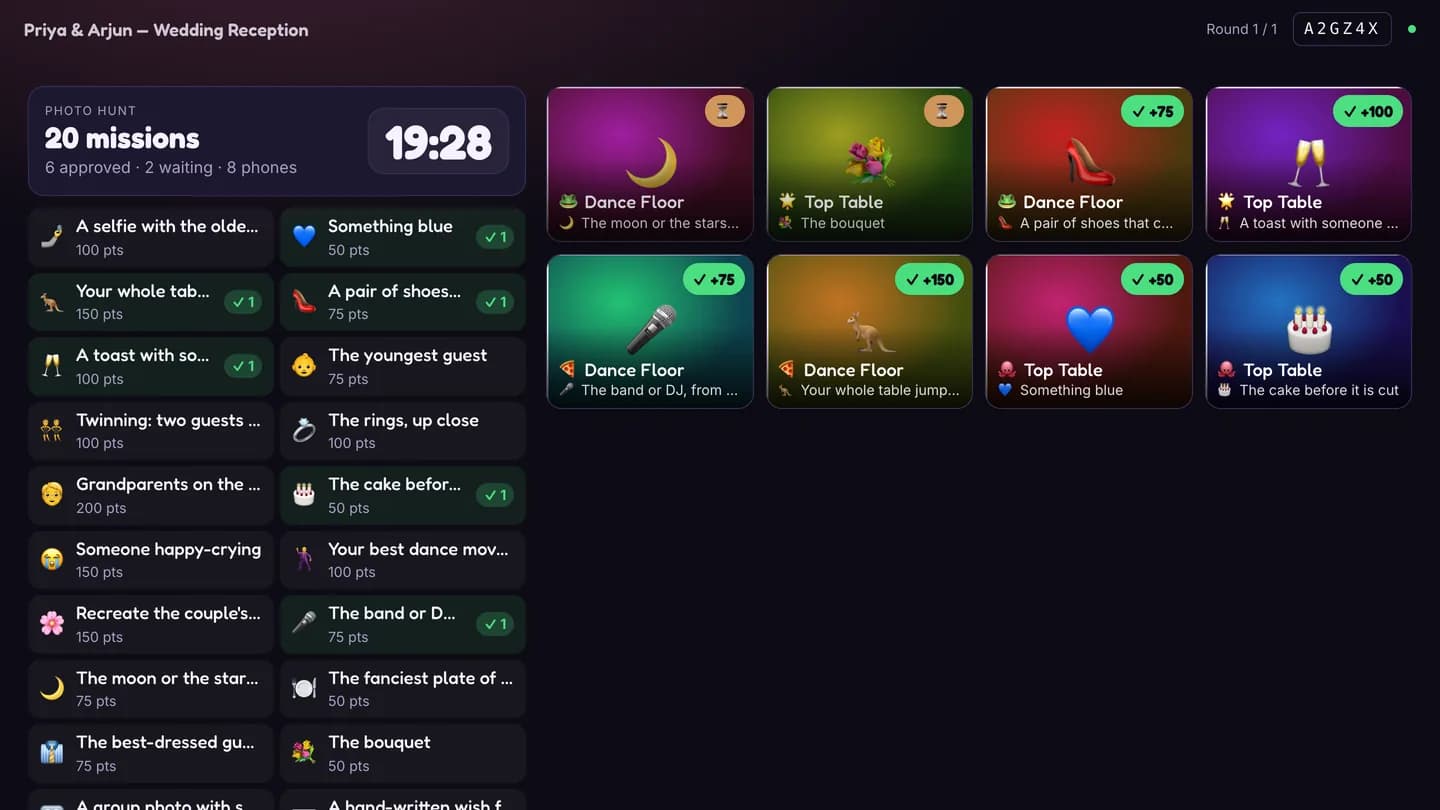
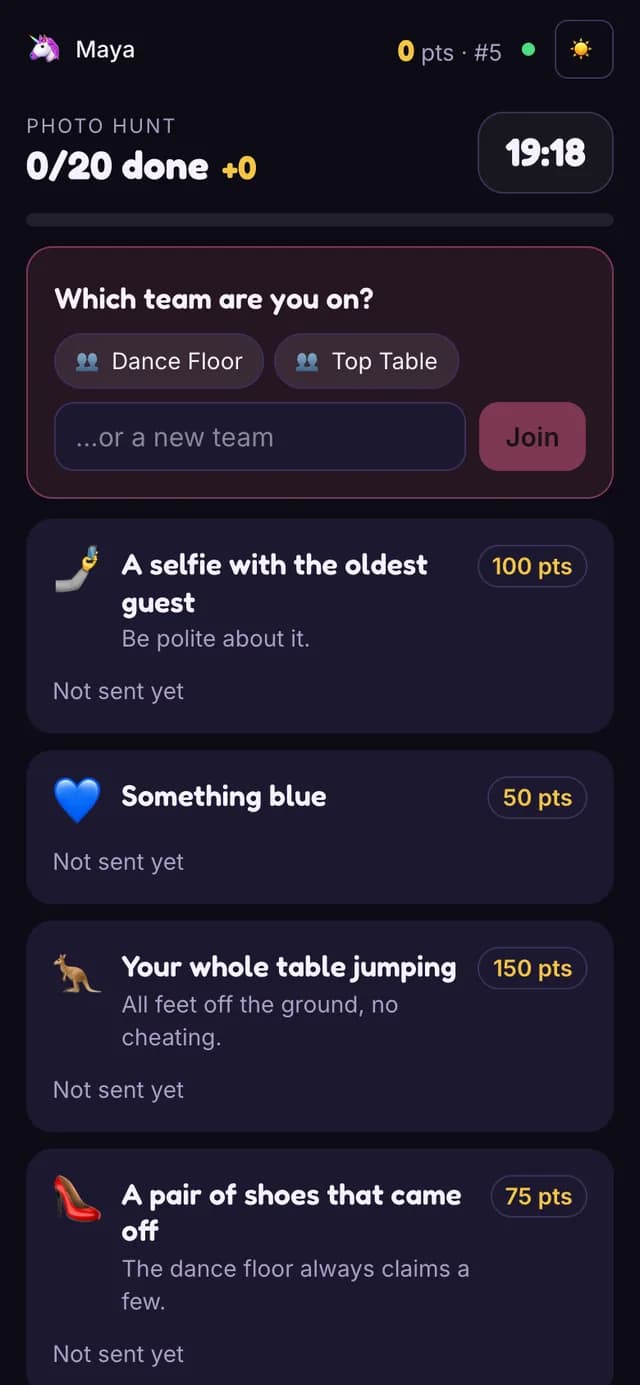
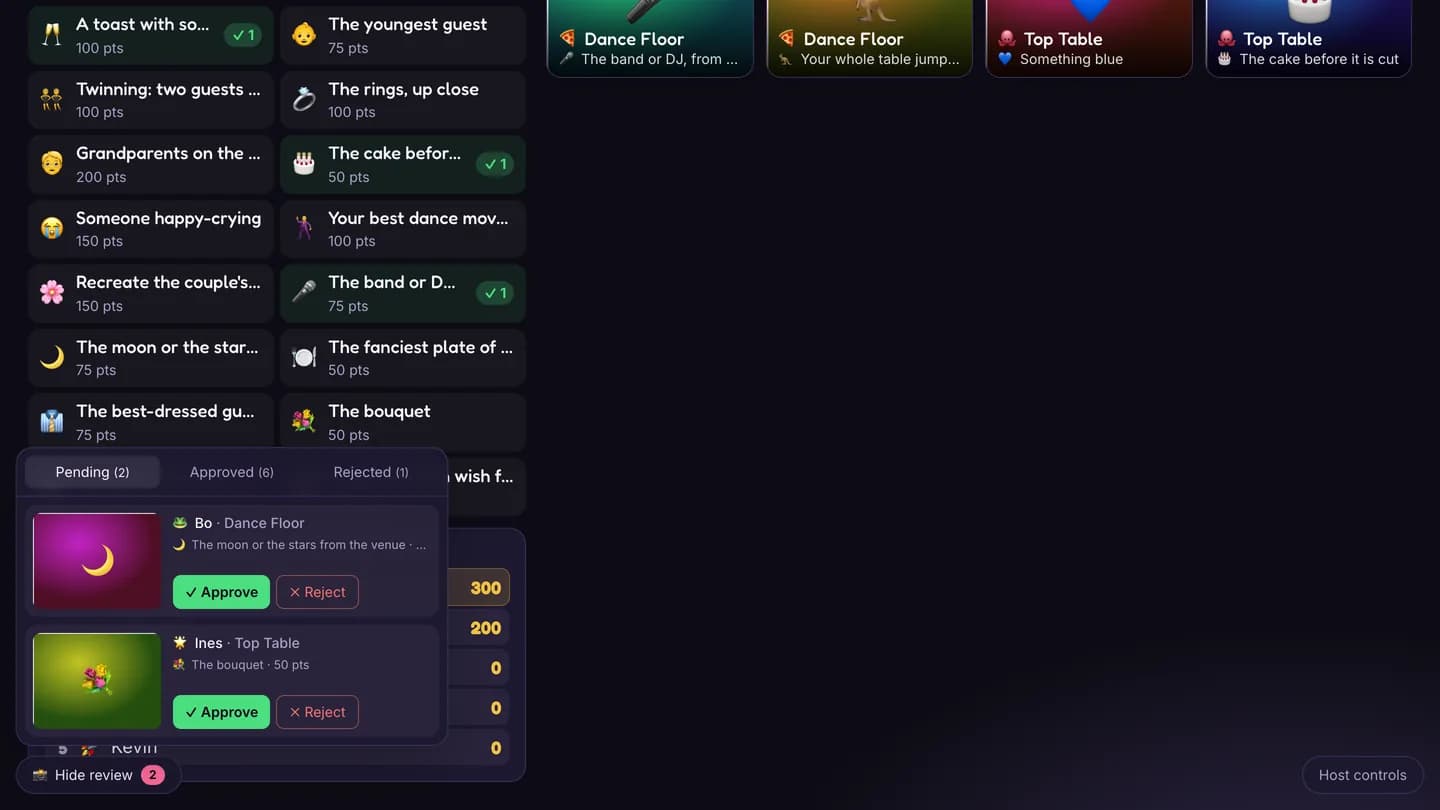
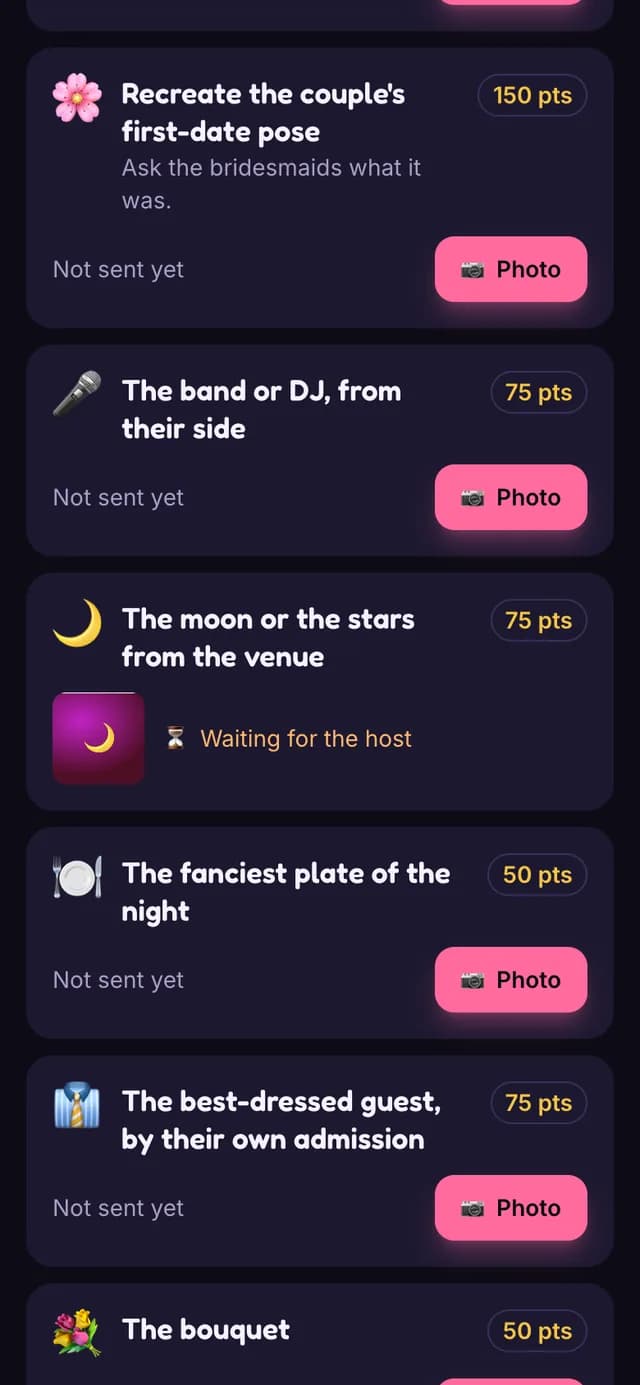
Teams photograph a list of missions from their phones — a selfie with the oldest guest, something blue, the whole table jumping. The big screen shows the mission board, the live photo wall and the team standings; the host approves each photo and can award bonuses. Big-screen only.
Playly · 🪨😢🌊 = ?
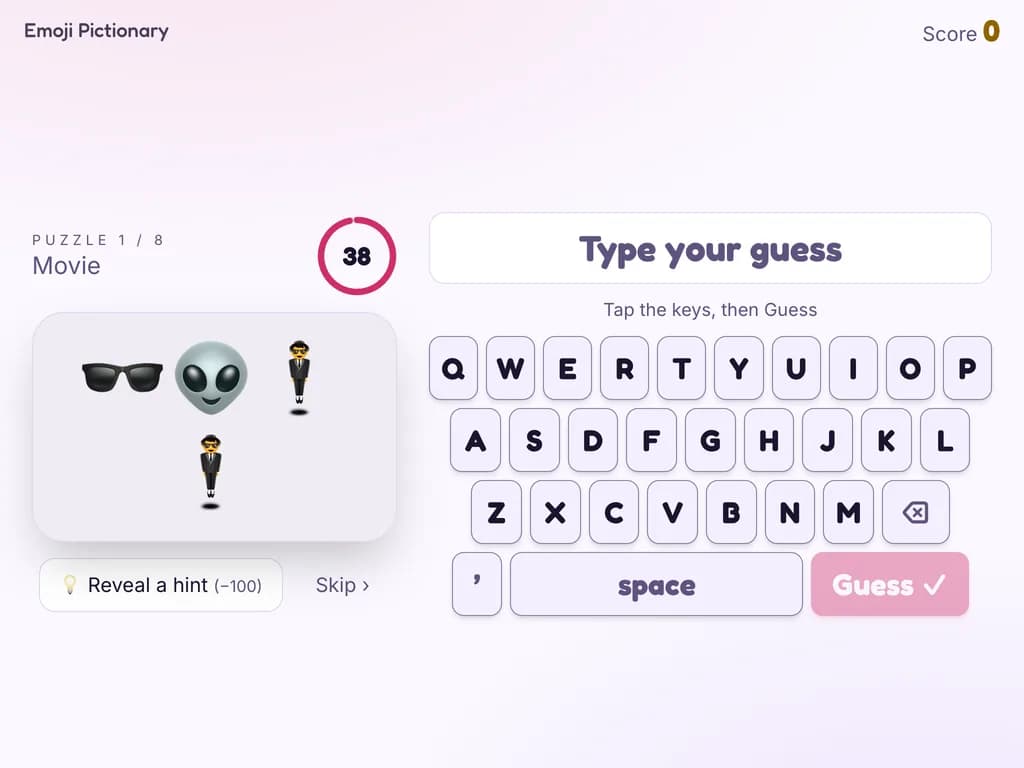
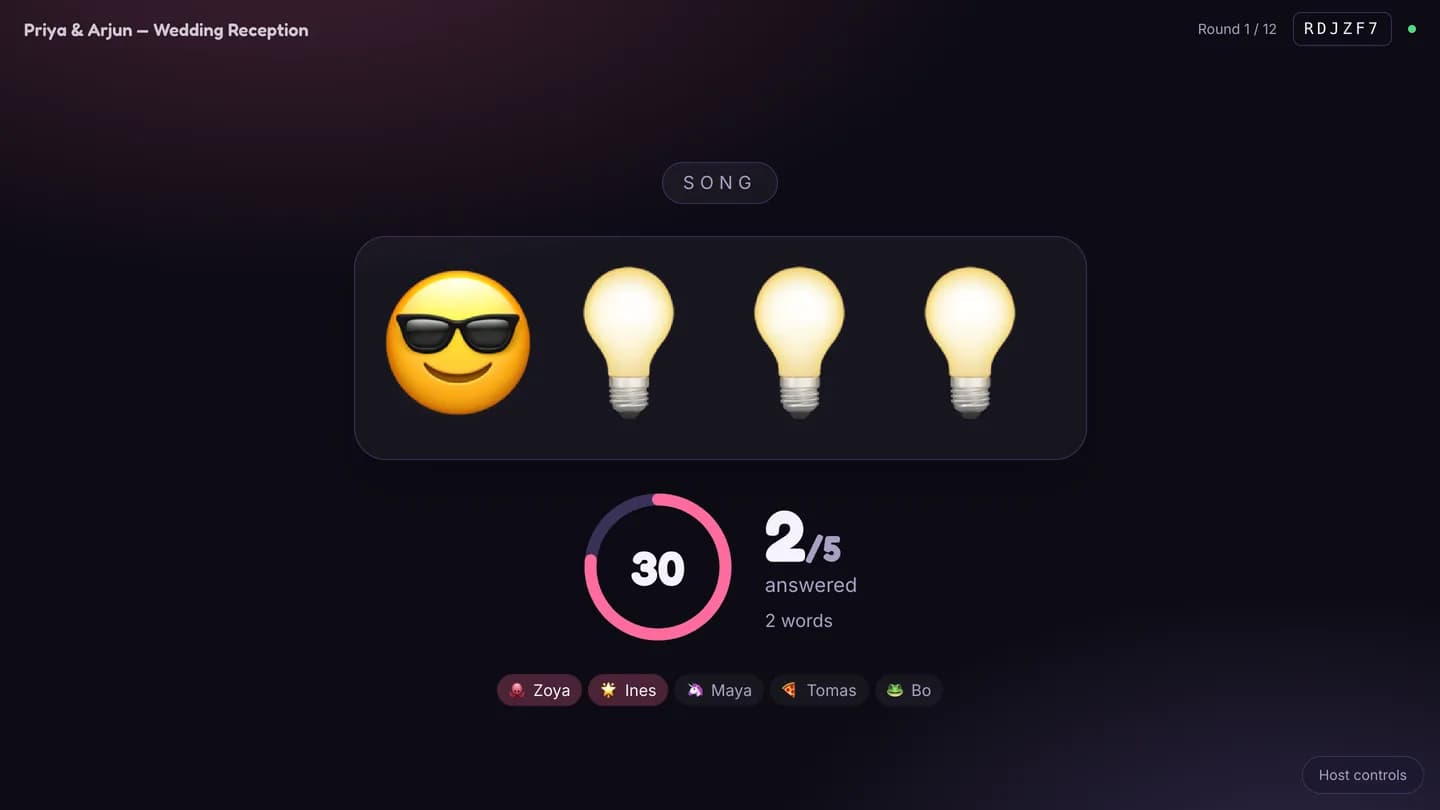
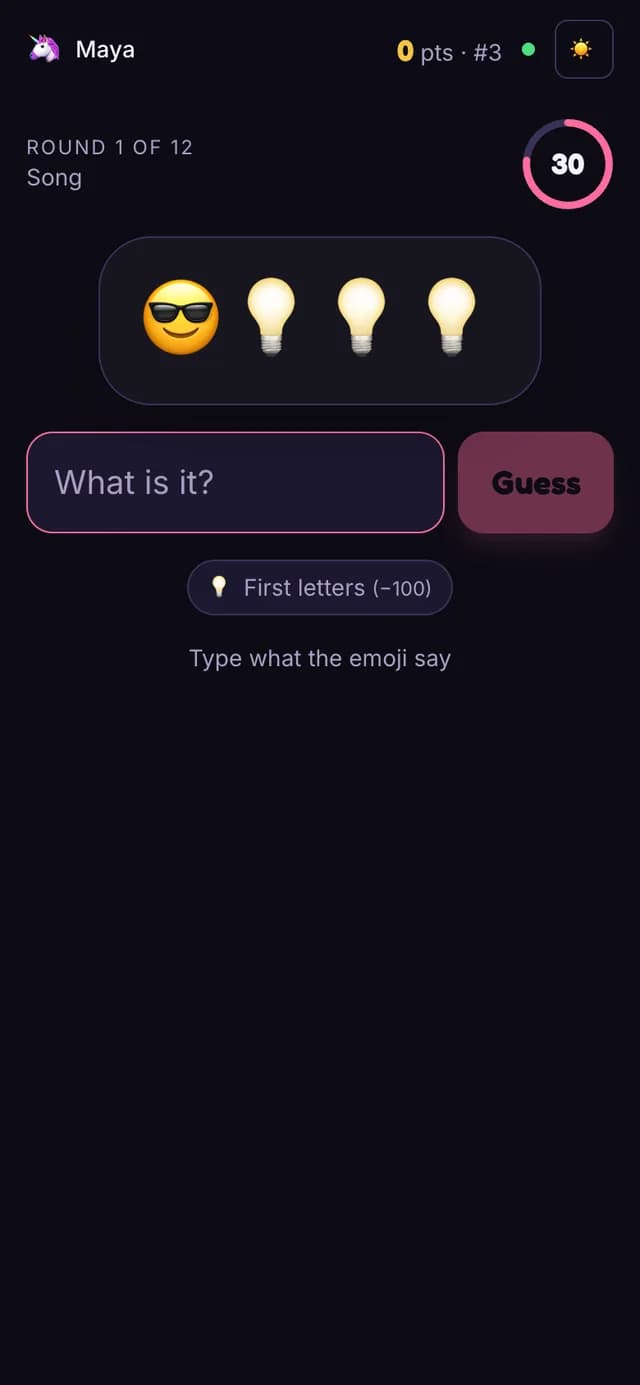
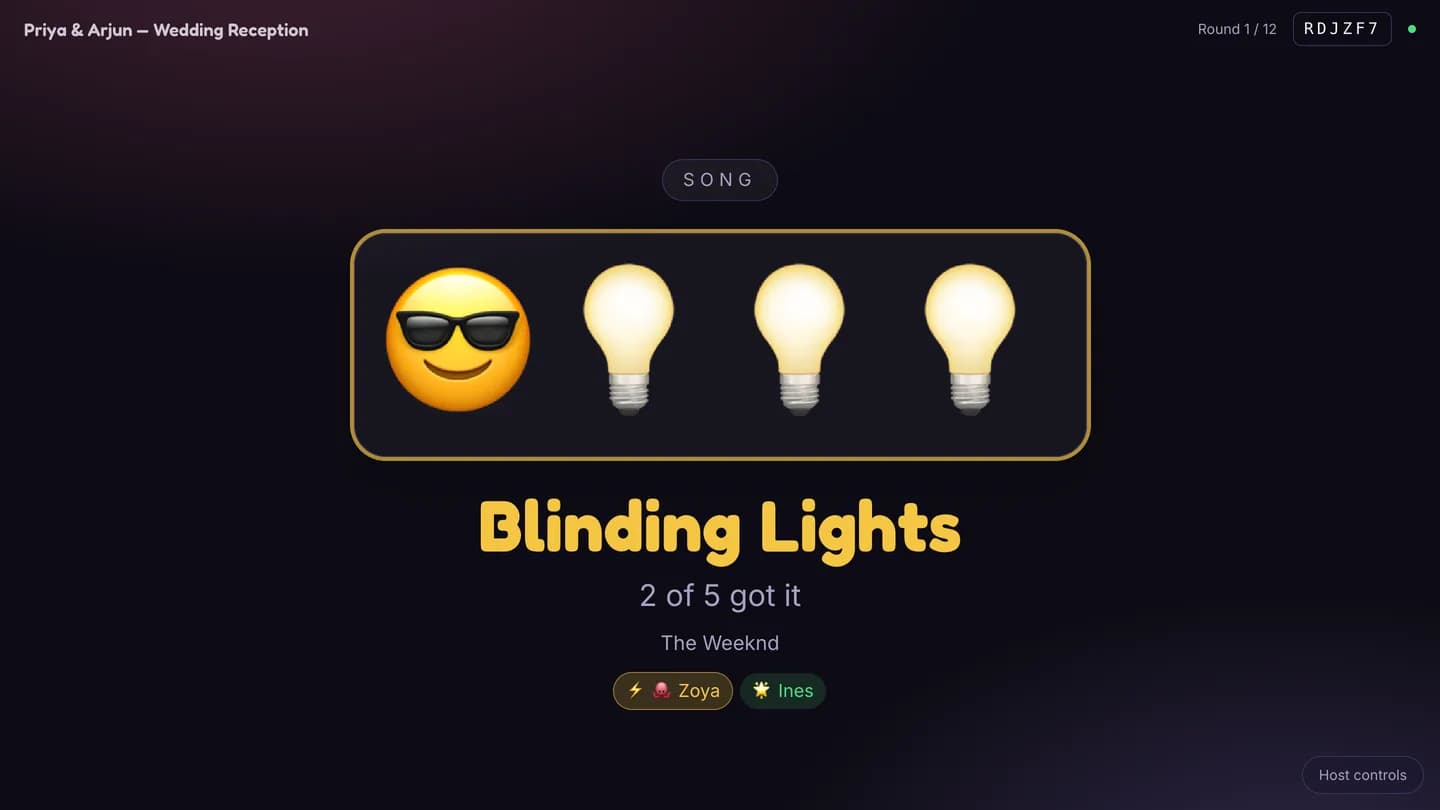
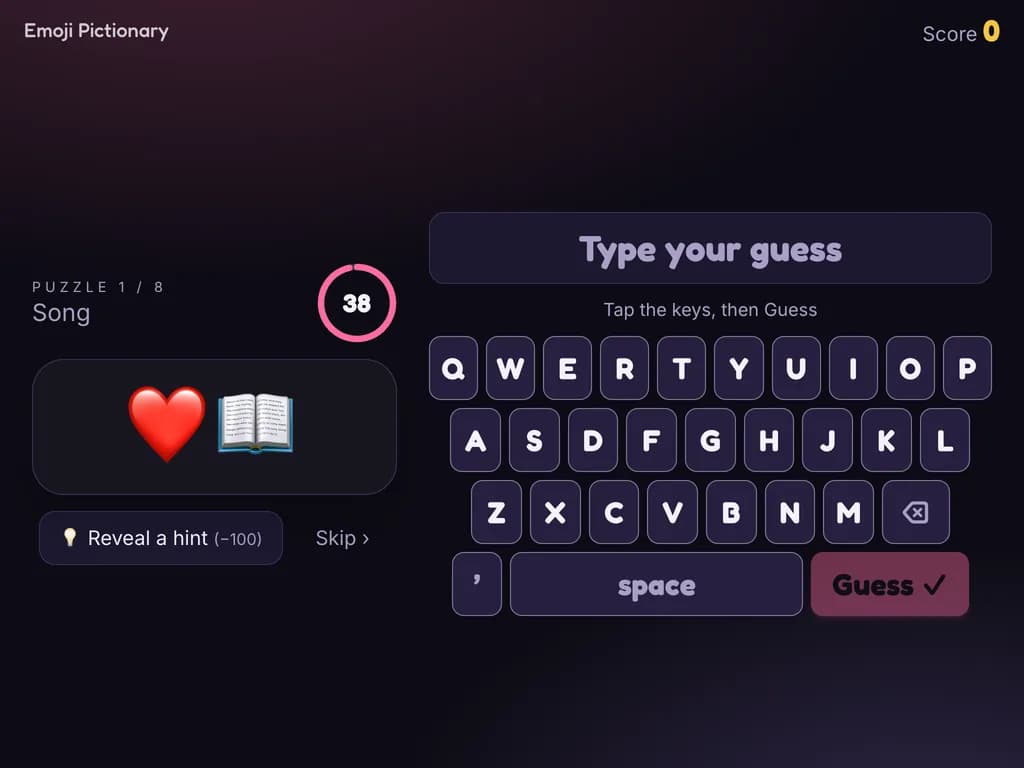
A string of emoji stands for a film, a song, a place, a phrase or a wedding thing; players type the answer, and matching is forgiving of spelling. Hints come in stages. The kiosk has its own on-screen keyboard. Two hundred stock puzzles.
How we deliver
Every screen is a web page. It runs in the browser on any touch screen, TV, tablet or phone the venue already has — no app store, no download for guests.
A code on the big screen, a card or an invitation opens the guest page on their own phone. No account, no sign-up.
The event's name, colours and wording on every screen, so the kiosk at the door looks like part of the night, not part of our software.
One event, several screens: the touch kiosk at the door, the projector in the hall and the phones at the tables all read the same data.
We do not sell hardware. Any touch screen, TV or tablet with a browser will do — yours, the venue's, or hired for the night.
A wedding, a conference, a gala, a team day. Say which screens you have and how many guests are coming, and we will show you what would run on them.